
Live codebase graph
The main workspace shows your codebase as a live graph, with files as nodes and imports as edges, so the shape of the repository stays visible while you work.

Flare is a graph-first IDE for agentic coding that shows a live dependency graph of a codebase while you run coding agents in its terminal. It helps developers monitor edits, review impact, and keep tasks, questions, and decisions in the same workspace.
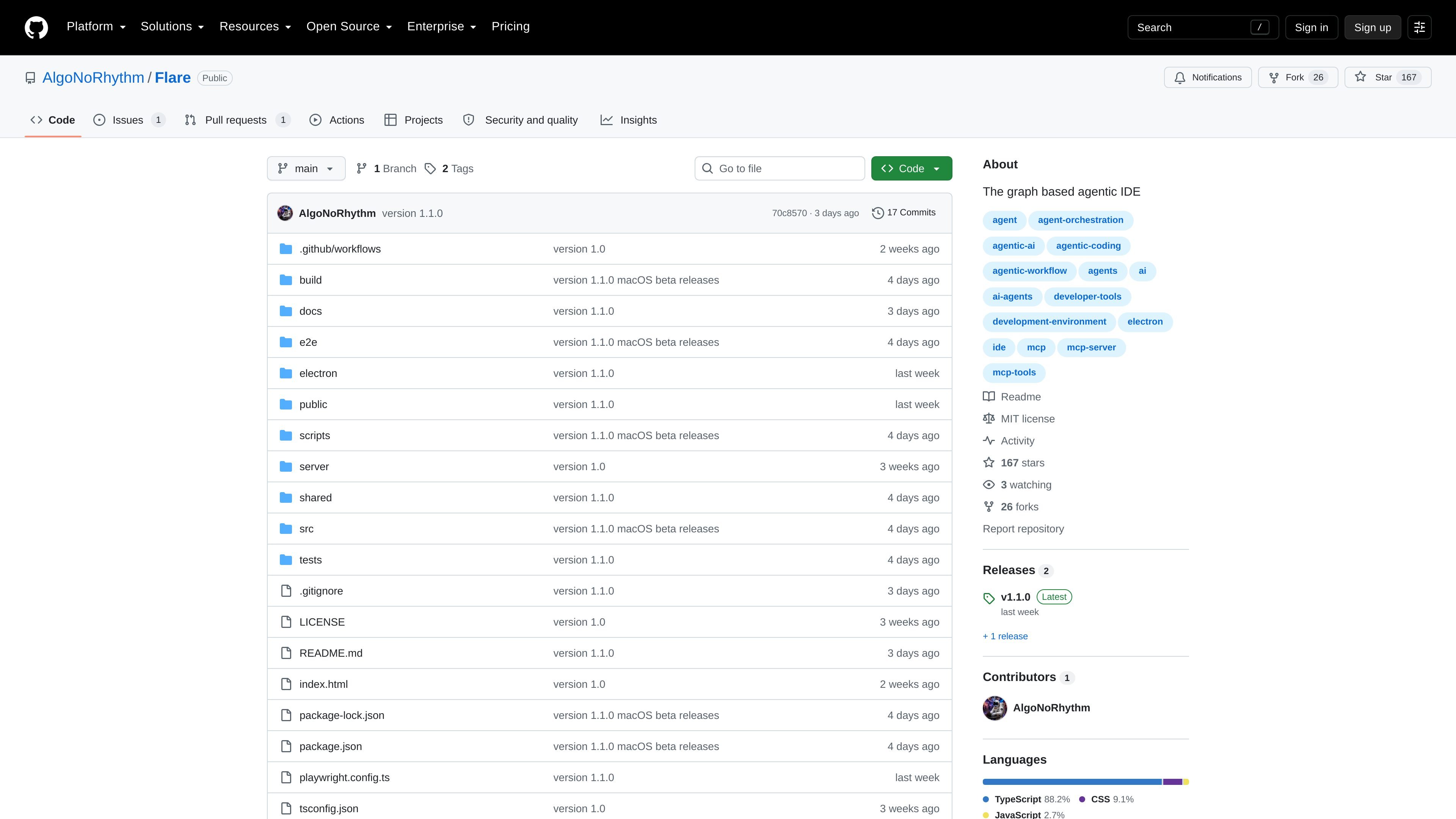
Flare is a graph-first IDE for agentic coding. The repository README describes it as a desktop app, or as something that can be served to a browser from the machine where the agent runs. Its main surface is a live graph of the codebase, where each file is a node and imports are edges.
The product is built around a workflow where you run an agent in Flare's terminal and Flare watches the repository as it changes. It updates the graph in real time, snapshots change bursts into local shadow history, and uses a board to surface tasks, design decisions, and questions so the human and agent can work from the same map rather than a chat log.
The main workspace shows your codebase as a live graph, with files as nodes and imports as edges, so the shape of the repository stays visible while you work.
A terminal sits underneath the graph, and the README says you run agents such as claude, codex, or opencode there while Flare watches what they change.
Every change burst is snapshotted into local shadow history, letting you diff and revert edits per file or across the whole tree.
The interface offers Canvas, Wheel, and Districts views for different questions: dependency flow, whole-repo connectivity, and repository size or mass.
The control panel separates tasks, design decisions, and questions, and exposes them as queryable workflow objects over MCP.
Lenses let you recolor the same graph by activity, hotspots, risk, tests, coverage, instability, reuse, unread files, cycles, and related views.
Use Flare when you want to inspect a codebase as a dependency graph and see how files connect, rather than jumping between tabs or searches.
Use the terminal and graph together when an agent is making edits, so you can watch changes appear in context and review the resulting impact immediately.
Use the Canvas, Wheel, or Districts views to answer different architecture questions: what depends on what, what spans the whole repo, and where the largest areas of code live.
Use the task board when work needs to be handed to or resumed by an agent, especially when the brief should carry file context and graph-derived status.
Use the questions and design-decision lanes when an agent needs input or has made a proposal that should be recorded before further work continues.
Flare is presented as a graph-first IDE for agentic coding. The README describes it as a desktop app, or something that can be served to a browser from the machine the agent runs on.
The README says you run the agent in Flare's terminal, while Flare watches the repository, updates the graph in real time, and records changes in local shadow history that you can diff against and revert.
The source text describes three views: Canvas, Wheel, and Districts. Each view can be switched from the toolbar or command palette and respects the active lens, selection, collapsed directories, and search filter.
The repository is public on GitHub. GitHub's pricing page shows a free tier for individuals and organizations, but the repository sources do not provide a separate product pricing page or a paid plan for Flare itself.
The README mentions task management, design decisions, and questions as collaborative board areas, plus MCP-accessible actions such as tasks_list, task_get, task_update, task_create, decision_record, question_ask, and working_agreement.

ByteAsk is a terminal-first AI coding agent for C and C++ that edits repositories and verifies changes with the real compiler, debugger, sanitizers, and tests before showing a diff. It offers a free tier plus paid plans, with editor connectors and zero-retention handling described in the source.

SonOf connects to your repo and PM tool, audits the codebase and surrounding product context, and turns approved work into shipped tickets with senior engineering review. It is aimed at founders and engineering leaders who need backlog help without hiring a full team immediately.

Ghost es un asistente de IA para terminal para chatear, generar código y ejecutar tareas en la línea de comandos. Incluye modelos gratuitos, es compatible con Linux, macOS y Windows, y es de código abierto.

Vi3ecode is a maintained development environment for working with AI coding agents. It keeps project context, terminal, Git, memory, flows, review, and communication connected around the agent you already use.

Lucid Train is a local-first AI coding harness that turns repository code into architecture diagrams and uses those diagrams as specifications for coding agents. It is available as a desktop app and a lightweight Rust CLI, and it can run with local models or your own API keys.

CreateOS Sandbox is an isolated compute environment for running code and agent workloads inside Firecracker micro-VMs. It is designed for workflows that need machine-level isolation, private networking between sandboxes, and programmatic control through SDK, CLI, or MCP.