
Voice and text capture
Say one task or several at once by voice or text. Foley shows what it understood before the tasks are added, reducing the need to manage fields during capture.
Foley is a voice-first task management app that turns spoken or typed instructions into organized tasks with dates, projects, and other details. It helps individuals and collaborators capture work quickly, plan their day, and access the same list across desktop, web, mobile, and supported watches.
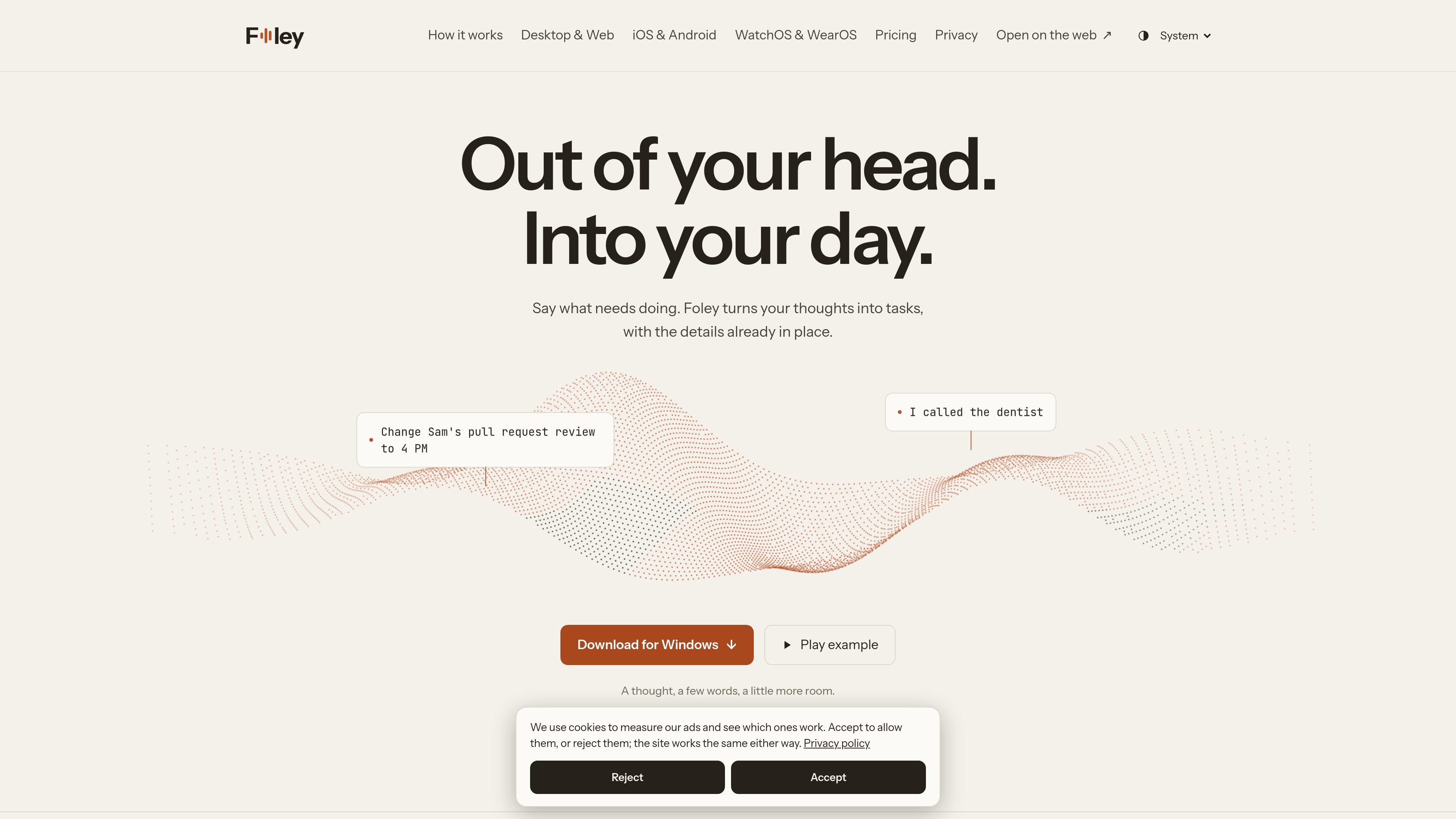
Foley is a voice-first task management app for turning spoken or typed thoughts into organized tasks. It can identify task details such as dates and projects, show the interpreted result for review, and place the work in the appropriate list rather than requiring every field to be entered manually.
The product combines a Daily desk, calendar-oriented day view, projects, lists, planning, task context, and capture history. It runs on Mac, Windows, the web, iPhone, iPad, Android, Apple Watch, and Wear OS, with signed-in devices sharing the same list. Desktop task management is free; AI can use a personal key or Foley-managed hosted AI through Foley Pro.
Say one task or several at once by voice or text. Foley shows what it understood before the tasks are added, reducing the need to manage fields during capture.
Tasks from different projects appear in the Daily desk, while the day view groups overdue, current, and upcoming work so changes can be made without losing sight of the schedule.
Folders organize related projects, and projects retain associated work and context. Tasks can include notes, attachments, comments, and relationships that explain what is blocking progress.
Foley can clarify which task you mean instead of making a potentially incorrect change. Its Plan area can help determine what to work on from the tasks already captured.
Capture history keeps the original wording alongside Foley’s interpretation. A user can review the result and undo a capture when needed.
The same list is available across desktop, web, mobile, and supported watches when signed in. Foley also supports project sharing, and a documented ChatGPT connection can read or modify synced Foley work according to granted permissions.
Speak several errands in one capture, such as shopping or calls, then review the resulting tasks and keep them in a list. This suits quick reminders when typing each item would interrupt the activity.
Use projects and folders to separate areas such as clients, work, home, or personal commitments. Notes, attachments, comments, and dependencies keep the surrounding context with the task.
Review overdue, today, and upcoming work in the day view, then ask Foley to help plan what to work on first. Changes to times or priorities can be made as plans shift.
Share a project through a Foley account so collaborators can work from the same tasks and comments instead of reconstructing the project context elsewhere.
Use the mobile app or a supported watch to capture a task while away from a desk, answer a clarification question, and return to the same list later on desktop or the web.
Foley is available on Mac, Windows, the web, iPhone, iPad, Android, Apple Watch with watchOS 10 or later, and Wear OS watches with Wear OS 3 or later. The phone, desktop, and browser apps share a list when you are signed in.
You can type or speak a sentence, or several tasks at once. Foley reviews what it understood, identifies task details such as dates and projects, and saves the resulting tasks. Its capture history keeps the original words beside the changes and allows a capture to be undone.
Desktop task management is free and can be started without signing in. AI features can use a personal AI key, with usage charged by the AI provider. Foley Pro adds Foley-managed hosted AI and account access across devices; the pricing page lists it at $8 per month or $72 per year on the website, with a first-month offer shown at checkout.
Yes. Foley supports sharing a project through a Foley account, with tasks and comments kept with the project. The site also documents a ChatGPT connection that can list synced projects and tasks and, when write permission is granted, create, edit, complete, and comment on them.
Foley can ask a clarifying question when a request could refer to more than one task, and its Plan area can suggest what to work on from the tasks already on the list. Users can choose Foley-managed AI or bring their own AI key, and can decide which projects AI may use as context.

Goldfish is an AI memory app for macOS that helps you reply, write, summarize, and continue using the context already on your Mac. It stores memory locally and writes in your tone.

ArtDeck is a visual reference board app for iPhone, iPad, and Mac that lets artists collect mixed reference material on one canvas and study it with ToolBox lenses. It works offline, supports optional iCloud sync, and is sold as a one-time purchase with no account required.

Biji es una plataforma versátil diseñada para mejorar la productividad a través de herramientas y características innovadoras.

Malyatko is a baby tracker for logging feeding, sleep, growth, teething, and milestones in one app. It works on iPhone, Apple Watch, and widgets, with no sign-up, offline use, and family sharing through iCloud.

Liam is an AI copilot for managing inboxes, writing replies, prioritizing email, and scheduling meetings. It is offered free for individuals, with custom pricing for teams and enterprise.

Gemma AI is a phone call reminder app that calls you with scheduled reminders instead of push notifications. It helps people who want a more direct way to stay on schedule, with Google Calendar sync and conversational call interactions.