
Personalized conversation analysis
Format analyzes customer conversations to surface insights tailored to the user and company, rather than presenting a generic summary.

Format analyzes customer conversations across calls, support tickets, email, Slack, CRM, and meeting tools, then turns them into reports, podcasts, and queryable insights. It is designed for teams that want to stay close to customer feedback without manually reviewing every conversation.
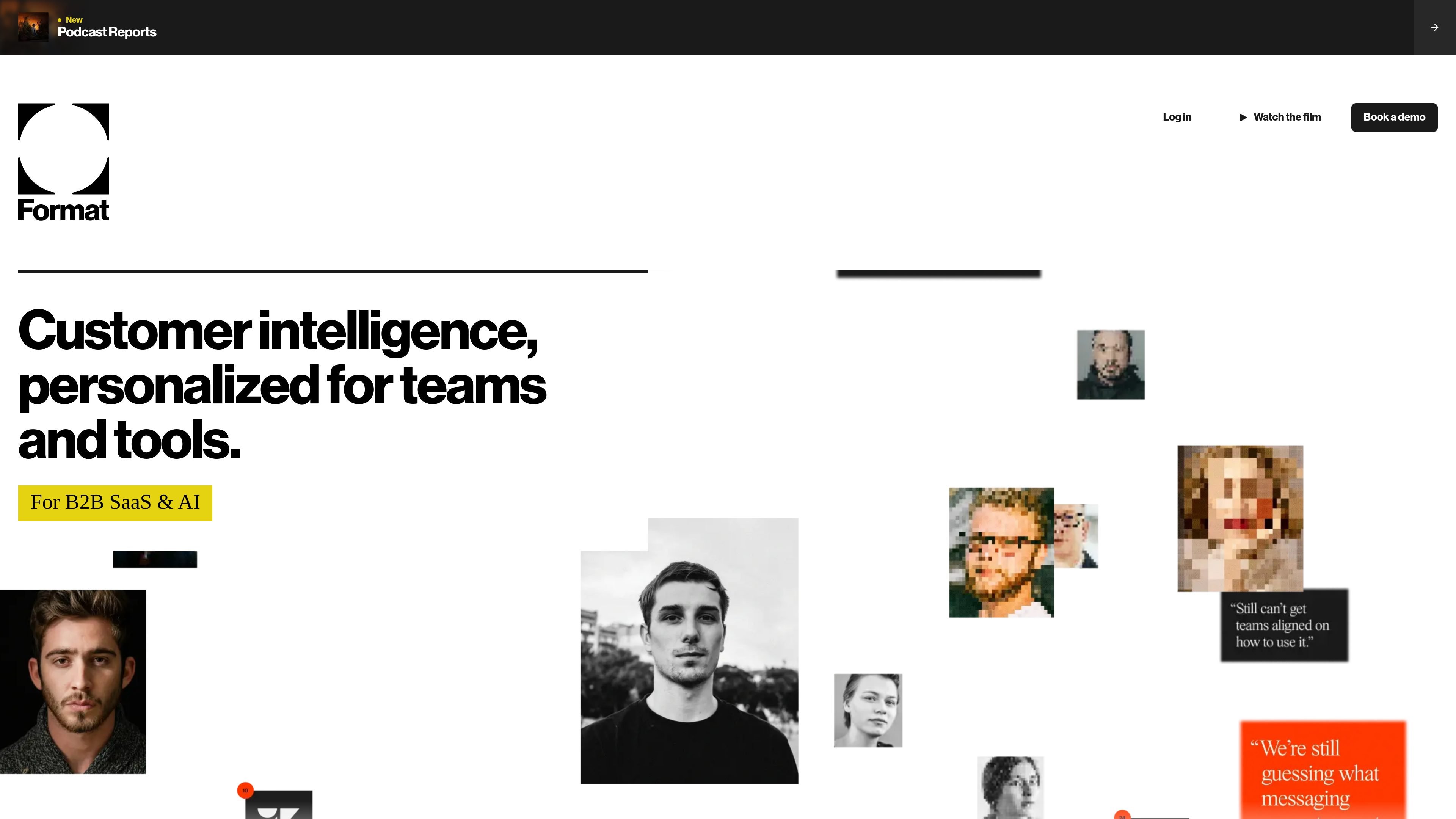
Format is a customer conversation analysis product that turns calls, support tickets, emails, and other customer touchpoints into reports, podcasts, and searchable insights. The site positions it as a way to keep teams close to customer feedback without having to review every conversation manually.
It connects with tools such as Gong, Fireflies, Granola, Slack, Intercom, Zendesk, Salesforce, HubSpot, and Meet, then analyzes conversations across video, voice, and text. The output can be read as a weekly digest, listened to as a podcast, or used inside AI tools and automated workflows.
Format analyzes customer conversations to surface insights tailored to the user and company, rather than presenting a generic summary.
The product turns scattered conversations into weekly reports that can be read as articles or listened to as AI-hosted podcasts.
Users can access insights in their AI tools and use them to build automated workflows in seconds, according to the homepage copy.
Format connects to conversation sources across calls, support platforms, Slack channels, and CRM systems, and the site names video, voice, and text as supported media types.
The podcast page says reports include audio snippets from real customer conversations and a live, highlighted transcript for following along.
The site says Format continuously learns what matters to the user so later reports focus on the most relevant information and filter out less useful material.
Founders and customer-facing leaders can review a weekly digest or podcast to stay current on customer sentiment without joining every call.
Product, support, and go-to-market teams can use the same customer conversation layer to spot recurring themes across different tools and channels.
People who are often in transit or between meetings can listen to customer insights as a podcast and jump into the transcript when something needs closer review.
Teams that want to automate follow-up work can query insights in AI tools and build workflows based on what the system surfaces.
Organizations with many conversation sources can centralize analysis across video, voice, text, Slack, support platforms, and CRM records.
Format connects to your customer conversations by linking to tools such as Gong, Fireflies, Granola, Slack, Intercom, Zendesk, Salesforce, HubSpot, and Meet, plus additional sources. The site says it works across video, voice, and text.
The site presents Format as a way to get weekly reports, AI-hosted podcasts, and searchable insights. It also says you can work with insights in AI tools and build automated workflows in seconds.
The pricing page shown in the source requires sign-in and offers a waitlist option, but it does not expose public plan details or pricing numbers.
The source material does not show a full setup guide, but the product is positioned as connecting to tools you already use, then turning customer conversations into reports and podcasts.
The visible site copy suggests Format is aimed at teams that want to stay close to customer feedback as volume grows, especially when conversations are spread across several systems.

Struere is an AI-native platform for turning spreadsheet data into structured operational software with dashboards, alerts, and automations. It is aimed at teams that want to replace manual spreadsheet workflows without building custom tools from scratch.

garden-md is an open-source Node.js CLI that turns meeting transcripts into a local company wiki. It links entities across transcripts, keeps the original text intact, and renders the result as a browsable wiki.

PromptScout tracks how ChatGPT, Gemini, Google AI Overviews, and Perplexity mention your brand or competitors, then pairs those results with source analysis and website audits. It helps teams decide what to fix in content, positioning, or site readiness next.

Goldfish is an AI memory app for macOS that helps you reply, write, summarize, and continue using the context already on your Mac. It stores memory locally and writes in your tone.

Lasso is an ecommerce product data platform for enriching catalog records, processing supplier files, generating product content, and monitoring competitors. It combines a web app with a REST API, SDK, and MCP server for teams and developers.

MeetStream is a meeting bot API for Zoom, Google Meet, Microsoft Teams, and Webex. It helps developers record, stream, and analyze meetings programmatically, with usage-based pricing and a $5 free credit to start.