
2× AI upscaling
Enlarges supported images by 2× while reconstructing edges and textures to help retain visible detail.

Free AI Image Upscaler enlarges JPG, PNG, and WebP images by 2× in a browser using local processing. It helps users sharpen photos, artwork, screenshots, and graphics without uploading files or creating an account.
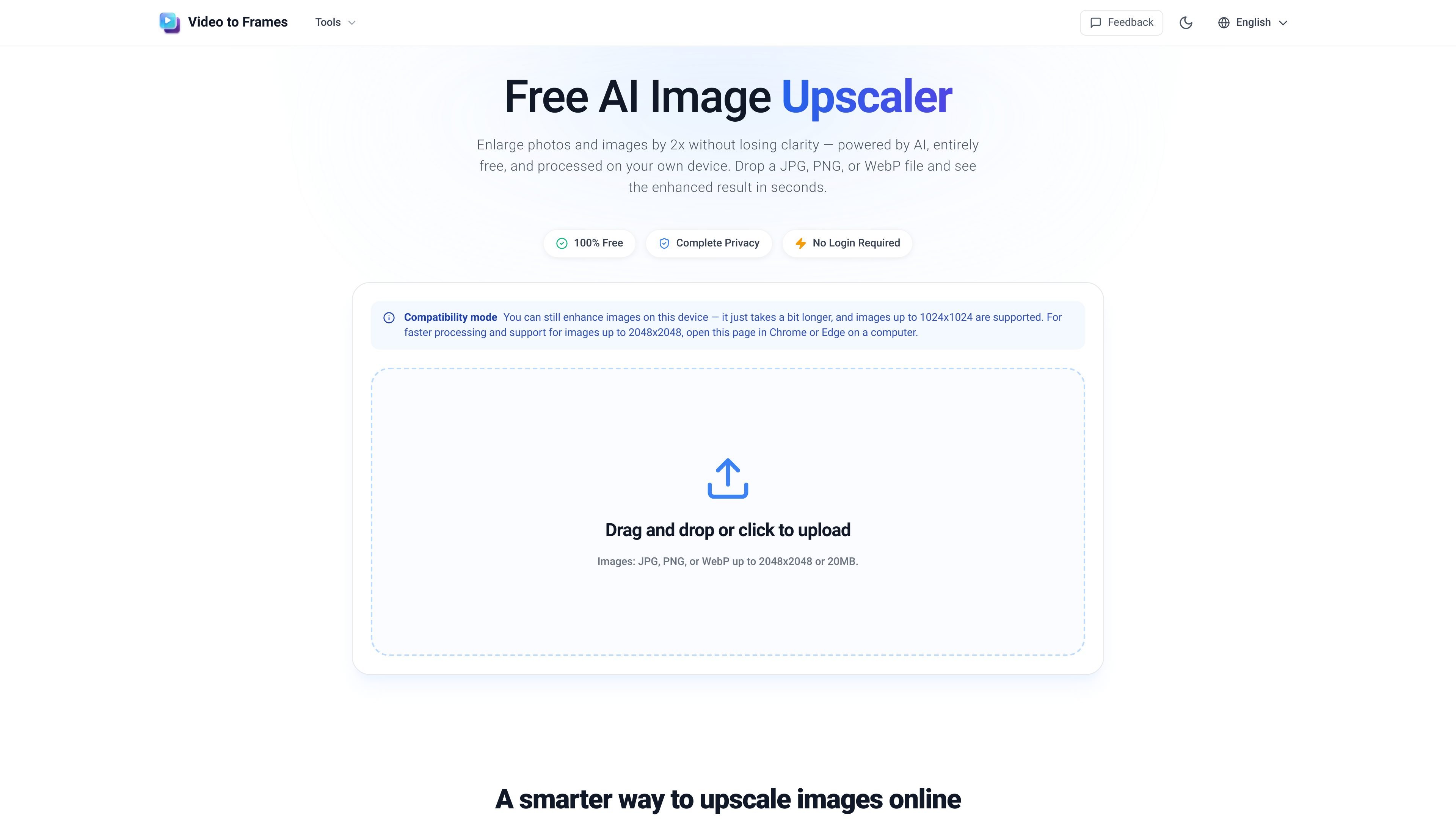
Free AI Image Upscaler is a browser-based tool for enlarging and sharpening photos, screenshots, artwork, and other graphics. It uses local AI processing to upscale an image by 2×, with the stated goal of preserving clearer edges and textures than basic pixel stretching.
The workflow is designed for quick, private enhancement: choose a JPG, PNG, or WebP file, compare the original with the result, and download the enhanced version as a PNG. Files are processed on the device and are not uploaded to a server, while input files must stay within the 2048 × 2048 pixel and 20 MB limits.
Enlarges supported images by 2× while reconstructing edges and textures to help retain visible detail.
Runs the enhancement process locally in the browser, so photos and graphics remain on the user's device rather than being sent to a server.
Accepts JPG, PNG, and WebP files up to 2048 × 2048 pixels and 20 MB.
Shows the original and enhanced images side by side, with zooming for closer inspection before saving.
Downloads the processed image as a high-quality PNG for use in projects, posts, or print.
Works without an app installation, login, or account creation, and processes most images in a few seconds depending on the device and file size.
Enlarge small originals for Instagram stories, cover images, and profile pictures intended for high-resolution displays.
Increase the size of digital art, pixel art, and fan illustrations while aiming to retain clean lines and vivid colors.
Prepare sharper catalog images, marketplace thumbnails, and product shots without sending private inventory photos to a server.
Improve the readability of interface screenshots, slide graphics, and documentation images when they need to appear larger on screen or in print.
Yes. The tool allows unlimited image upscaling at no cost, with no credits, watermark, subscription, or account required.
No. Processing takes place locally in your browser, so images are not uploaded, stored, or shared on a server.
JPG, PNG, and WebP files are supported. The enhanced result is exported as a high-quality PNG.
Desktop Chrome and Edge are recommended for the fastest and most stable experience because they support the local processing features used by the tool.
Files must be 2048 × 2048 pixels or smaller and under 20 MB. Processing time depends on the file size and device, with smaller images typically completing in a few seconds.

Pixelcut is an AI photo editor for creating and editing product images, social content, and video assets. It offers free and paid plans, plus mobile app and browser access for individual users and teams.

Upscale.media is an AI image upscaling and enhancement tool from Pixelbin that enlarges low-resolution or pixelated images and improves clarity in the browser. It offers free individual image use, paid credit plans, and team-oriented workflows such as bulk processing and API integration.

PhotoAid’s AI Image Enlarger is a free browser-based tool for upscaling images without a standard blur-heavy resize. It supports JPEG, WEBP, and PNG uploads and is described as working best for photos with faces.

Let's Enhance is an online AI image app for enhancing, upscaling, and restoring photos. It helps users clean up images, increase resolution, and process files through free credits, subscriptions, or pay-as-you-go bundles.

Upscale.media is an AI image upscaling and enhancement tool from PixelBin that enlarges low-resolution images and improves visual quality online. It is built for creators, businesses, and teams that need sharper still images or video content with a simple upload-and-process workflow.

Airbrush is an AI-powered photo and portrait editor for web, desktop, and mobile. It helps creators, everyday users, and professionals retouch portraits, remove backgrounds, and enhance images with credit-based AI tools.