
Chat-based app creation
Describe an app in plain language and Glaze builds it for you. The product positions this as a chat-based workflow rather than a traditional coding environment.

Glaze is a Mac desktop app builder that lets individuals and teams create local apps by describing what they want in plain language. It supports public, unlisted, and private team sharing depending on plan.
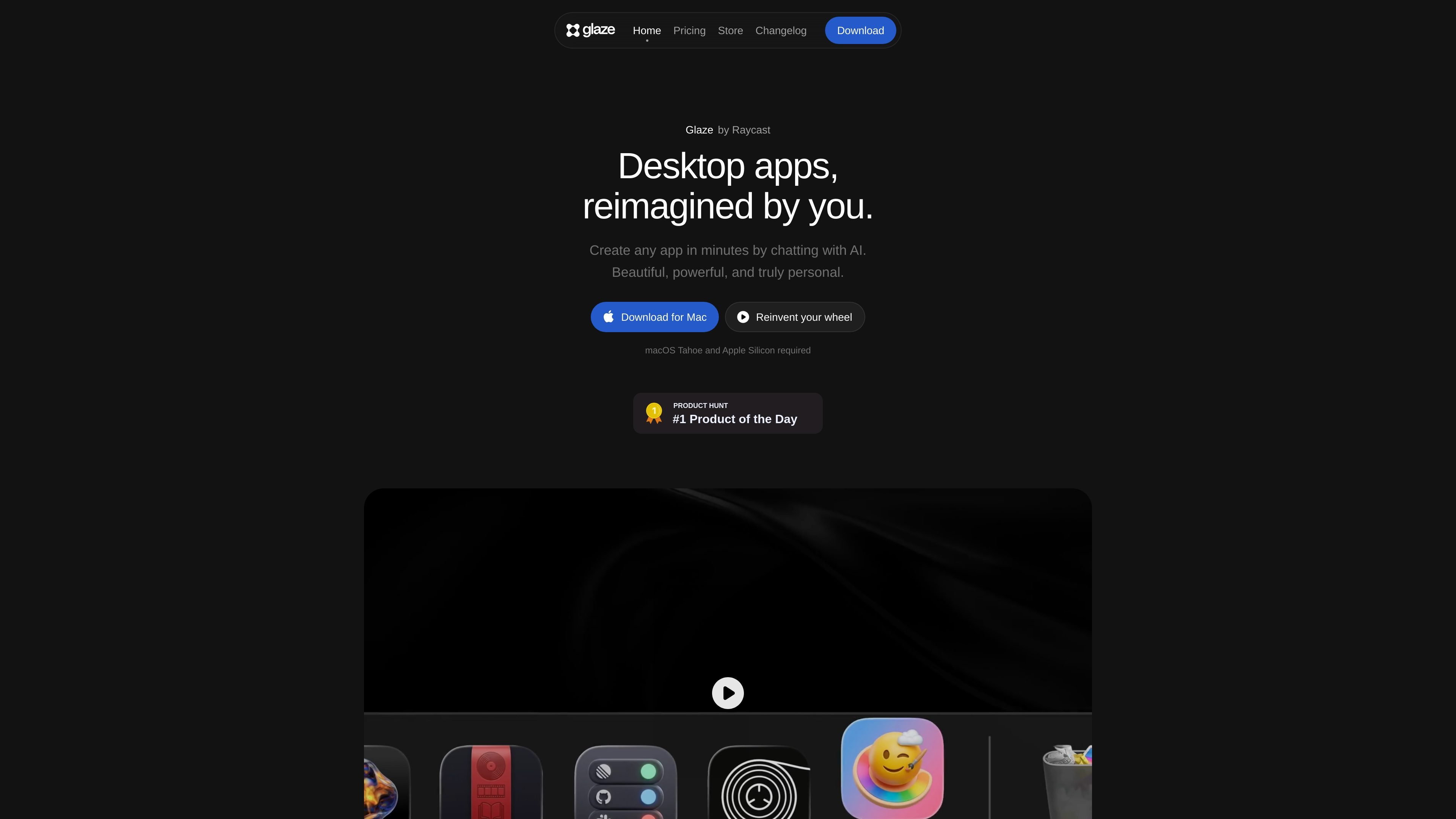
Glaze is a desktop app builder from Raycast that lets you create software by describing what you want in plain language. It is focused on Mac apps that run locally, launch instantly, and can be shaped through conversation instead of traditional coding.
The product is positioned for both personal and team use. You can build internal tools, one-off utilities, and other desktop workflows that connect to your files, tools, APIs, and hardware, then share them publicly, unlisted, or through a private team store depending on your plan.
Describe an app in plain language and Glaze builds it for you. The product positions this as a chat-based workflow rather than a traditional coding environment.
Apps run on your Mac instead of in the browser, so they can use local files, keyboard shortcuts, menu bar integration, background processes, and other OS-level capabilities.
The product says apps connect to your files, tools, APIs, local hardware, and AI models, which makes them suitable for workflows that need access to your system or existing services.
Apps live on your machine and work offline, which is useful when you want local software instead of something tied to a remote server connection.
Glaze supports sharing to the public store, unlisted distribution for private sharing, and a private team store for internal apps on Team plans.
The store lets you browse and install apps built by your team and the wider community, so you can reuse apps instead of building everything from scratch.
Build utilities tailored to your own workflow, such as a quick helper app, menu bar tool, or small automation that is easier to describe than to code from scratch.
Create internal software around your team’s tools and processes, then publish it to a private team store so coworkers can install and use it.
Make desktop apps that need access to local files, hardware, keyboard shortcuts, or background processes, which suits workflows that browser-based tools cannot handle as easily.
Package an app for broader use by publishing it to the public Glaze Store, or share a private version as an unlisted app on Pro.
Browse the store for examples and install apps made by other builders, which is useful when you want to start from something existing instead of building everything yourself.
Glaze is a desktop app builder that lets you describe the app you want in plain language. It creates Mac apps that live on your machine, launch instantly, and work offline.
You can download Glaze for Mac and start building right away. The pricing page says it currently requires macOS Tahoe and Apple Silicon.
No. Glaze is designed for non-coders as well as people who already know how to code. You describe what you want, then refine it by chatting with the app.
Glaze supports sharing in a few ways: public apps in the Glaze Store, unlisted apps for 1:1 sharing on Pro, and a private team store on Team.
On paid plans, monthly credits refill and can be topped up. On the Free plan, the launch welcome credits are one-time credits, and building pauses when they run out.

Speculos is a deployment tool for Claude Code that publishes what you built to a shareable URL. It supports private, org-wide, or public apps and adds team controls for company domains, data connections, and customer-cloud deployments.

FigPrompt is an AI tool for creating production-ready Figma plugins from a written description. It helps Figma users move from idea to plugin logic without writing code.
GenMB is an AI web app builder that creates full-stack web apps with frontend, backend, database, authentication, and automations included. It is aimed at individuals and teams that want to build and publish working apps from a plain-language prompt.

ByteAsk is a terminal-first AI coding agent for C and C++ that edits repositories and verifies changes with the real compiler, debugger, sanitizers, and tests before showing a diff. It offers a free tier plus paid plans, with editor connectors and zero-retention handling described in the source.

CreateOS Sandbox is an isolated compute environment for running code and agent workloads inside Firecracker micro-VMs. It is designed for workflows that need machine-level isolation, private networking between sandboxes, and programmatic control through SDK, CLI, or MCP.

hob is an independent workspace for coding agents that keeps agent sessions, terminals, history, and follow-up work organized around the tools and providers you already use. It is aimed at developers who want local control over routing, history, and workspace structure rather than a bundled model stack.