
Multiple geographic scopes
Create a map for the whole world, a country, region, subregion, or US state, then switch between a flat map and an interactive 3D globe.

Globestudio is an open-source tool for creating dotted maps and animated 3D globes from world, country, region, subregion, or US-state data. It helps designers, animators, and creative developers style, animate, export, and embed geographic visuals.
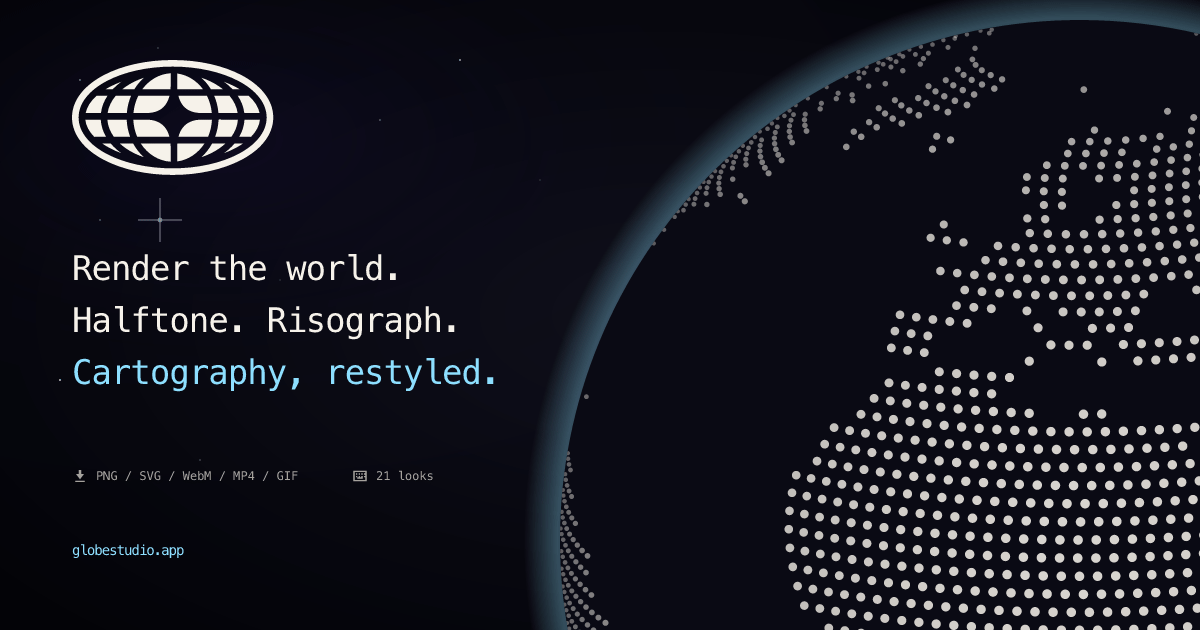
Globestudio is an open-source generator for dotted maps and animated 3D globes. It lets designers, animators, and creative developers select the whole world or a specific geographic area, choose a flat or globe presentation, and build a visual treatment from presets and custom controls.
The resulting artwork can be exported as PNG, SVG, WebM, MP4, GIF, or JSON, or placed in another project through an embed. Shareable configuration URLs preserve a canvas state, while documented Figma, React, script-tag, iframe, and MCP workflows support handoff to design, web, and development environments.
Create a map for the whole world, a country, region, subregion, or US state, then switch between a flat map and an interactive 3D globe.
Choose from 12 dot shapes, or upload or paste a custom SVG or PNG shape. Linear gradients can use per-stop opacity across dots, land, and stroke.
Apply named looks and shader treatments including bloom, chromatic split, CRT, halftone, pixel, threshold, edge, glitch, and wave effects. The catalog contains 21 looks such as Aurora, Risograph, Wireframe, and Sonar.
Add animated route arcs and city-pulse network elements, with support for prefers-reduced-motion in live animations.
Export stills, vectors, video, GIFs, configuration files, or an embed. PNG export is described as high resolution, while JSON follows the published configuration schema.
Use shareable configuration URLs, iframe or script embeds, a React component, the Figma plugin, or the hosted MCP server to move designs into websites, design files, and AI-assisted workflows.
Build a globe or flat map for a landing-page hero, product announcement, or editorial visual, then embed it responsively with an iframe or script tag.
Use the Figma plugin to insert a globe as a PNG or a flat map as editable vectors when preparing layouts, presentations, or FigJam boards.
Create animated route arcs, city pulses, and stylized geographic backgrounds for motion graphics or video exports in WebM, MP4, or GIF format.
Export a JSON configuration or shareable URL so a developer can reproduce a visual state, validate the configuration in an editor, or place the same treatment in another page.
Connect the hosted MCP server to Claude, Claude Code, Codex, or Cursor and ask an agent to generate a configured share URL from a natural-language brief.
No installation is required for the hosted studio or iframe embed. The integrations documentation also provides copy-paste options for Webflow, Framer, Notion, WordPress, plain HTML, and React-based projects. A React package is available for React, Next.js, Remix, and Astro workflows.
Use the export dialog's Share tab to create a URL containing the current configuration. The same tab can provide iframe, React, and web-component embed code, and the URL can restore the canvas state on another machine.
The product supports PNG, SVG, WebM, MP4, GIF, JSON configuration, and embeds. In the Figma workflow, Globe inserts a PNG, while Flat can insert editable vectors; flat output becomes a PNG past 2,500 dots or when Bloom is used.
Yes. The home page describes Globestudio as MIT-licensed open source, and its documentation directs users to the project's GitHub repository for code, issues, discussions, and roadmap information.
The source documents keyboard shortcuts, accessible dialogs, and prefers-reduced-motion support for live animations. It does not provide a complete list of browser, performance, or team-usage limitations, so those should be evaluated for the intended project.

PixelDrive is a bulk image generation API for creating many on-brand images from one template through a browser editor, REST API, CSV batch, or MCP. It suits teams that need repeatable image output with cacheable renders and usage-based pricing.

Napkin AI convierte texto en visuales editables para presentaciones, documentos y contenido compartible. Generación desde texto y exportación a PPT, PNG, SVG o PDF.

appdesigns is a browser-based tool for creating App Store and Google Play screenshots from uploaded app images. It helps developers and designers add device frames, customize layouts, and export unlimited watermark-free PNGs without an account.

Refero MCP for AI agents connects an MCP-compatible agent to Refero’s curated library of web and iOS product interfaces and user flows. It helps agents research real design patterns before generating UI, with access included in the Refero Pro plan.

Pass Designer is a macOS beta tool for creating and previewing Apple Wallet passes. It helps businesses, developers, and design teams combine templates, custom imagery, pass fields, colors, and semantic data while checking how passes render on iPhone and Apple Watch.

Frames te ayuda a crear carteles de lanzamiento y gráficos para redes sociales rápido con marcos de dispositivo premium y plantillas. Empieza gratis.