
Automatic window tiling
Automatically sizes and positions open windows edge to edge, reducing manual dragging and resizing as apps are opened or moved.

KiwiDesk is a macOS window manager that automatically tiles and resizes open windows, with layouts, Spaces, profiles, shortcuts, and visual controls for mouse-and-keyboard workflows. It is designed for Macs running macOS 14 or later on Apple silicon and is free to use.
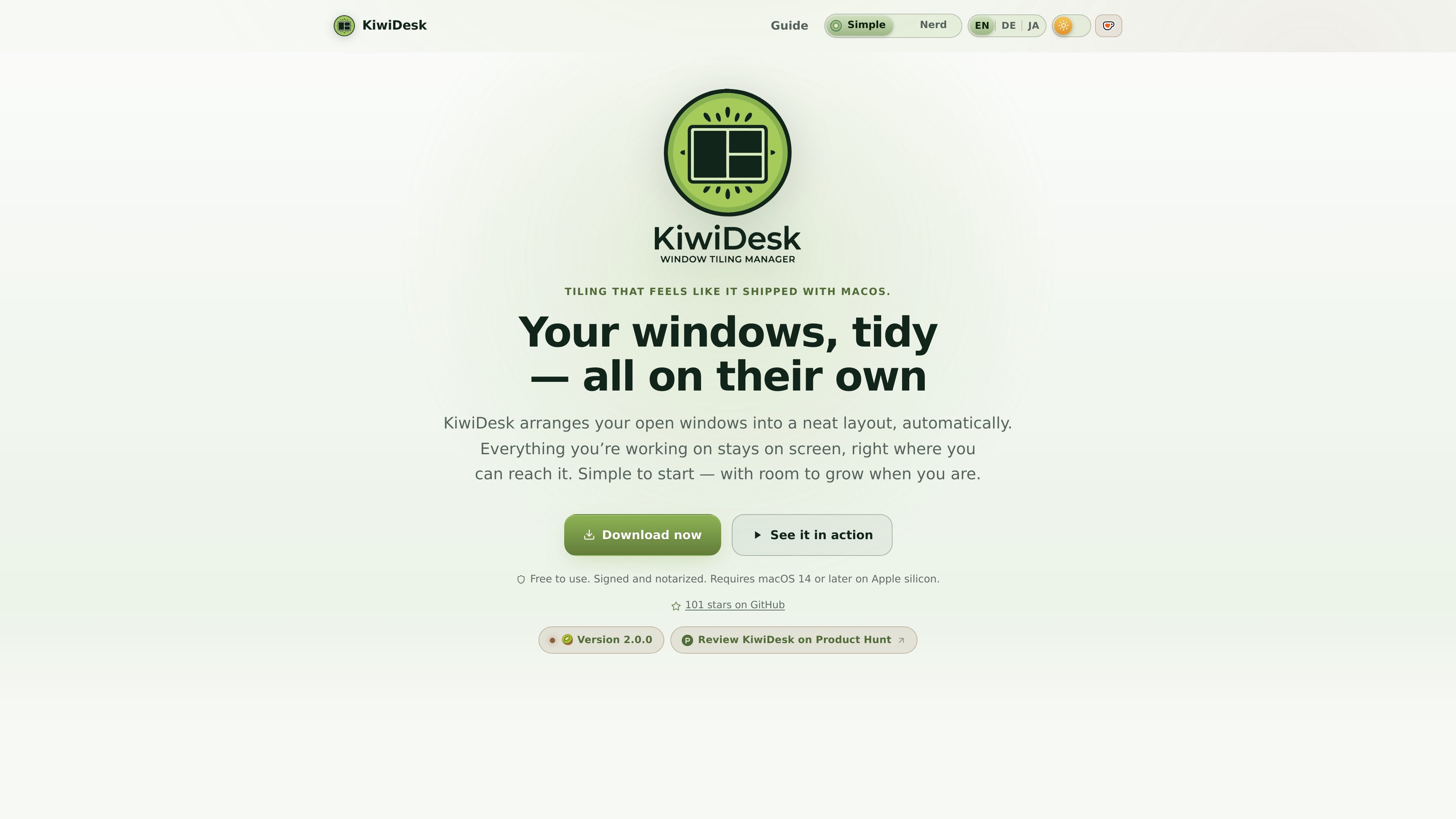
KiwiDesk is a window manager for Macs that automatically arranges open application windows into tidy, edge-to-edge layouts. Instead of repeatedly dragging and resizing windows, users can open apps normally and let KiwiDesk place them within the available screen space.
The app is designed for mouse and keyboard use and combines automatic tiling with configurable layouts, macOS Desktop profiles, visual Space and App Bar overlays, custom shortcuts, and app rules. It requires macOS 14 or later on Apple silicon, is free to use, and asks for Accessibility access so it can move and resize windows.
Automatically sizes and positions open windows edge to edge, reducing manual dragging and resizing as apps are opened or moved.
Offers seven layouts: Stack, BSP, Scrolling, Monocle, Grid, Track, and Floating, with the option to choose a layout per Space.
Uses native macOS Desktops with per-Desktop profiles, while allowing Spaces to be named, organized, and assigned to displays.
The Space Bar provides a visual overview of Spaces and lets you click to switch or drag a window to another Space. The App Bar lists windows in Monocle and Scrolling layouts.
Keyboard shortcuts can be changed by recording new key combinations, and app-launch bindings can bring a minimized app window forward.
Settings cover gaps, borders, colors, animations, pointer behavior, window placement, profiles, and rules for sending apps to specific Spaces or keeping windows floating.
Use a focused Stack or Monocle layout while writing or coding, keeping the active window prominent and other windows available without manually rearranging them.
Use a Scrolling, Grid, or Track layout to keep browser, reference, and research windows visible together while moving through a larger set of sources.
Assign applications to named Spaces and bind a profile to each macOS Desktop so work, communication, and other activities can have separate arrangements.
Keep a music player, notes panel, calculator, or similar window sticky so it remains available while you move between spaces; use the Space Bar to send other windows where they belong.
KiwiDesk is a macOS window manager that automatically arranges open windows into tiled layouts instead of requiring manual resizing and positioning.
Download the signed, notarized app, open it, and drag it to the Applications folder. On first launch, grant Accessibility access in System Settings under Privacy & Security; an onboarding wizard guides you through the permission.
KiwiDesk supports macOS 14 or later on Apple silicon. It is free to use and keeps itself updated from within the app.
No. KiwiDesk requires Accessibility access so it can move and resize windows, but it does not require Input Monitoring, Screen Recording, or disabling System Integrity Protection (SIP).
Yes. KiwiDesk can use different layouts and profiles for macOS Desktops, assign apps to Spaces, pin selected windows so they follow you, and move windows between Spaces with its on-screen Space Bar.

Goldfish is an AI memory app for macOS that helps you reply, write, summarize, and continue using the context already on your Mac. It stores memory locally and writes in your tone.

ArtDeck is a visual reference board app for iPhone, iPad, and Mac that lets artists collect mixed reference material on one canvas and study it with ToolBox lenses. It works offline, supports optional iCloud sync, and is sold as a one-time purchase with no account required.

Biji es una plataforma versátil diseñada para mejorar la productividad a través de herramientas y características innovadoras.

Malyatko is a baby tracker for logging feeding, sleep, growth, teething, and milestones in one app. It works on iPhone, Apple Watch, and widgets, with no sign-up, offline use, and family sharing through iCloud.

Redline is a budgeting tool for Claude Code that paces sessions to stay within time, token, cost, or plan-percentage limits. It uses Claude Code’s native hooks and statusline to help sessions finish with a usable result instead of stopping abruptly.

Claude Overlay is a Windows desktop overlay for Claude Code that reads your screen so you can ask questions, inspect content, and request edits without leaving the current app. It runs on your existing Claude subscription through the Claude CLI, so no separate API key is required.