
Real-time speech-to-speech translation
Translates live speech directly between languages in real time, with the page positioning it for accuracy-critical use cases.

Krisp Voice Translation API is a self-serve real-time speech translation API for developers. It translates live speech, returns translated audio and transcripts, and includes background voice cancellation plus custom vocabulary support.
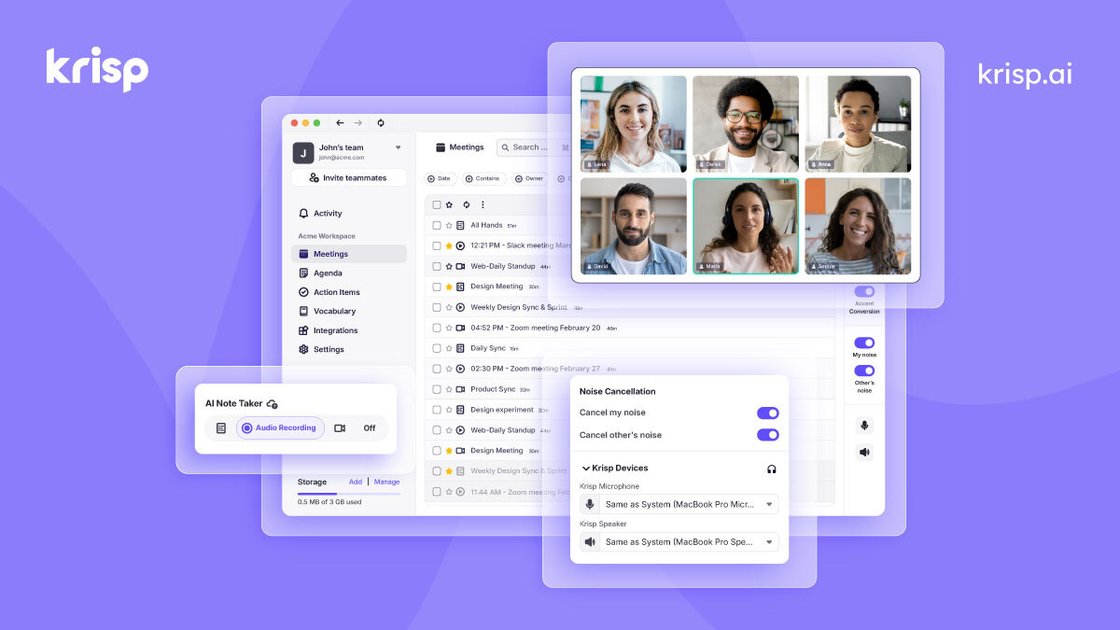
Krisp Voice Translation API is a real-time speech-to-speech translation API for developers building accuracy-critical voice applications. The page positions it as the same translation engine used in Krisp CX Enterprise, but offered as a self-serve API.
The API is designed to start from a short-lived session key, then stream audio into a session and receive translated audio, source transcripts, translated transcripts, and flow-control events back. The page also shows built-in background voice cancellation, custom vocabulary support, and a translation dictionary for handling domain-specific terms.
Krisp says the API supports 61 languages and any-to-any language pairs, with locale variants such as US Spanish, French Canadian, Egyptian Arabic, Catalan, Basque, and Galician. The developer page also notes a free sign-up credit and 96% accuracy on live calls, real accents, and real noise.
Translates live speech directly between languages in real time, with the page positioning it for accuracy-critical use cases.
Supports 61 languages and any-to-any language pairs, including locale-specific variants such as US Spanish, French Canadian, Egyptian Arabic, Catalan, Basque, and Galician.
Uses built-in background voice cancellation to handle noise, competing voices, and reverberation without requiring audio preprocessing.
Accepts custom vocabulary and a translation dictionary so domain terms can be recognized and translated consistently.
Exposes source and translated transcripts, translated audio, flow-control events, and error callbacks through the SDK/session flow.
Provides Python and Node.js SDK examples as well as a WebSocket session configuration flow for direct implementation.
Build an application that translates live spoken conversations as they happen, while still surfacing source and translated transcripts for the UI or audit trail.
Add translation to customer-support or call-center workflows where audio noise, accents, and live audio quality matter and the team needs built-in noise handling.
Handle specialized terms such as medication names, product names, or internal jargon by defining a custom vocabulary and translation dictionary.
Stream audio from a client to the API and receive callbacks for translated audio, event state, and errors, making it suitable for interactive voice experiences.
Prototype translation flows quickly with the playground and the documented Python or Node.js examples before moving into a full product implementation.
Yes. The page says the Voice Translation API is self-serve: you sign up, get an API key, and start translating without a sales call or procurement cycle.
The source shows Python and Node.js SDK examples, plus a single JSON configuration for a WebSocket session. It also shows callbacks for source text, translated text, translated audio, events, and error handling.
The page describes real-time speech-to-speech translation, source and translated transcripts, translated audio output, and background voice cancellation. It also shows custom vocabulary and a translation dictionary in the session config.
The source says the API supports 61 languages and any-to-any language pairs, while the contact-center page describes Krisp AI Voice Translation as supporting 80+ languages for call-center use. The developer page itself highlights 61 languages.
Pricing is shown under Krisp’s Developers plans as 'Voice Translation API' with self-serve access, and the page highlights 60 mins of free sign-up credit. The pricing page does not provide a public per-minute or per-seat rate for this API.

SpeakoFlow is a free, open-source desktop voice-to-text app for Windows, macOS, and Linux. It supports dictation into any app, voice-driven writing with Flow, cleanup, translation, and a screen-aware assistant.

Sanota is an app that turns spoken memories, reflections, and interviews into clear written stories. It supports personal storytelling, family history, and shared memories, with guided prompts and subscription pricing.

Carbon Voice is an asynchronous voice messaging app for teams and individuals, with transcripts, AI catch-up, and cross-device access. It helps people and agents communicate without needing a live call.

QuickQuill is a macOS dictation and transcription app that runs locally on the device. It helps users record meetings, transcribe audio, generate summaries, and export notes without using a cloud service.

Zen Whisper is a local-first dictation and transcription app for Apple Silicon Macs running macOS 14 or later. It lets users dictate into most Mac text fields, transcribe media or supported public links, and work across 110 spoken language options.

Speech to Text Converter is a browser-based transcription tool for live dictation and uploaded audio or video files. It offers a free tier for short tasks and a Pro plan for unlimited transcription, AI summaries, translation, speaker identification, and advanced exports.