
Repository-based code analysis
Connect a GitHub repository and run an automated scan that returns a diagnostic-style report on the codebase.

LetMeCheck.ai is an AI-assisted code analysis platform for founders, startups, SMBs, and developers. It connects to a GitHub repository, scans for security, performance, scalability, and code quality issues, and returns a diagnostic report with recommendations.
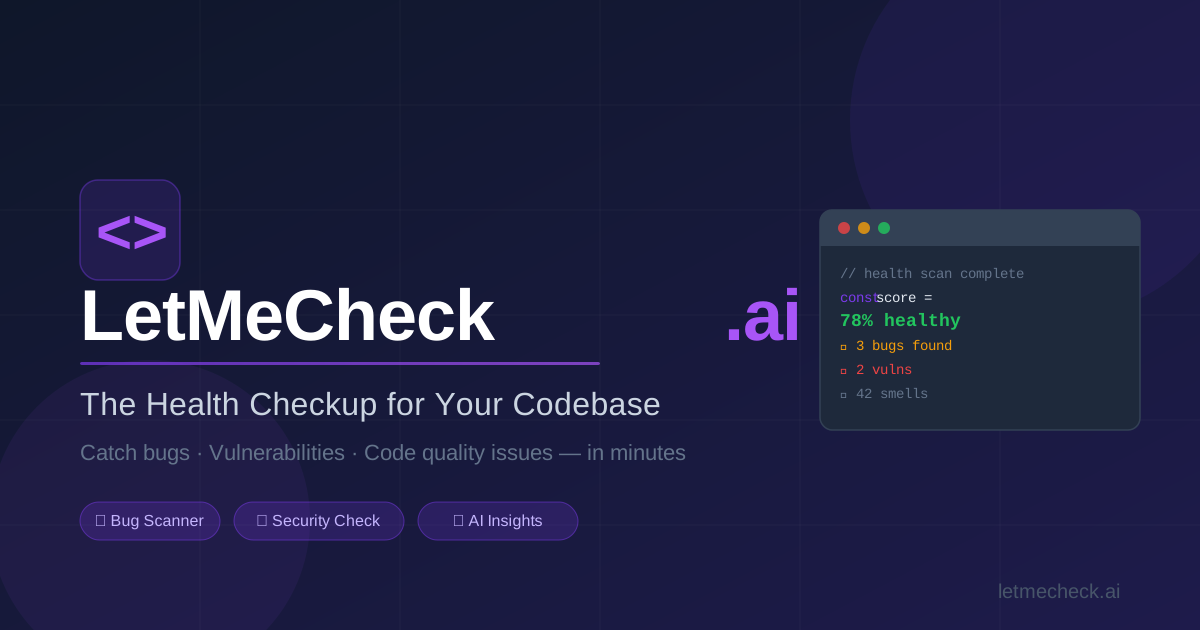
LetMeCheck.ai is an AI-assisted code analysis platform that checks a repository for security, performance, scalability, and code quality issues. The site positions it as a “health checkup” for a codebase, meant to surface hidden risks before they become production problems.
The workflow shown on the homepage starts with connecting a GitHub repository, then running analysis in a secure sandbox and returning a detailed report with issue severity, recommendations, and AI-generated fixes. The product is aimed at founders, startups, SMBs, and development teams that want a clearer view of code health without relying on manual review alone.
Connect a GitHub repository and run an automated scan that returns a diagnostic-style report on the codebase.
Identify security issues such as XSS, SQL injection, and authentication flaws before they reach production.
Surface performance bottlenecks and scalability concerns so teams can address speed and growth risks earlier.
Generate prioritized severity reports with email and download options so findings are easier to review and share.
Provide AI-powered fix suggestions, including one fix per category on the free plan and broader coverage on paid plans.
Run in secure, isolated environments on SOC2 Type II compliant agent servers, with no code retention after analysis.
Use the platform before release to check for vulnerabilities, quality issues, and risk areas that may be missed in manual review.
Run a repository scan when an app starts to grow so you can spot performance or scalability constraints early.
Review a codebase after security headlines or suspected risk to identify issues like injection flaws or authentication weaknesses.
Share the severity report with a team or stakeholder when you need a concise summary of code health and next steps.
Use the recommendation output as a starting point when you want AI-generated fixes or help from a developer to implement them.
LetMeCheck.ai is an AI-assisted code analysis platform that reviews a GitHub-connected repository and generates a diagnostic-style report. The site describes it as a health checkup for your codebase, focused on catching bugs, vulnerabilities, and code quality issues.
The site says the scan works by connecting a GitHub repository, then running analysis in a secure sandbox. It then produces a detailed health report with issue severity and recommendations.
The homepage and FAQ area indicate that LetMeCheck.ai can analyze repositories and provide recommendations, with a note that users can also hire a developer to implement fixes. The support page specifically mentions repository analysis setup, GitHub integration, and understanding results.
The source mentions GitHub integration and permissions, but it does not provide a full list of supported integrations beyond that. It also includes a question about supported languages, but the specific language list is not shown in the provided text.
The contact and about pages state that source code is not stored after analysis, and the homepage says code is never stored or retained after analysis. The site also says it uses SOC2-compliant agent servers and isolated environments for analysis.

ByteAsk is a terminal-first AI coding agent for C and C++ that edits repositories and verifies changes with the real compiler, debugger, sanitizers, and tests before showing a diff. It offers a free tier plus paid plans, with editor connectors and zero-retention handling described in the source.

Manta AI is an autonomous web app testing tool for teams that want to map application behavior, catch regressions, and generate tests without writing scripts or maintaining selectors. It works from a URL and supports plain-English test flows, run results with screenshots, and scheduled or deployment-triggered checks.

Ghost es un asistente de IA para terminal para chatear, generar código y ejecutar tareas en la línea de comandos. Incluye modelos gratuitos, es compatible con Linux, macOS y Windows, y es de código abierto.

Devin is an AI coding agent and software engineer that helps developers and engineering teams plan and execute complex software tasks. It is available through desktop, cloud, JetBrains, and CLI surfaces, with plans for individuals, teams, and enterprises.

imgcook is a design-to-code tool that converts design drafts into front-end code. It supports plugin-based and developer workflows for Sketch, Photoshop, VS Code, and CLI usage.

Pi Coding Agent is a terminal-based coding agent for developers who want a minimal, extensible harness for interactive work and automation. It supports model switching, session branching, and multiple run modes including TUI, print/JSON, RPC, and SDK.