
Fast secret blocking
Catches hardcoded secrets with 26 regex patterns across 13 providers, compiled at startup and matched against the staged diff in under 1 ms.

LocalForge is a local pre-commit code review tool for Apple Silicon Macs. It scans staged changes on-device with regex checks, CoreML scoring, and a local Qwen model, without sending code to the cloud.
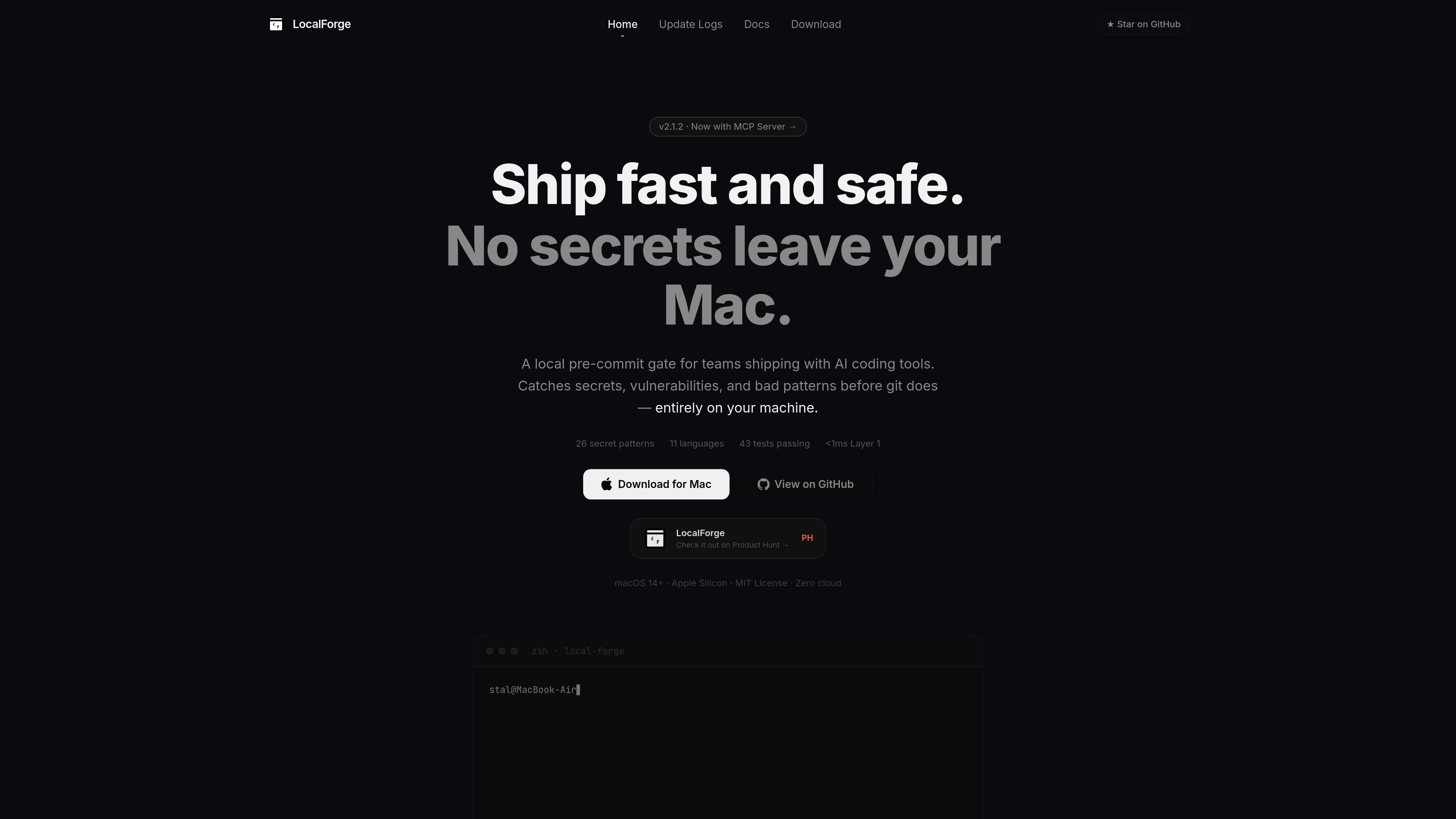
LocalForge is a local code review gate for Apple Silicon Macs. It runs as a pre-commit hook, scans the staged diff, and checks each commit through three layers: Rust regex secret detection, a CoreML classifier on the Apple Neural Engine, and a local Qwen2.5-Coder review.
The product is designed to keep review data on the machine. The site describes it as running entirely offline with no cloud and no API keys, while also providing a macOS app, CLI commands, and an MCP server for working across individual repos or team setups.
Catches hardcoded secrets with 26 regex patterns across 13 providers, compiled at startup and matched against the staged diff in under 1 ms.
Uses a CoreML classifier on Apple Neural Engine hardware to assign a risk score to code changes and hard-block likely issues before commit.
Runs Qwen2.5-Coder locally via MLX for semantic review of SQL injection, XSS, command injection, dead code, unhandled errors, and logic bugs.
Includes a SwiftUI app with live scan events, monitor and repos views, and one-click repo protection or upgrades.
Supports one-command repo setup, a team install script generator, compliance exports, and a JSON-RPC 2.0 MCP server for editor integrations.
Use LocalForge as a local guardrail before commits when you want secrets and risky patterns checked automatically in the same command you already use to commit.
Run it in a team setup when you need a shared install script that developers can execute once on their own machines without central infrastructure.
Use the monitor app and MCP server when you want scan results visible inside a Mac app or queryable from editor tools such as Cursor or VS Code.
Generate compliance exports from advisory logs when you need a single bundle of review output for internal security review or audit trails.
Scan existing repositories without committing when you want to check code with `localforge --scan` before a change lands.
LocalForge runs as a pre-commit hook. When you run `git commit`, it scans the staged diff locally and holds the commit until Layers 1 and 2 finish or raise a blocking issue. Layer 3 produces an advisory report after the clean pass.
The docs say LocalForge supports macOS 14 or later on Apple Silicon machines such as M1, M2, M3, and M4.
Yes. The documentation says `localforge --install-org` generates a shareable setup script that each teammate runs once on their own machine, which makes it suitable for team-wide setup without per-user manual configuration.
LocalForge can export advisory reports from `~/.localforge/advisory_log/` into a single compliance bundle with `localforge --export-report`. The docs describe the output as suitable for security review and audit trails.
The third layer is advisory-only and never blocks commits. If no Qwen model is found during installation, Layer 3 is skipped and commits still go through Layers 1 and 2.

ByteAsk is a terminal-first AI coding agent for C and C++ that edits repositories and verifies changes with the real compiler, debugger, sanitizers, and tests before showing a diff. It offers a free tier plus paid plans, with editor connectors and zero-retention handling described in the source.

Ghost es un asistente de IA para terminal para chatear, generar código y ejecutar tareas en la línea de comandos. Incluye modelos gratuitos, es compatible con Linux, macOS y Windows, y es de código abierto.

CreateOS Sandbox is an isolated compute environment for running code and agent workloads inside Firecracker micro-VMs. It is designed for workflows that need machine-level isolation, private networking between sandboxes, and programmatic control through SDK, CLI, or MCP.

hob is an independent workspace for coding agents that keeps agent sessions, terminals, history, and follow-up work organized around the tools and providers you already use. It is aimed at developers who want local control over routing, history, and workspace structure rather than a bundled model stack.

Manta AI is an autonomous web app testing tool for teams that want to map application behavior, catch regressions, and generate tests without writing scripts or maintaining selectors. It works from a URL and supports plain-English test flows, run results with screenshots, and scheduled or deployment-triggered checks.

SonOf connects to your repo and PM tool, audits the codebase and surrounding product context, and turns approved work into shipped tickets with senior engineering review. It is aimed at founders and engineering leaders who need backlog help without hiring a full team immediately.