
Unscripted first-run exploration
The agent starts without a supplied script or prior product context, infers what the site is for, and determines the next step from the page it sees.

Neophyte is an AI browser service that tests website onboarding by signing up as a new user, completing available verification, and pursuing a task or first meaningful action. It helps product teams and site owners find signup friction, activation blockers, and agent-readiness issues through recorded reports and replays.
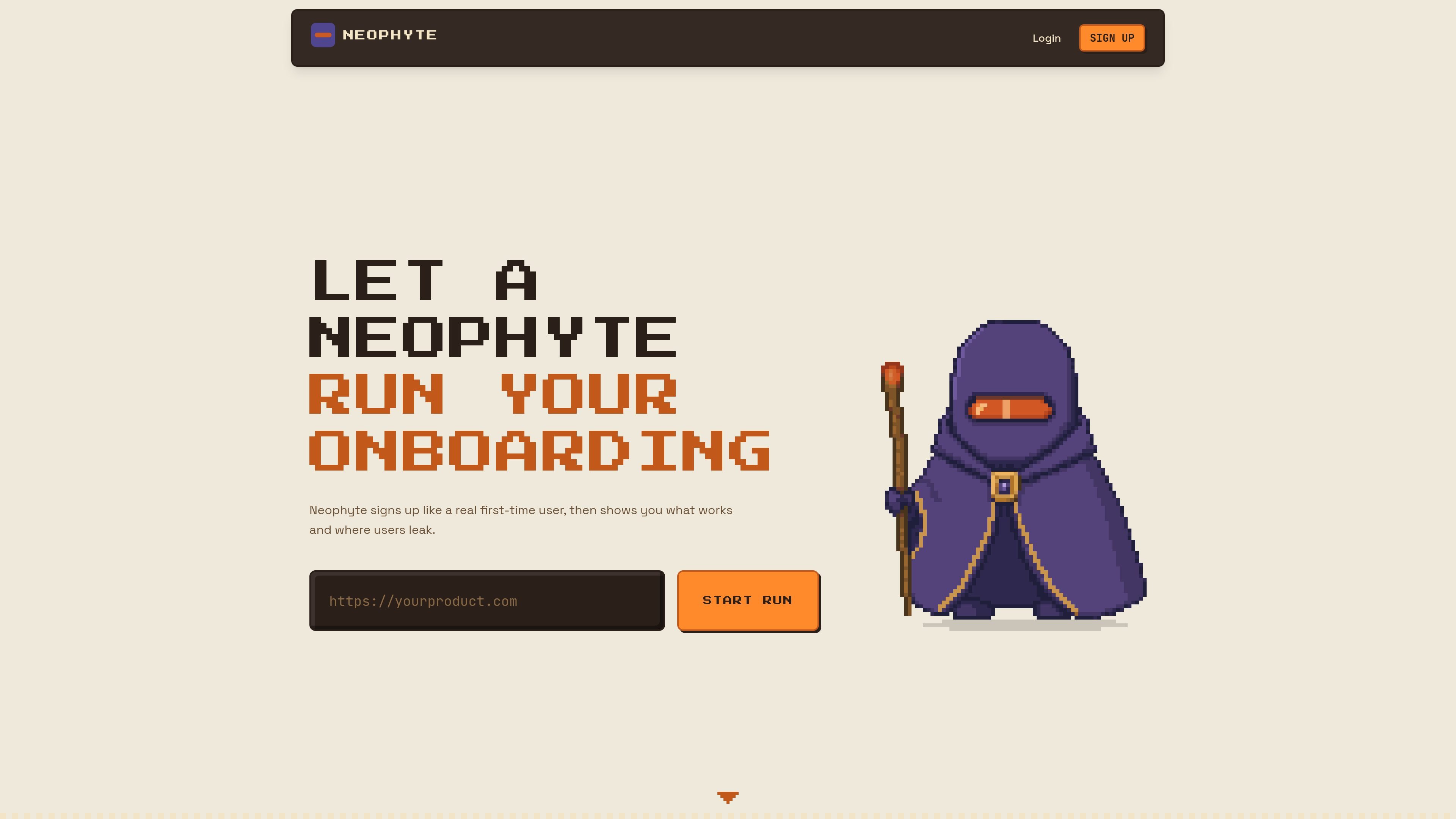
Neophyte is an onboarding and first-run testing service for websites and web products. It uses an AI-controlled browser to act as a brand-new user: it signs up with a run-specific email identity, completes available verification, and works toward a task or first meaningful action without a prewritten script.
The service records the journey and reports what worked, where a person or AI agent might encounter friction, and whether the requested goal was reached. It is intended for product teams and site owners evaluating signup, verification, setup, early activation, and agent accessibility from an outside-user perspective.
The agent starts without a supplied script or prior product context, infers what the site is for, and determines the next step from the page it sees.
Neophyte creates a run-specific email identity, reads verification messages or codes in its own mailbox, and works through signup and setup without using the customer's inbox.
You define the task and stopping point. The agent navigates toward that goal and records whether it arrived or where the journey broke down.
Reports include a human-and-agent rank, a friction report, replay of the run, and a product-flow view. Public reports can be shared by link unless privacy settings apply.
In addition to the browser journey, runs perform agent-readiness checks for resources such as robots.txt, sitemap.xml, llms.txt, OpenAPI and related well-known endpoints, plus a missing-page check and an MCP initialize request.
Runs use the Neophyte-NUXBot user agent, stop at supported bot checks, and can be recognized by a domain-specific Neophyte-Site-Key when a verified owner configures one.
Set a target such as reaching the first useful screen and observe whether a new visitor can move from landing page through signup, verification, and setup without unexplained stalls.
Run the same type of task after changing forms, navigation, verification, or first-run screens, then use the recorded journey and friction report to inspect the resulting experience.
Use the report's human-and-agent perspective and the separate resource checks to identify pages or machine-readable endpoints that may make a product harder for AI agents to understand or operate.
Share a public run when soliciting feedback, or use private-run and domain-level privacy controls when onboarding results contain work-in-progress product information.
A product owner can verify a domain, restrict who may start runs, and provide a site key so approved Neophyte runs can be distinguished from ordinary automated traffic.
A run signs up as a new user with a dedicated Neophyte email address, reads its own verification email or code, and works toward the task you specify, often the first useful screen. The run and the resulting report are recorded.
You name the product and state what the agent should reach and when it should stop. The agent chooses its path from what each page shows rather than following a fixed script, then reports what worked and where it became stuck.
Runs stop at Cloudflare challenges, Turnstile, reCAPTCHA, or hCaptcha rather than attempting to bypass them. The first bot-check block for an account is refunded; later blocked runs use their credit. A verified product owner can configure a site key and access settings to let Neophyte in, although bot-check widgets still need to be left out for keyed requests.
Runs are public by default. Starter or Value credits allow a run to be marked private, and a verified site owner can keep reports for the domain private. Shared reports exclude the account email, password, and made-up profile details.
Paid plans are one-time credit packs and do not renew automatically. The site lists Free, Starter, Value, and Enterprise options; Enterprise is described as volume pricing with white-glove onboarding, automation setup, invoice payment, and dedicated support.

ByteAsk is a terminal-first AI coding agent for C and C++ that edits repositories and verifies changes with the real compiler, debugger, sanitizers, and tests before showing a diff. It offers a free tier plus paid plans, with editor connectors and zero-retention handling described in the source.

Manta AI is an autonomous web app testing tool for teams that want to map application behavior, catch regressions, and generate tests without writing scripts or maintaining selectors. It works from a URL and supports plain-English test flows, run results with screenshots, and scheduled or deployment-triggered checks.

EAS Observe is a production performance monitoring tool for Expo and React Native apps. It shows startup metrics, session timelines, release markers, and errors inside the Expo dashboard.

Traccia is an agent observability and governance platform that adds OpenTelemetry-native tracing, policy enforcement, prompt evaluation, and compliance evidence for AI workflows. It supports frameworks including LangChain, CrewAI, OpenAI Agents SDK, AutoGen, and LlamaIndex.

Hoplite is a cloud coding agent platform for teams that want to run software tasks in isolated sandboxes with repository context and imported local setup. It offers published Pro, Scale, and Enterprise plans.

Latitude Agent Score evaluates AI agent performance using production traces across outcome, reliability, cost, speed, and safety. It helps engineering teams investigate the sessions behind a score, turn recurring failures into evaluations, and verify fixes after release.