
Configurable dashboard
A configurable dashboard presents up to eight tiles, including Today, Tasks, Notes, Reminders, Launcher, Day Progress, and quick toggles. Tiles can be selected and reordered from the Dashboard settings.

NotchDodo is a macOS utility that places 17 tools in a hover-accessible MacBook notch or simulated notch, including calendar, reminders, timers, music, files, developer utilities, and local AI usage tracking. It is aimed at Mac users who want quick controls and status information without leaving their current app.
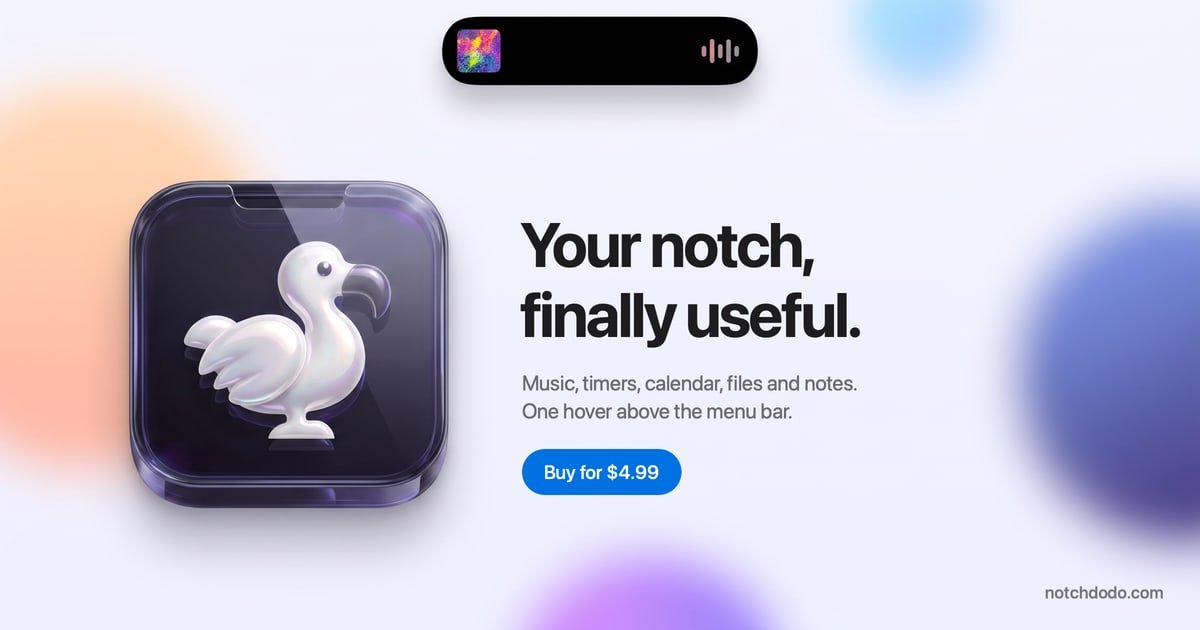
NotchDodo is a macOS utility that turns the MacBook notch—or a simulated notch on Macs without one—into a compact panel for everyday information and controls. It brings calendar events, reminders, notes, tasks, timers, music playback, files, system actions, and local AI-agent activity into a hover-accessible interface near the menu bar.
The app is designed for quick checks and small actions without switching away from the current application. Its AI Usage tool reads local logs from Claude Code, Codex CLI, and Gemini CLI, while other tools connect to macOS features such as Calendar, Reminders, Finder, and supported media apps. Data from the AI logs remains on the Mac, and the product does not require an account.
A configurable dashboard presents up to eight tiles, including Today, Tasks, Notes, Reminders, Launcher, Day Progress, and quick toggles. Tiles can be selected and reordered from the Dashboard settings.
The Pomodoro tool offers Work, Short break, Long break, Quick timer, and Custom modes, with editable settings, focus sounds, automatic long breaks, a stopwatch with laps, and optional links to events, reminders, or tasks.
Today lists calendar events with details, countdowns, and a Join button for supported Zoom, Meet, Teams, Webex, and FaceTime links. Reminders connects to Apple Reminders through EventKit, while Tasks and Notes provide local lightweight lists and plain-file notes.
AI Usage reads local logs from Claude Code, Codex CLI, and Gemini CLI. It shows sessions, models, branches, prompts, tokens, estimated costs where supported, status, a seven-day chart, and a five-hour budget view for Claude-style usage.
Music controls work with Apple Music and the Spotify desktop app, including artwork, playback controls, and scrubbing. The Shelf temporarily holds files dragged from Finder and can send them back to apps, AirDrop, or Finder.
Dev Servers lists local development servers with ports, project folders, and frameworks, and lets users open or stop eligible processes. Menu Bar reveals icons hidden behind the notch, while quick toggles provide access to actions such as Dark mode, Keep awake, Screenshot, Lock screen, and Empty Trash.
Keep the day visible while working in another app: review upcoming events, see countdowns, join supported video meetings, check reminders, and glance at selected tasks from the dashboard.
Run a focused work session with an on-screen Pomodoro countdown and optional rain, café, or white-noise sounds. Focus Target can associate the session with an event, reminder, or task, while the stopwatch covers work that does not fit a Pomodoro.
Monitor Claude Code, Codex CLI, or Gemini CLI activity without keeping a terminal window in view. Developers can inspect tokens, session status, branches, prompts, and estimated usage, and receive a Claude Code alert when approval or input is needed.
Keep local development work and temporary files organized: open or stop eligible development servers, identify ports and project folders, and hold files in the Shelf until they are ready to send to Mail, Slack, AirDrop, or Finder.
NotchDodo runs on macOS 14 Sonoma or later and supports Apple silicon Macs. Macs without a physical notch can use a simulated notch interface.
No account or API key is required. AI Usage reads the local session logs already written by Claude Code, Codex CLI, and Gemini CLI. Calendar access is requested when the calendar tab is first opened, and Menu Bar asks for Accessibility access when opened.
AI Usage reads local logs and calculates token totals, estimated costs, burn rate, and five-hour-window information on the Mac. Claude Code, Codex CLI, and Gemini CLI sessions are supported with different limits: Claude Code and Gemini CLI provide the documented usage views, while Codex costs are not shown because its plan pricing is not published per token.
The tracker uses five-hour windows modeled on the open-source ccusage approach, starting at the hour of the first message. The reset time, budget, and cost are estimates; Anthropic does not publish its exact limit counter, and subscription plans such as Pro and Max are not billed at the displayed API list prices.
The purchase is a one-time $4.99 license for two Macs, with no account required. The site also states that the license is lifetime and includes a 14-day money-back guarantee.

Goldfish is an AI memory app for macOS that helps you reply, write, summarize, and continue using the context already on your Mac. It stores memory locally and writes in your tone.

ArtDeck is a visual reference board app for iPhone, iPad, and Mac that lets artists collect mixed reference material on one canvas and study it with ToolBox lenses. It works offline, supports optional iCloud sync, and is sold as a one-time purchase with no account required.

Biji es una plataforma versátil diseñada para mejorar la productividad a través de herramientas y características innovadoras.

Malyatko is a baby tracker for logging feeding, sleep, growth, teething, and milestones in one app. It works on iPhone, Apple Watch, and widgets, with no sign-up, offline use, and family sharing through iCloud.

Redline is a budgeting tool for Claude Code that paces sessions to stay within time, token, cost, or plan-percentage limits. It uses Claude Code’s native hooks and statusline to help sessions finish with a usable result instead of stopping abruptly.

Claude Overlay is a Windows desktop overlay for Claude Code that reads your screen so you can ask questions, inspect content, and request edits without leaving the current app. It runs on your existing Claude subscription through the Claude CLI, so no separate API key is required.