
Bot-free meeting capture
Oats listens through your Mac and identifies speakers without placing a bot in the attendee list.

Oats is a local-first meeting notes app for Mac that turns calls into clean write-ups without adding a bot to the meeting. It is presented as free forever, with notes, transcripts, and recordings kept on your device.
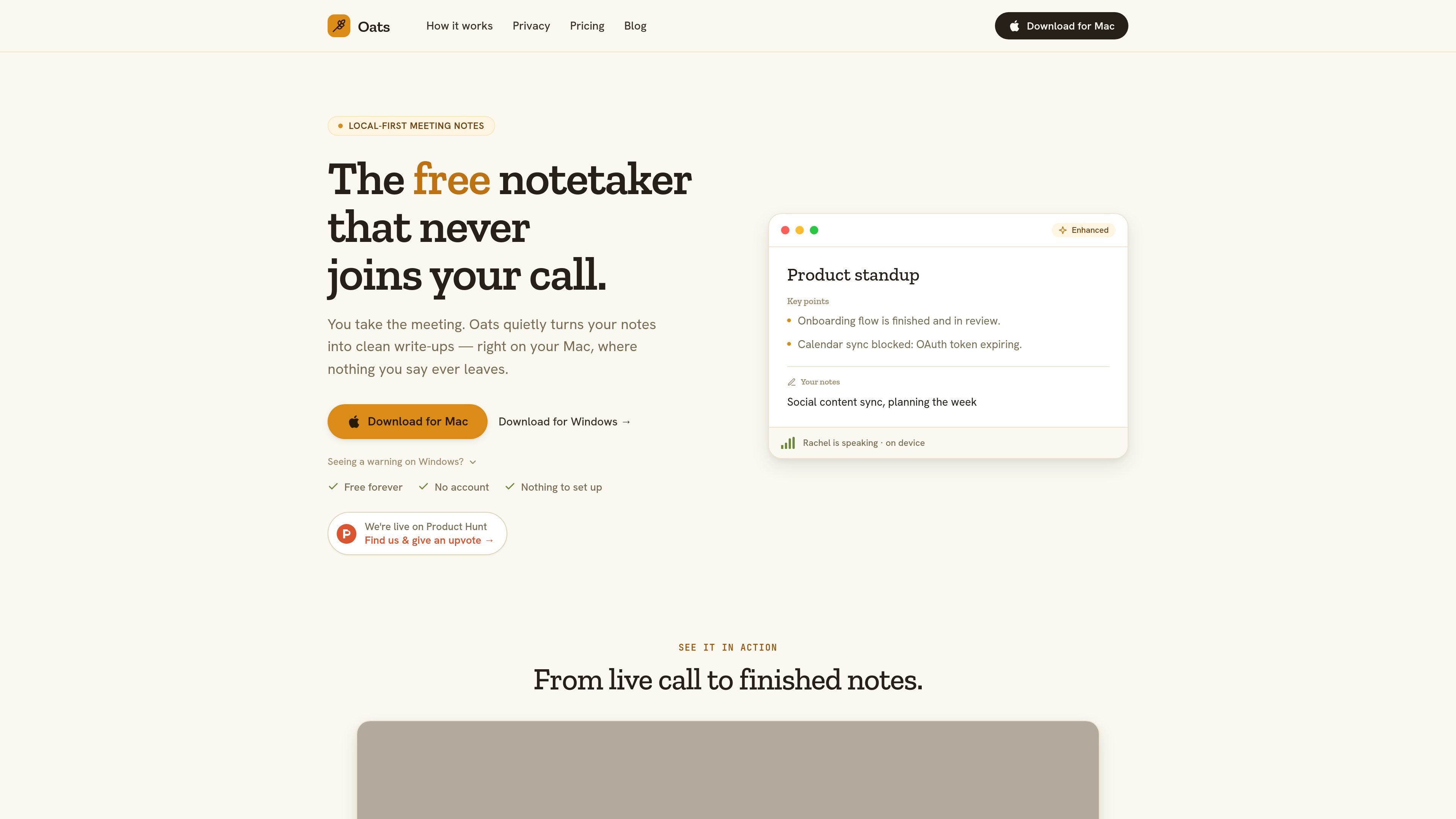
Oats is a meeting-notes app that runs locally on your Mac and is built to turn live calls into clean write-ups without adding a bot to the meeting. According to the site, it listens through your device, works out who is speaking, and keeps the meeting experience unchanged for everyone else.
The product is positioned around privacy and simplicity: nothing leaves your device, there is no account to create, and the finished notes can be exported as a real file. The homepage also says Oats is free forever, with Mac and Windows download options shown on the site.
Oats listens through your Mac and identifies speakers without placing a bot in the attendee list.
You can jot your own notes during the call, and Oats blends them with the transcript once the meeting ends.
The app keeps recordings, transcripts, and notes on your device instead of sending them to a cloud service.
You can export the final write-up as a real file that lives on your Mac and is not locked behind an account.
Whisper and Ollama run locally out of the box, while Claude, Gemini, and OpenAI are available through your own key.
Useful for calls where you want meeting notes without adding a bot to the attendee list or changing how the meeting feels for participants.
Fits confidential conversations where uploading recordings or transcripts is not appropriate, since the app is designed to keep work local on the device.
Helpful when you want a draft that combines your own shorthand notes with an automatic transcript-based write-up after the meeting ends.
A reasonable choice for people who want to use local models like Whisper and Ollama, or who prefer to supply their own key for Claude, Gemini, or OpenAI.
Works for users who want a note file they can export and keep on their Mac rather than saving meeting output inside an account-based service.
Oats runs locally on a Mac and does not send recordings, transcripts, or notes to a server. Its website also says no bot joins the call, so the meeting experience stays unchanged for other participants.
The page presents Oats as a free product with no account, no card, and no trial. The pricing page returns a 404, so no separate paid plan or limit details are confirmed on the site.
Yes. The homepage says you can download Oats for Mac, and it also provides a Windows download button with a note explaining the first-launch Windows security warning.
Oats uses your own notes plus the meeting transcript to produce a clean write-up after the call ends. It also says the write-up can be exported as a real file.
The homepage says Whisper and Ollama run locally out of the box, and that Claude, Gemini, and OpenAI can be used with your own key stored on device.

QuickQuill is a macOS dictation and transcription app that runs locally on the device. It helps users record meetings, transcribe audio, generate summaries, and export notes without using a cloud service.

Notewarp is an AI note-taking tool that turns voice notes, uploads, or pasted text into cleaner notes, transcripts, summaries, and action items. It helps people capture rough ideas quickly and then edit, export, or share the result.

MeetStream is a meeting bot API for Zoom, Google Meet, Microsoft Teams, and Webex. It helps developers record, stream, and analyze meetings programmatically, with usage-based pricing and a $5 free credit to start.

Tactiq is an AI note taker for Google Meet, Zoom, and Microsoft Teams that transcribes meetings live and turns them into summaries, action items, and follow-up outputs. It is built around a Chrome extension and supports team workflows through sharing and integrations.

Scripta is a privacy-first AI notetaker that records, transcribes, and summarizes meetings directly on your device. The public site currently shows a Mac beta download and a Windows waitlist.

Flunkey is a voice-first productivity layer for Windows that converts speech into text, AI-assisted outputs, and remembered context. It is built for users who want to capture ideas and actions without leaving the app they are working in.