
Image resizing
Resize images to specific dimensions with fast processing and no quality loss, according to the homepage copy.

Pahadify is a web-based image and document utility suite for students and form-related workflows. It offers local browser tools for resizing, compression, PDF handling, photo cleanup, and exam-ready image preparation.
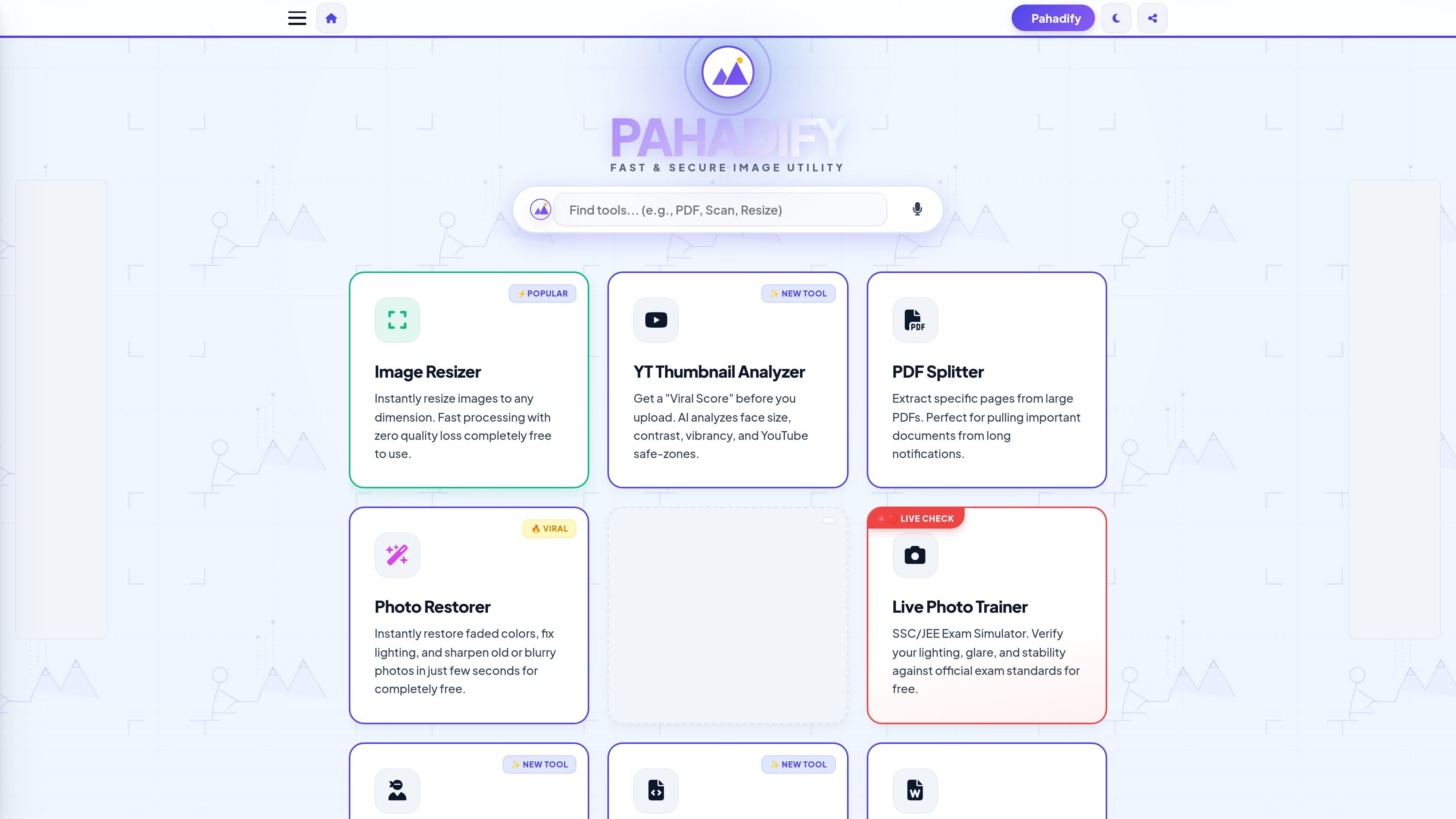
Pahadify is a browser-based image and document utility site focused on common student, exam, and sharing workflows. The homepage presents it as a “fast & secure image utility” with tools for resizing, compression, PDF handling, photo cleanup, and exam-form preparation.
Its core purpose is to help users complete these tasks quickly on the client side, so files are processed locally rather than uploaded as part of the normal workflow. The site emphasizes practical actions such as resizing photos to exact dimensions, reducing KB size for online forms, merging or splitting PDFs, and preparing print-ready or exam-ready documents.
Resize images to specific dimensions with fast processing and no quality loss, according to the homepage copy.
Compress images to a target KB size for form uploads while trying to preserve visible text and faces.
Handle bulk image work by resizing and compressing 50+ images in one batch.
Prepare images for common submission and sharing tasks such as PDFs, passport sheets, ID joins, watermarks, and social media sizes.
Work locally in the browser with a client-side architecture that keeps data on the device, as described on the site.
Use guided utilities such as OCR, face hiding, photo restoration, live photo checking, and studio enhancement for specific photo tasks.
Resize photos for SSC, UPSC, IBPS, or similar online forms when a specific pixel size is required.
Compress images to a target KB size before upload while trying to preserve enough clarity for face and text visibility.
Split PDFs, merge scans, or convert images to PDF when organizing school or application documents.
Check and adjust lighting, glare, and stability for live photo requirements in exam workflows.
Remove metadata, hide faces, or redact sensitive details before sharing images or documents online.
Use the Image Compressor tool and enter a target size such as 20 or 50 in the target size box. The FAQ text says the tool reduces file size iteratively while keeping the text and face visible.
The site says Pahadify uses a client-side compression engine that lowers file size while maintaining visual sharpness, rather than blurring the image.
Yes. The Batch Master tool is described as supporting 50+ images at once, with options to resize them to a width like 1000 px and compress them to a quality level like 80%.
Pahadify is built as a client-side tool, so the site states that your data never leaves your device.
The homepage and FAQ focus on image resizing, compression, photo cleanup, PDF conversion, and exam-related photo preparation. They do not show integrations with external apps or cloud storage services.

PDFTools is a browser-based suite of free and premium PDF utilities for editing, conversion, and document handling. It helps users work on PDFs locally in the browser without uploading files to a server.

ArtDeck is a visual reference board app for iPhone, iPad, and Mac that lets artists collect mixed reference material on one canvas and study it with ToolBox lenses. It works offline, supports optional iCloud sync, and is sold as a one-time purchase with no account required.

Gerty is a local AI assistant for Apple silicon Macs that handles chat, writing, documents, voice and selected Mac app tasks without sending data to the cloud. It works offline after model downloads and is designed for users who want private everyday AI without an account or subscription.

Codex Plugins bundle reusable skills, app integrations, and MCP servers into workflows you can install in the Codex app or use from Codex CLI. They help extend Codex with connected-service tasks, reusable instructions, and shared team workflows.

Una herramienta impulsada por IA que resume documentos PDF de manera rápida y eficiente, proporcionando información clara y permitiendo a los usuarios interactuar con el contenido.

Paperpal 是一款面向学术写作的 AI 工具,提供文献阅读、语言润色、引用、查重、AI 检测和投稿前检查。它适合需要在英文论文和学术材料上进行写作、修改与合规自检的学生、研究人员和教师。