
Browser-based upload and page selection
Upload a PDF by dragging and dropping it or selecting it from your device, then choose the pages you want to convert.

PDF2Sheets.app converts PDF tables into editable Google Sheets files, with support for page selection, multi-page documents, and spreadsheet exports. It is aimed at people who need to move structured data from reports, statements, invoices, and similar PDFs into a working sheet.
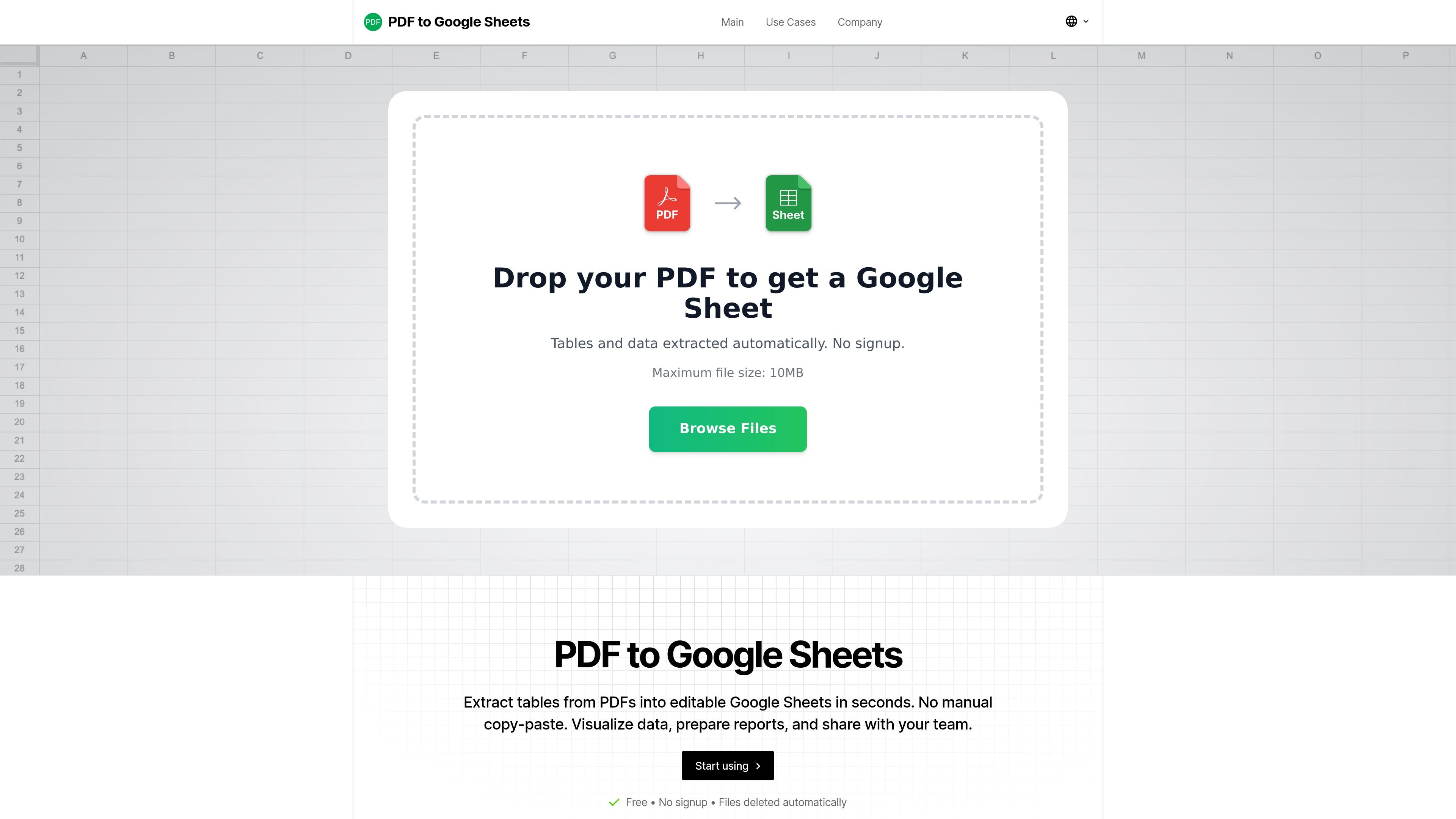
PDF2Sheets.app is a browser-based PDF to Google Sheets converter. It turns tables from PDFs into editable spreadsheet rows and columns so users can work with the data instead of retyping it by hand.
The site positions the product for people who regularly receive reports, invoices, bank statements, and other structured documents in PDF form. It supports selecting specific pages, handling multi-page files, and downloading the result in spreadsheet formats such as XLSX or CSV.
Upload a PDF by dragging and dropping it or selecting it from your device, then choose the pages you want to convert.
The service says it can extract tables from scanned and low-quality PDFs, which suggests OCR-style recognition for image-based files.
Smart layout recognition is used to detect tables cleanly, including files with tricky formatting or multiple pages.
Export the result as a Google Sheets file and also download it as XLSX or CSV, with the pricing text also listing ODS and TSV support.
The site says no registration is required, so users can start converting without creating an account.
Files are processed with encrypted upload and automatic deletion after conversion, according to the privacy section.
Convert monthly or quarterly bank statements into a unified transaction table that can be filtered, categorized, and used for reporting.
Turn invoices, delivery notes, and acceptance reports into one standardized register for reconciliation and status tracking.
Merge multiple PDF tables into a single master sheet by converting each file, standardizing headers, and pasting the rows into one workbook.
Extract tables from price lists, reports, and other multi-page documents while selecting only the pages that contain relevant data.
Create editable tables from textbook, research, or administrative PDFs when the goal is to analyze the data in spreadsheets instead of copying it manually.
No. The site says you can create a Google Sheets file from a PDF without connecting your Google account. If you want the result in your Drive, you can use the provided link and click “Make a copy.”
The PDF is used for recognition during conversion and is deleted after processing. The site says files are processed only to convert tables into Google Sheets and are not manually reviewed.
The site says extraction is usually accurate for numbers, dates, and columns, especially with high-quality PDFs. It also notes that scans or complex documents can produce inaccuracies, so key fields should be checked after import.
The service says it can extract tables and lists from PDFs, including reports, statements, invoices, price lists, charts, and diagrams.
Yes. The homepage says you can convert specific pages instead of processing the whole document, which is useful for long reports or multipage statements.

nolainocr is an AI OCR tool that extracts structured data from PDF invoices, receipts, forms, contracts, and bank statements. It helps teams move document data into Excel, Google Sheets, JSON, or CSV without manual entry.

PDFTools is a browser-based suite of free and premium PDF utilities for editing, conversion, and document handling. It helps users work on PDFs locally in the browser without uploading files to a server.
司马阅是一款面向企业的AI文档智能体平台,帮助团队把分散在文档中的知识转成可用于问答、检索、写作和审查的结构化能力。它适合对准确性和数据安全要求较高、且有大量文档工作流程的企业。

Jenni is an AI research and academic writing assistant for students, researchers, and academics. It helps users draft papers, manage citations, review claims, and export documents from one workspace.

Una herramienta impulsada por IA que resume documentos PDF de manera rápida y eficiente, proporcionando información clara y permitiendo a los usuarios interactuar con el contenido.

Paperpal 是一款面向学术写作的 AI 工具,提供文献阅读、语言润色、引用、查重、AI 检测和投稿前检查。它适合需要在英文论文和学术材料上进行写作、修改与合规自检的学生、研究人员和教师。