
Subtitle overlay on video
Overlay custom subtitle objects onto MOV and MP4 video files, with controls for text, container geometry, margins, background color, corner radius, and rotation.

Quick Sub 2 is a Mac subtitle editing app for overlaying and styling subtitle objects on MOV and MP4 video files. It offers separate controls for text and container layout, plus native .qsub2 project saving and export progress monitoring.
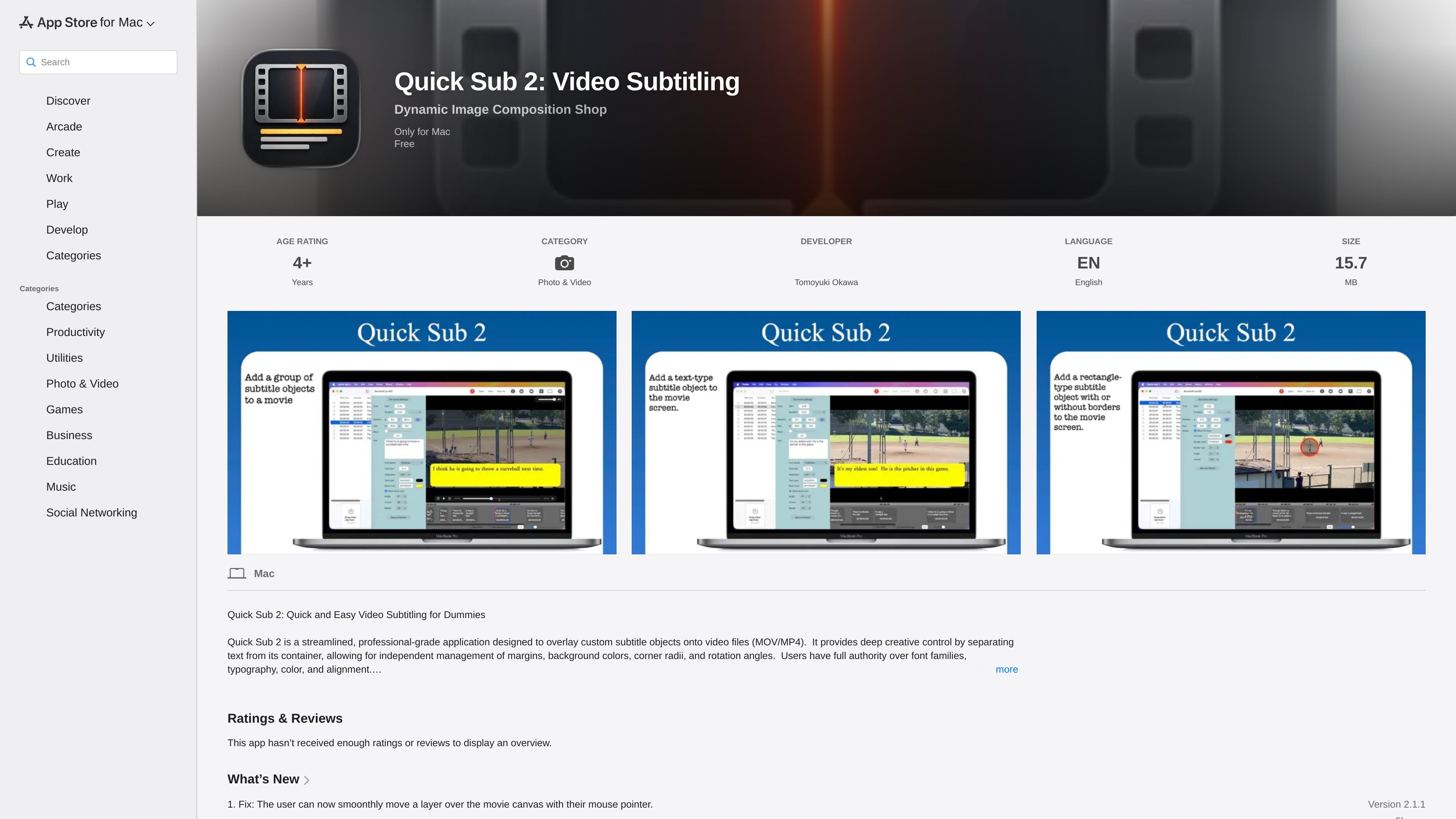
Quick Sub 2 is a Mac app for adding and styling subtitle objects directly on video files. The App Store listing describes it as a streamlined tool for working with MOV and MP4 sources while keeping text, container shape, and timing controls separate.
Its workflow is built around precise visual editing: users can adjust typography, colors, alignment, margins, corner radius, rotation, and on-canvas placement. The app also supports project persistence through the .qsub2 file format and includes export progress monitoring for rendered output.
Overlay custom subtitle objects onto MOV and MP4 video files, with controls for text, container geometry, margins, background color, corner radius, and rotation.
Edit font family, typography, color, and alignment separately from the subtitle container so text and layout can be tuned independently.
Apply size and style parameters to multiple subtitle objects with a single menu command to reduce repetitive editing.
Use an integrated Undo Manager with full history support, making iterative layout and timing changes reversible.
Save work in the native .qsub2 format and restore a workspace by opening the file directly in the app.
Export rendered video with real-time progress monitoring, and stop the export process if needed.
Create subtitles for MOV or MP4 videos when you need control over text styling, container shape, and on-screen placement in the same workspace.
Refine subtitle timing by dragging objects along the timeline and repositioning them directly on the movie canvas.
Build visually consistent subtitle sets by applying the same size and style settings to multiple objects at once.
Iterate on a project safely by relying on undo and redo while testing different font, color, rotation, and layout combinations.
Save a subtitle project in .qsub2 format, reopen it later, and export the finished video when edits are complete.
It is designed to overlay custom subtitle objects onto MOV and MP4 video files on Mac. The app separates text styling from the subtitle container so you can adjust layout elements independently.
Yes. The listing states that projects can be saved natively in the .qsub2 format, and those files can be opened again by double-clicking or dragging and dropping them into the app.
The app includes a high-performance export workflow with real-time progress monitoring, and export can be aborted if you need to change direction.
The App Store listing says Quick Sub 2 requires macOS 14.0 or later and is available for Mac.
The listing shows English as the supported language and an age rating of 4+. The developer also indicates that the app does not collect data.

FlexClip is an AI-powered online video maker and editor that helps users create videos from templates or from scratch. It combines browser-based editing with AI tools for scripting, voiceover, subtitles, translation, and background removal.

Bansi is an AI video editor for long-form content that turns raw footage into a polished first draft. It helps creators and production teams speed up editing by automating cuts, captions, zooms, audio cleanup, and related techniques.

Dina is a macOS app for creating polished screen recordings with automatic zoom, cursor smoothing, captions, transcript editing, and presentation-focused layouts. It is built for recording, refining, and exporting demos and tutorials on Mac.

CAMB.AI Streams dubs live audio in multiple languages in real time for broadcasts on platforms like YouTube, Twitch, and X. It plugs into existing live workflows using common streaming protocols and avoids a post-production step.

Video Effects SDK adds real-time webcam effects such as background blur, background replacement or removal, denoising, framing, beautification, and color grading. It is built for teams shipping live video experiences on web, desktop, and mobile platforms.

DeepMotion is a web-based AI motion capture and 3D animation platform with Animate 3D for video-to-animation and SayMotion for text-to-animation. It helps creators and teams generate motion in a browser and export results in common production formats.