
Multiple listing types
Browse a directory of AI agent skills, MCP servers, plugins, workflows, and personas across OpenClaw and Hermes Agent.

Remote OpenClaw is an AI agent skills directory and marketplace for discovering and selling skills, MCP servers, personas, and bundled workflows for OpenClaw, Hermes Agent, Claude Code, and Codex. It supports free browsing, paid listings, and reviewed seller submissions.
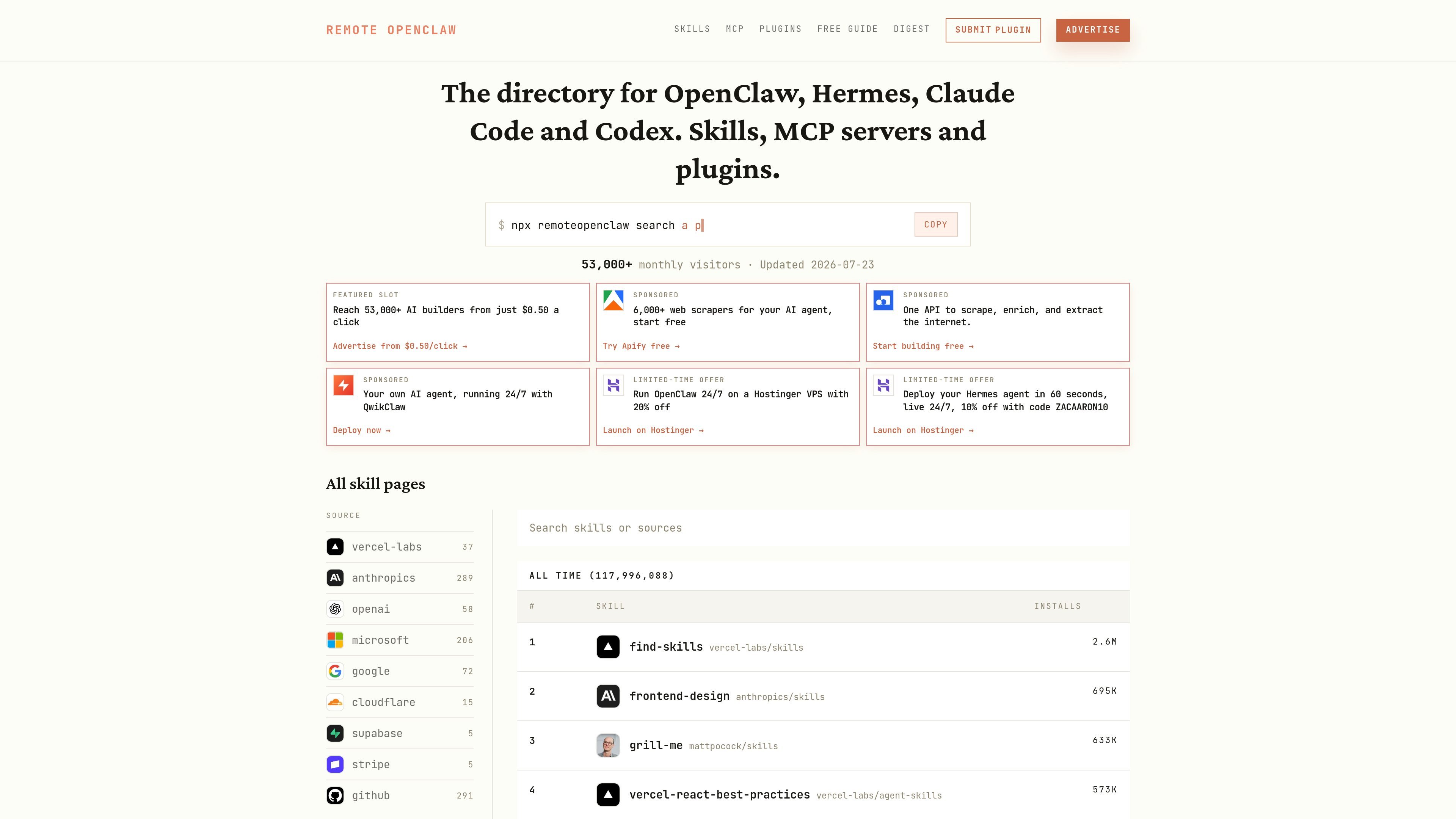
Remote OpenClaw is an AI agent skills directory and marketplace for OpenClaw, Hermes Agent, Claude Code, and Codex. It brings together skills, MCP servers, plugins, personas, and bundled workflows so builders can discover, compare, and buy prebuilt agent capabilities in one place.
The site combines free directory browsing with a curated marketplace model. Public listings include individual skills and larger persona bundles, while seller pages explain that listings are manually reviewed before publishing and that creators keep 90% of each sale through Stripe Connect.
Browse a directory of AI agent skills, MCP servers, plugins, workflows, and personas across OpenClaw and Hermes Agent.
Filter and discover products by source, topic, category, and install volume, with separate sections for skills and marketplace items.
Buy and sell first-party and community listings, with compatibility badges shown on cards and product pages.
List your own MCP server, Claude skill, persona, or operator workflow for free, with manual review before it goes live.
Use prebuilt packages that include configuration files, skills, schedules, and setup notes for faster deployment.
Support for bundle purchases that combine multiple personas or workflows into one stack.
Find a prebuilt capability when you want to add one function to an existing agent, such as lead scoring, content repurposing, or security hardening.
Choose a full persona or bundle when you want an opinionated workflow with instructions, config files, and scheduling logic already assembled.
Browse free listings first if you want to validate how a workflow behaves before paying for a more complete persona or bundle.
Publish your own MCP server, skill, or persona if you have an agent workflow to sell and want it reviewed and listed without a waitlist.
Compare OpenClaw and Hermes Agent compatibility before purchase when you need a listing that can run in a specific environment.
No. The marketplace page says first-party personas and skills work with either OpenClaw or Hermes Agent, while community listings can vary, so you should check the compatibility badges on each product page.
Use a persona when you want a defined operator job with instructions and workflow logic included, a skill when you already have an agent and need one capability, and a bundle when you want multiple workflows to work together from the start.
Yes. The marketplace includes free listings, including security, cost control, and everyday operator tasks, so you can test fit before buying a full persona or bundle.
The site recommends Claude Sonnet 4 or better, and says budget models make the personas unreliable.
Yes for first-party personas and skills. The page states those listings work with both OpenClaw and Hermes Agent, though community listings may vary by seller.

ByteAsk is a terminal-first AI coding agent for C and C++ that edits repositories and verifies changes with the real compiler, debugger, sanitizers, and tests before showing a diff. It offers a free tier plus paid plans, with editor connectors and zero-retention handling described in the source.

CreateOS Sandbox is an isolated compute environment for running code and agent workloads inside Firecracker micro-VMs. It is designed for workflows that need machine-level isolation, private networking between sandboxes, and programmatic control through SDK, CLI, or MCP.

hob is an independent workspace for coding agents that keeps agent sessions, terminals, history, and follow-up work organized around the tools and providers you already use. It is aimed at developers who want local control over routing, history, and workspace structure rather than a bundled model stack.

Manta AI is an autonomous web app testing tool for teams that want to map application behavior, catch regressions, and generate tests without writing scripts or maintaining selectors. It works from a URL and supports plain-English test flows, run results with screenshots, and scheduled or deployment-triggered checks.

SonOf connects to your repo and PM tool, audits the codebase and surrounding product context, and turns approved work into shipped tickets with senior engineering review. It is aimed at founders and engineering leaders who need backlog help without hiring a full team immediately.

Macuse is a macOS app that lets AI assistants control native Mac apps through MCP and use Computer Use for any app. It works with clients like Claude Desktop, Cursor, and Raycast, and keeps automation on-device.