
Local video processing
Import video and process it on the Mac, with transcription, discovery, and rendering handled locally by the app's local models.

S-Roll is a Mac video understanding and editing app that processes footage locally, finds moments through transcript and plain-language search, and generates reviewable clips. It also provides subject tracking, editing tools, and MP4 export for creators working with long-form video.
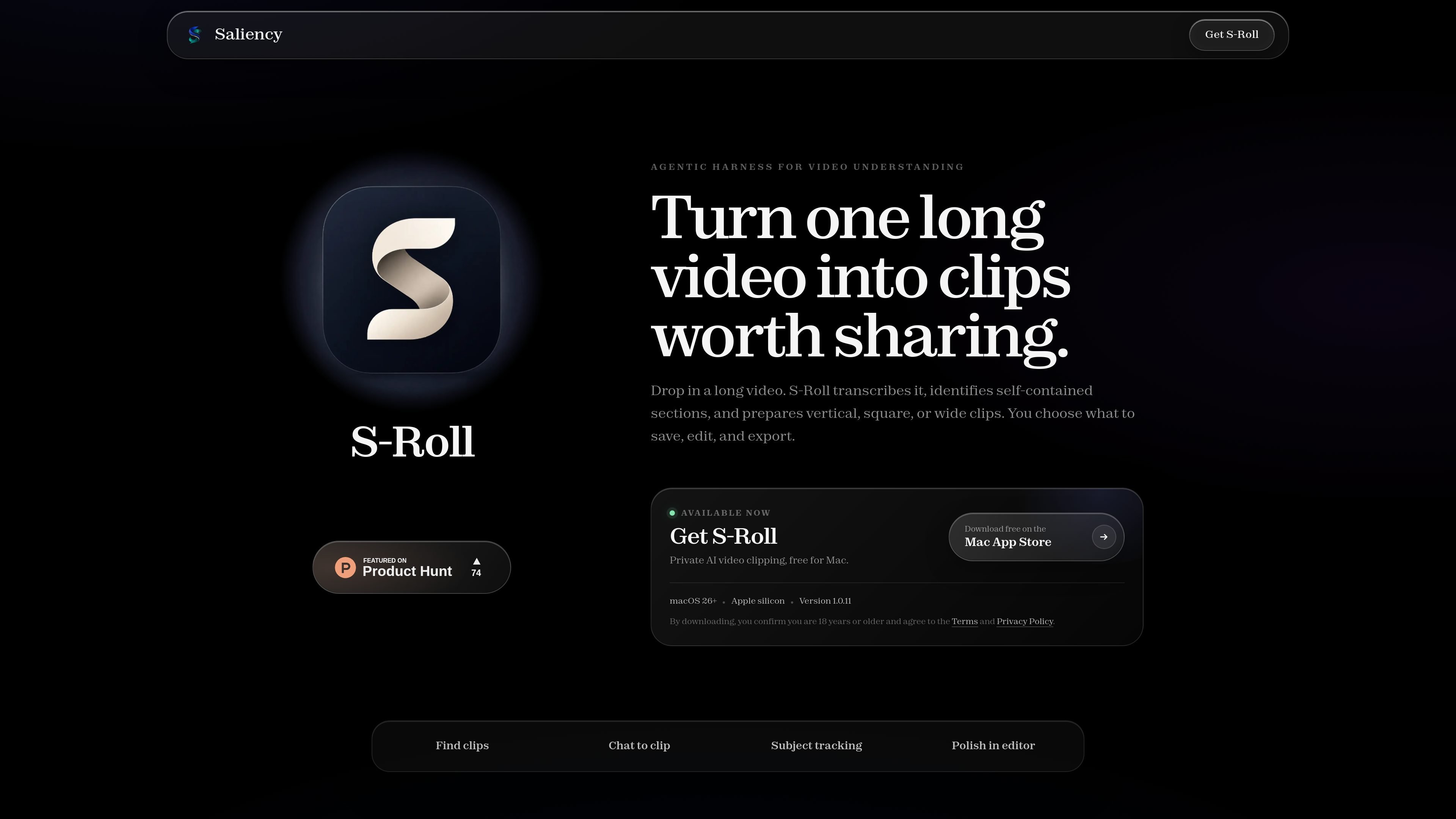
S-Roll is a Mac-based video understanding and editing app from Saliency. It processes imported video locally for transcription, moment discovery, clip generation, and rendering, helping users move from long footage to selected short clips without uploading their video work to an S-Roll service.
The workflow combines plain-language search and automated clip suggestions with a review editor. Users can find moments from the full transcript, inspect scored candidates with titles, summaries, previews, and visible reasoning, then refine framing, captions, and titles before exporting an MP4.
Import video and process it on the Mac, with transcription, discovery, and rendering handled locally by the app's local models.
Describe a moment or topic in plain language and search across the full transcript to locate relevant sections.
Generate candidate clips and score them across six axes, with the evaluation reasoning shown for review.
Review candidate clips with titles, summaries, and previews, then save selected clips to Workspace or export them.
Automatically reframe footage to keep a tracked subject in view as it moves through the frame.
Trim cuts, adjust framing, style captions and titles, save a brand preset, and export the result as an MP4.
Search a long recording for a specific action, topic, or spoken phrase, then turn the matching section into a clip for further review.
Generate and compare candidate clips using titles, summaries, previews, scores, and displayed reasoning before choosing which sections to keep.
Reframe footage around a moving subject so the main action remains visible across the finished clip.
Trim selected footage and apply captions, titles, framing adjustments, and a saved brand preset before creating an MP4 export.
Keep video projects and related editing data on a local Mac while using automated discovery and editing assistance, with manual review before sharing.
S-Roll is a Mac app. Its video processing, including import, transcription, discovery, rendering, and local model analysis, runs on the Mac.
You can describe a moment in plain language, search the full transcript, review matching results, and turn a result into a clip. The site gives examples such as finding a dragon breathing fire, a knockout, or a discussion of AI safety.
S-Roll can generate candidate clips and score them across six axes, with the reasoning shown. Users can review clips with titles, summaries, and previews before saving or exporting them.
The editor supports trimming, reframing, captions, and titles. A selected look can be saved as a brand preset, and the finished result can be exported as an MP4.
S-Roll's terms state that automated transcripts, cuts, framing, titles, and captions can be wrong, so every clip should be reviewed before publishing. Users are responsible for having the rights needed for source material and publication.

Tactiq is an AI note taker for Google Meet, Zoom, and Microsoft Teams that transcribes meetings live and turns them into summaries, action items, and follow-up outputs. It is built around a Chrome extension and supports team workflows through sharing and integrations.

CAKIE is a Mac app for recording your screen and voice for an AI agent. It adds a transcript and screenshot highlights, then lets you copy a prompt and paste or attach the context in another AI app.

SpeakoFlow is a free, open-source desktop voice-to-text app for Windows, macOS, and Linux. It supports dictation into any app, voice-driven writing with Flow, cleanup, translation, and a screen-aware assistant.

Video Effects SDK adds real-time webcam effects such as background blur, background replacement or removal, denoising, framing, beautification, and color grading. It is built for teams shipping live video experiences on web, desktop, and mobile platforms.

DeepMotion is a web-based AI motion capture and 3D animation platform with Animate 3D for video-to-animation and SayMotion for text-to-animation. It helps creators and teams generate motion in a browser and export results in common production formats.

Zella is a screen recorder and on-device AI video editor for Mac and iPhone. It helps creators record screens or cameras, automatically clean up footage, add captions, reframe clips, and export videos without uploading the core project to the cloud.