
Blocking controls
Block distracting apps, sites, and focus windows from the app or Chrome extension before a session starts.

Squishy is a shared distraction-blocking app for iPhone and Chrome that lets two people use one focus record and one accountability blob. It tracks focus sessions and slips while keeping the specific apps and sites private.
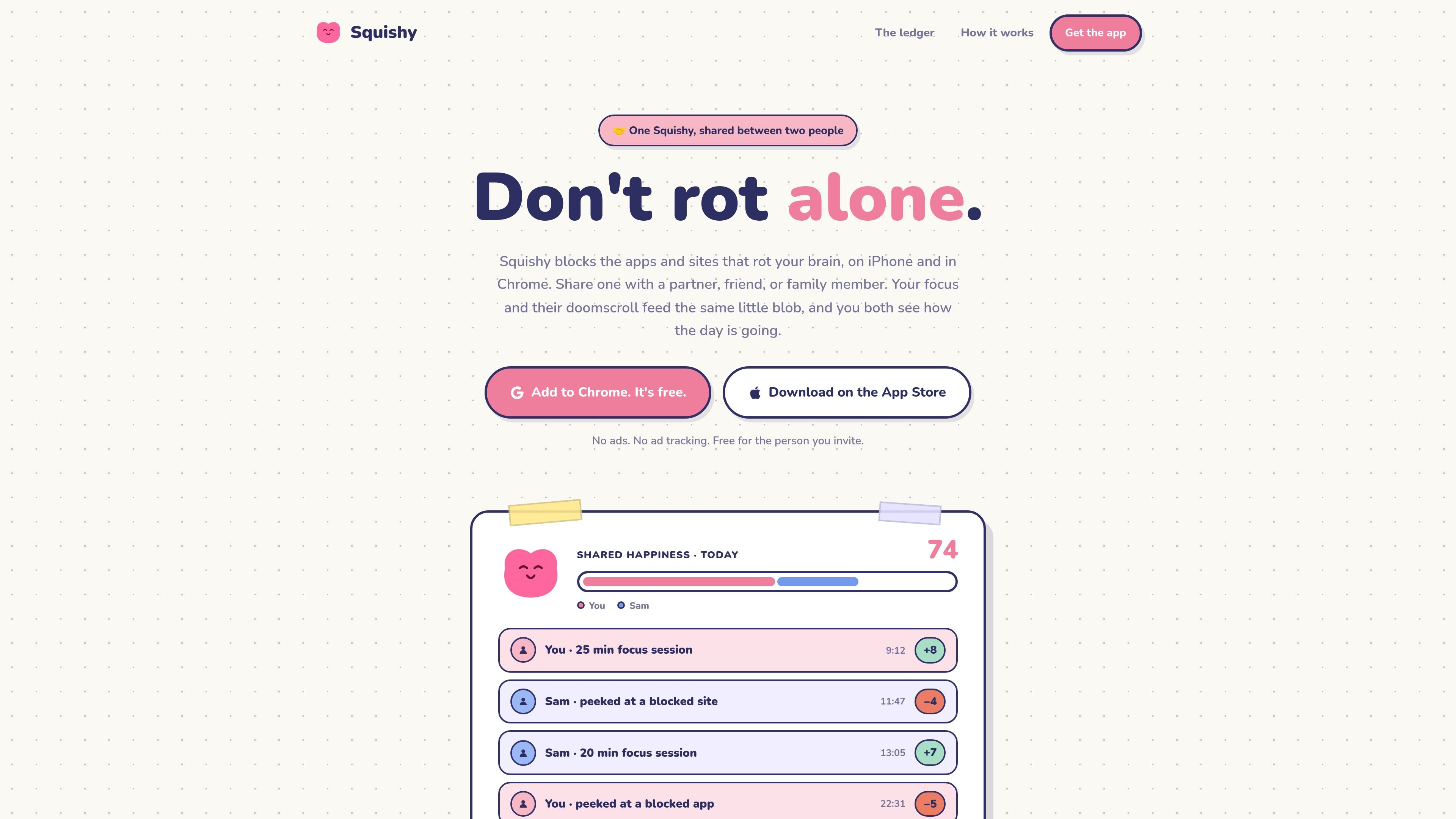
Squishy is a shared distraction-blocking app for iPhone and Chrome built around one live blob that two people keep in the same state. You set blocked apps, sites, and focus windows, then invite someone else with a six-letter code so both of your sessions and slips affect the same Squishy.
The product combines focus blocking with a visible accountability feed. The homepage says the shared ledger shows saves and slips, but not the exact apps or sites involved, so the product is aimed at people who want mutual pressure to focus without exposing browsing history.
Block distracting apps, sites, and focus windows from the app or Chrome extension before a session starts.
A shared blob tracks both focus sessions and slips so the same account reflects what happens on either side.
The ledger shows who helped and who slipped, while keeping the specific apps or sites private.
Focus sessions improve the blob and peeks or slips make it degrade through the visible brainrot stages.
A six-letter invite code lets another person join the same Squishy, and the invite is described as free for them.
Squishy Pro includes premium skins and the page says future drops are planned, with the same appearance visible to both people.
A pair can agree on blocked apps and sites, then use the shared blob as a mutual check-in during work or study blocks.
Someone trying to cut down on doomscrolling can let another person see the overall result without revealing which sites or apps were involved.
A person working on both iPhone and Chrome can keep one shared focus state across devices instead of managing separate tools per platform.
A couple, friend group, or accountability buddy can use the invite code flow to join one shared Squishy and react to each other’s focus sessions.
Users who want a visible reward loop can watch the blob move through its health states as focus sessions heal it and slips drain it.
Squishy is set up by adopting one blob on iPhone or in Chrome, then sharing a six-letter code with another person. The other person can join for free, and both accounts then feed the same shared Squishy.
According to the site, a focus session can be started on iPhone or Chrome after you set your blocked apps, blocked sites, and focus windows in Settings. The product then records focus sessions and slips into the shared ledger.
The homepage says the shared ledger shows saves and slips, but not which apps or sites the other person was on. That means the product is designed to show accountability signals while keeping browsing details private.
The site shows Squishy on iPhone and Chrome, and says the shared Squishy syncs across every screen either person owns. No other platforms are explicitly listed on the homepage.
The homepage says one iPhone subscription unlocks Squishy Pro, syncs access to Chrome, and covers the person you invite. It also says joining with a code is free for the invited person.

Biji es una plataforma versátil diseñada para mejorar la productividad a través de herramientas y características innovadoras.

Dcyde is a decision log for product teams that captures what was decided, the reasoning behind it, and the source in one shared place. It supports pinning decisions from Slack, Figma, or inside Dcyde and keeps the record searchable over time.

Carbon Voice is an asynchronous voice messaging app for teams and individuals, with transcripts, AI catch-up, and cross-device access. It helps people and agents communicate without needing a live call.

SignalLEMO is a B2B lead intelligence and outreach platform for field-service and specialized service teams. It helps users find prospects, draft outreach, and track pipeline activity in one place.

Goldfish is an AI memory app for macOS that helps you reply, write, summarize, and continue using the context already on your Mac. It stores memory locally and writes in your tone.

hob is an independent workspace for coding agents that keeps agent sessions, terminals, history, and follow-up work organized around the tools and providers you already use. It is aimed at developers who want local control over routing, history, and workspace structure rather than a bundled model stack.