
Deterministic skill-based workflows
Runs real scripts through Claude Code instead of relying on free-form prompting, so the same workflow produces the same stack each time.

Staff Engineer is a set of Claude Code skills that helps engineers scaffold apps, verify toolchains, and wire production workflows with repeatable scripts. The free skills cover app setup and ops checks, while the broader pack adds deployment, observability, real-time features, and background jobs.
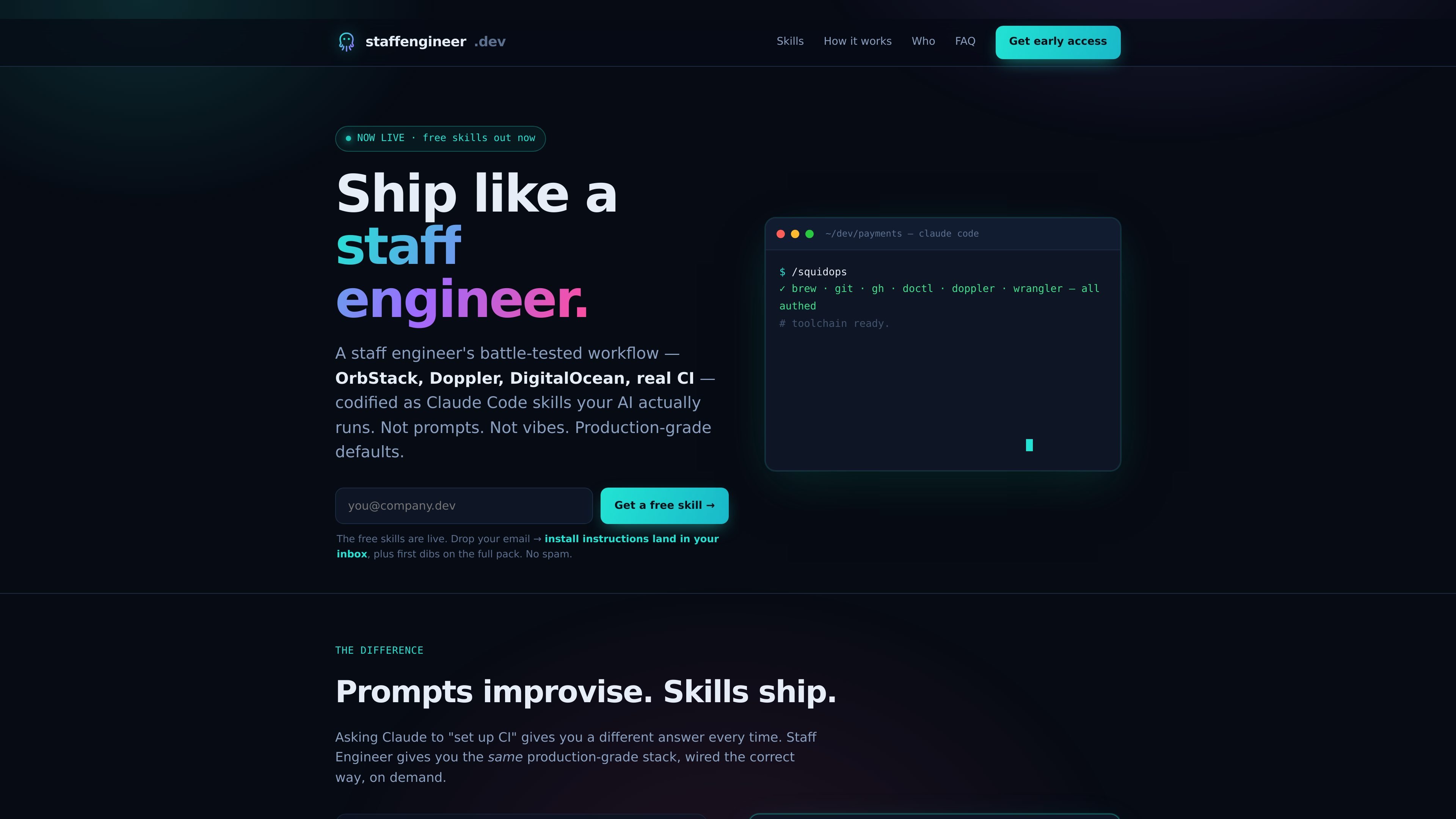
Staff Engineer is a set of Claude Code skills for shipping production software with repeatable, opinionated workflows. Instead of asking Claude to improvise a setup from scratch, the product runs real scripts that scaffold applications, verify your toolchain, and wire common production concerns the same way each time.
The current free skills cover full-stack scaffolding and toolchain checks, while the broader pack adds deploy pipelines, observability, real-time messaging, and durable workflows. The site positions the product as a way to give Claude the instincts of a staff engineer without taking away ownership of your repo, cloud, or tooling.
Runs real scripts through Claude Code instead of relying on free-form prompting, so the same workflow produces the same stack each time.
Creates a full local app environment with Next.js, NestJS/Prisma, Postgres, secrets handling, and pre-commit hooks so development starts from a working stack.
Checks for common development and infrastructure tools, then offers installs and login guidance when something is missing.
Generates CI/CD setups that build, test, and deploy on push to main, with provider-specific paths for DigitalOcean, AWS, Google Cloud, and Cloudflare.
Adds production monitoring with dashboards, health checks, and alert channels wired to email and Slack.
Supports live features and background processing with Pusher or Soketi for real-time messaging and Inngest for durable workflows and jobs.
Generate a working full-stack starter with the site’s default stack, including frontend, backend, database, secrets, and local container setup.
Check whether a machine has the expected dev and infra tools installed, then follow the install or login steps Claude surfaces.
Create a repeatable delivery pipeline that builds, tests, and deploys automatically when code lands on the main branch.
Add production visibility with dashboards, health checks, and alerts so deployed services are easier to monitor.
Introduce live updates or background jobs for product features that need messaging, presence, retries, or scheduled work.
You can install the free skills by entering your email and following the instructions sent to your inbox. The free skills mentioned on the site are /squidapp and /squidops, both install into Claude Code.
The site says the full pack is a one-time purchase, described as a digital copy you own rather than a subscription. Buyers get future updates and new skills included at no extra charge.
The site says you need Claude Code. For the infrastructure-related skills, it also mentions standard macOS development tooling such as brew, Docker via OrbStack, and Doppler.
Yes. The site says the skills are continuously refined as tooling evolves, and that buyers can re-run ./install.sh or squidup to update.
The site presents the free skills as /squidapp, which scaffolds a full app, and /squidops, which checks your development toolchain. The paid pack adds skills for CI/CD, observability, real-time features, and durable workflows.

ByteAsk is a terminal-first AI coding agent for C and C++ that edits repositories and verifies changes with the real compiler, debugger, sanitizers, and tests before showing a diff. It offers a free tier plus paid plans, with editor connectors and zero-retention handling described in the source.

Manta AI is an autonomous web app testing tool for teams that want to map application behavior, catch regressions, and generate tests without writing scripts or maintaining selectors. It works from a URL and supports plain-English test flows, run results with screenshots, and scheduled or deployment-triggered checks.

Ghost es un asistente de IA para terminal para chatear, generar código y ejecutar tareas en la línea de comandos. Incluye modelos gratuitos, es compatible con Linux, macOS y Windows, y es de código abierto.

CreateOS Sandbox is an isolated compute environment for running code and agent workloads inside Firecracker micro-VMs. It is designed for workflows that need machine-level isolation, private networking between sandboxes, and programmatic control through SDK, CLI, or MCP.

hob is an independent workspace for coding agents that keeps agent sessions, terminals, history, and follow-up work organized around the tools and providers you already use. It is aimed at developers who want local control over routing, history, and workspace structure rather than a bundled model stack.

SonOf connects to your repo and PM tool, audits the codebase and surrounding product context, and turns approved work into shipped tickets with senior engineering review. It is aimed at founders and engineering leaders who need backlog help without hiring a full team immediately.