
Device-framed portrait exports
Upload a portrait recording from a device or emulator and export a device-framed 9:16 launch video, with output up to 2K on paid exports.

TapCraft is a browser-based tool for turning Android or iOS device or emulator screen recordings into device-framed 9:16 launch videos with touch ripples and tap-following camera motion. It helps mobile developers create app demos, tutorials, store clips, and social videos on Windows, Linux, or Mac.
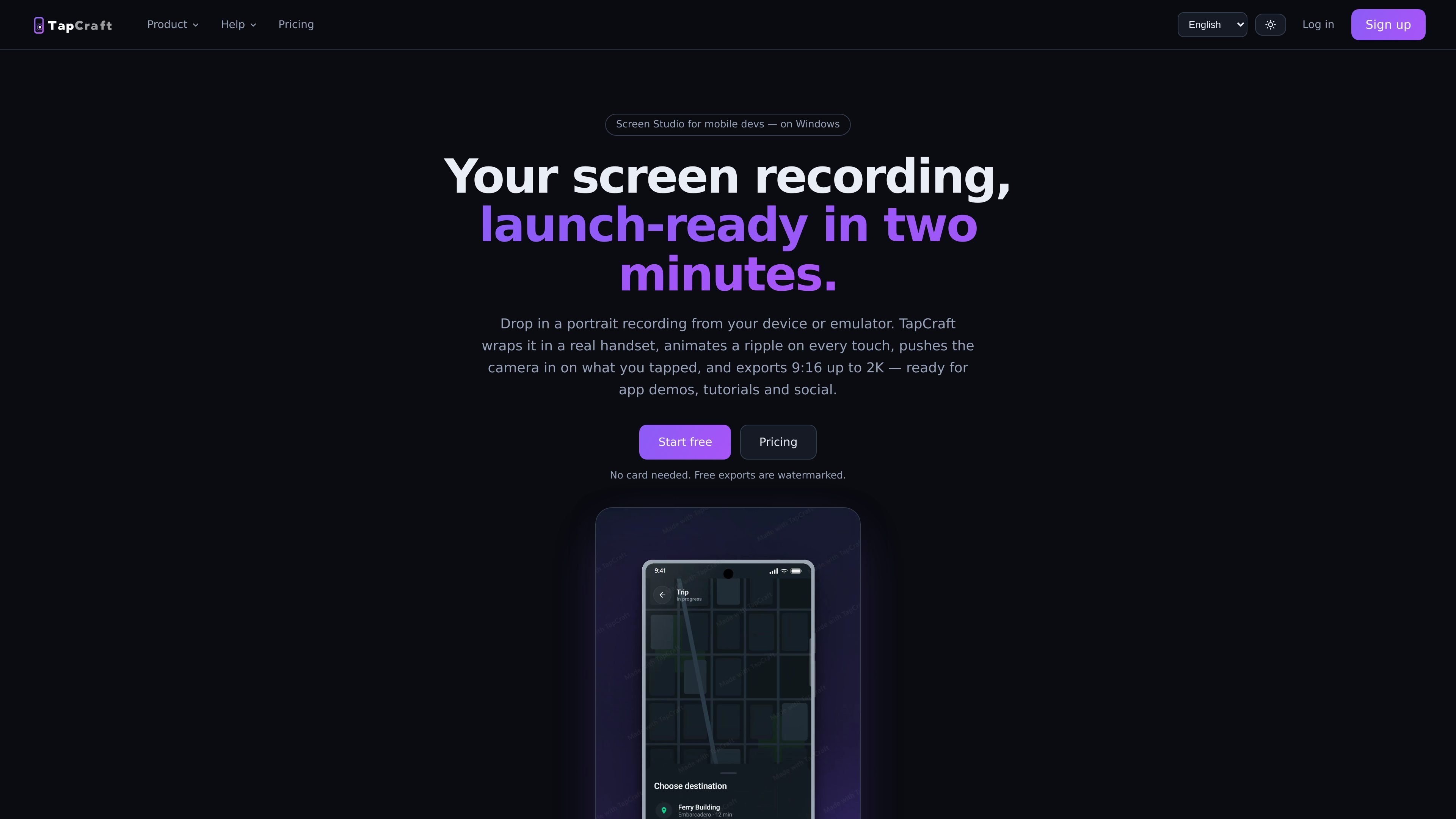
TapCraft is a browser-based video tool for mobile developers. It turns a portrait Android or iOS screen recording from a device or emulator into a device-framed 9:16 video for app demos, tutorials, product launches, store listings, and social posts.
The workflow combines a handset frame with manually placed or ADB-captured touch ripples and an automatic camera push-in that follows tap activity. Users can trim the clip, adjust the background and audio, cover recording status details, and export the finished video; the site supports Windows, Linux, and Mac through the browser.
Upload a portrait recording from a device or emulator and export a device-framed 9:16 launch video, with output up to 2K on paid exports.
Add a ripple to each interaction by placing taps manually or capturing exact coordinates over ADB during recording.
Taps occurring within a second share one eased push-in centered on the tap group, creating an automatic camera move.
Choose from 15 devices across seven listed brands, including Pixel, iPhone, Galaxy, OnePlus, Nothing, Xiaomi, and a generic frame, with real finishes.
Use gradients, flat colours, or a custom colour for the background, and add music, voiceover, and tap-click audio. Music ducks under speech automatically.
Trim the source clip, cover the recording indicator and status details with a colour-matched status bar, and export a concise clip for launch or social use.
Create a polished portrait clip for a landing page, Product Hunt launch, or app store listing without assembling a handset frame and interaction effects manually.
Turn a feature walkthrough into a sequence that visibly marks each interaction and moves the camera toward the relevant control, making short demonstrations easier to follow.
Prepare 9:16 clips for TikTok, Reels, Shorts, or X, using trimming and portrait framing to keep the product interaction suited to social feeds.
Capture exact tap coordinates over ADB while recording so a development team can produce a repeatable demo from emulator or device footage.
Upload a portrait screen recording from a device or emulator. The studio accepts MP4, MOV, and WebM files; 9:16 recordings at 60 fps are recommended. You can use a sample clip if you do not have a recording ready.
TapCraft runs in a browser and the site states that Windows, Linux, and Mac work the same. It is intended for Android or iOS screen recordings, including recordings from a device or emulator.
Exports are portrait 9:16 videos, with output up to 2K on paid exports. Free exports are unlimited but include a watermark; paid options provide watermark-free exports.
You can place tap ripples by clicking, or capture exact tap coordinates over ADB while recording. TapCraft uses those coordinates for the ripple and camera movement rather than guessing from the footage.
The free tier provides unlimited watermarked exports. Pro is available monthly or yearly, and a one-time package provides 10 watermark-free exports up to 2K; credits do not expire. Payments are handled by Paddle.

Video Effects SDK adds real-time webcam effects such as background blur, background replacement or removal, denoising, framing, beautification, and color grading. It is built for teams shipping live video experiences on web, desktop, and mobile platforms.

DeepMotion is a web-based AI motion capture and 3D animation platform with Animate 3D for video-to-animation and SayMotion for text-to-animation. It helps creators and teams generate motion in a browser and export results in common production formats.

Zella is a screen recorder and on-device AI video editor for Mac and iPhone. It helps creators record screens or cameras, automatically clean up footage, add captions, reframe clips, and export videos without uploading the core project to the cloud.

Agentic video understanding is a Gemini video analysis mode that helps developers inspect video more selectively for better accuracy and lower token usage. It is available through the Gemini API in Google AI Studio and the Gemini Enterprise Agent Platform.

Jupitrr Cut is a free iOS and Android teleprompter and recording app for scripted talking-head videos. It records scenes separately, lets users retake individual lines, trims pauses, and stitches the takes into a jump-cut video.

Optimo is a free, open-source CLI for optimizing and converting images and videos with format-specific commands built on ImageMagick and FFmpeg. It helps developers prepare web assets, batch process media, and automate compression from the shell or a Node.js script.