
Prompt-to-app generation
Describe an app in a prompt and Taskade Genesis can turn it into a working system with projects, agents, and automations already wired together.

Taskade is an AI business app builder for creating CRMs, dashboards, client portals, and other workflow apps from a prompt. It combines app generation, agents, automations, and shared memory in one workspace.
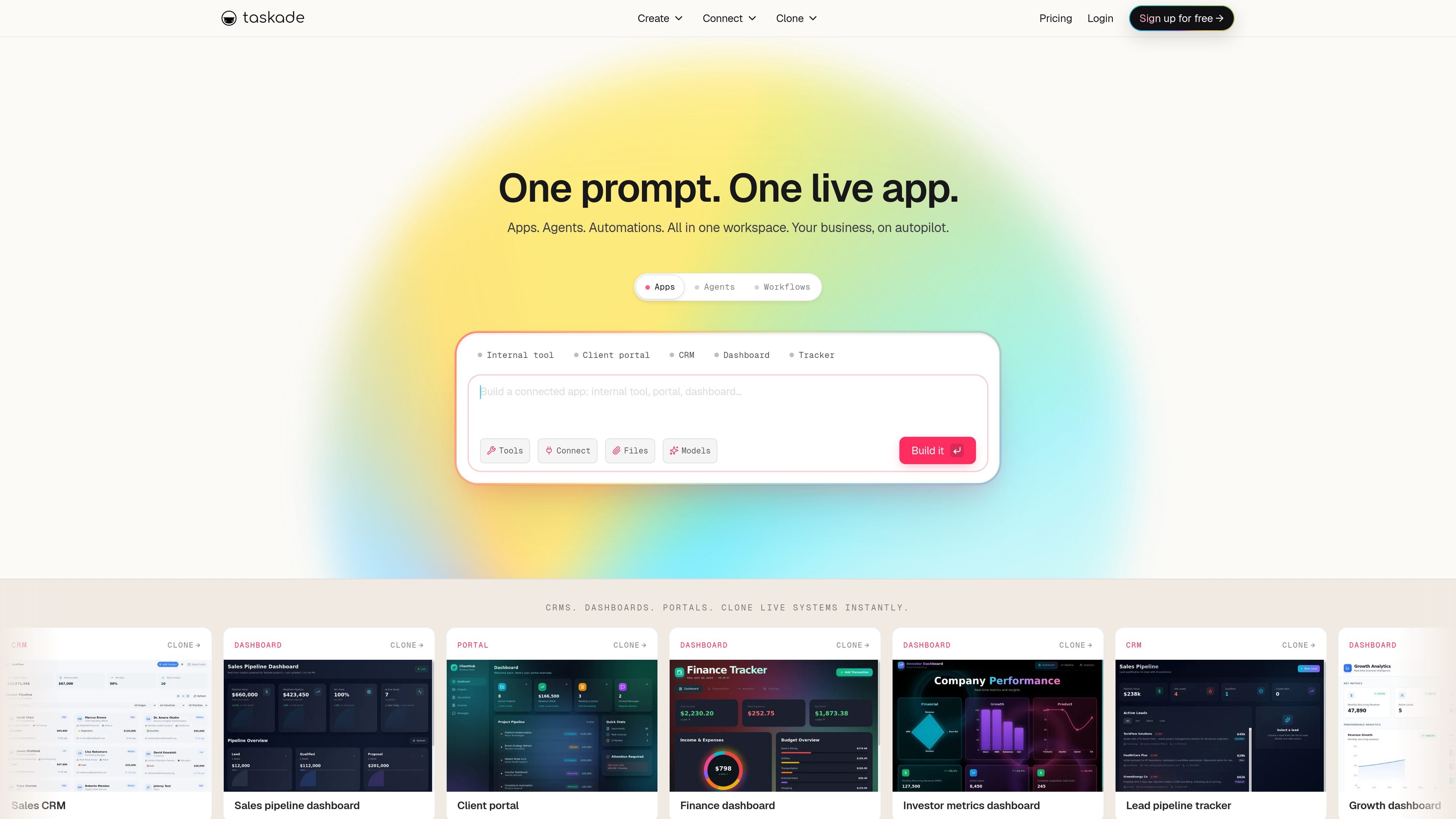
Taskade is an AI business app builder for creating live dashboards, CRMs, portals, trackers, and other internal or customer-facing tools from a prompt. The product centers on Taskade Genesis, which combines app generation, AI agents, automations, and shared workspace memory in one system.
The published apps can be cloned, shared, or kept private, and the source content shows support for branded domains, password protection, and community publishing. Taskade also offers desktop and mobile apps, so the workspace and its AI-driven apps can be used across web, iOS, Android, Mac, Windows, and Linux.
Describe an app in a prompt and Taskade Genesis can turn it into a working system with projects, agents, and automations already wired together.
Published apps can be shared by link, kept private, made public, or sent to the Community Gallery, with support for password protection and branded domains.
Workspace DNA keeps memory, intelligence, and execution connected so projects, agents, and workflows share context across the workspace.
Agents can be trained on files, projects, and web content, then assigned custom tools, skills, commands, and background execution.
Workflows support branching, looping, filters, and recurring schedules, with integrations into tools such as Slack, Gmail, Google Workspace, Microsoft 365, HubSpot, Salesforce, Stripe, and GitHub.
Taskade supports 15+ AI models across multiple providers, including GPT, Claude, Gemini, and open-weight options, with model choice per agent and auto-routing on premium plans.
Create CRM-style workflows for lead tracking, sales pipelines, and customer follow-up without building from scratch.
Publish client portals, dashboards, or internal tools that teammates or customers can open in a browser and, if needed, sign into.
Build recurring operational workflows such as report generation, lead enrichment, data syncs, and scheduled task handling with AI automations.
Clone a ready-made app from the Community Gallery, customize its branding and workflow, and launch it as a tailored system for a team or project.
Use agents trained on workspace files and web content to answer questions, organize information, or carry out multi-step work in the background.
Taskade Genesis turns a prompt into a live app, dashboard, portal, or CRM-style workflow inside a Taskade workspace. The published app can include agents, automations, memory, and optional password protection or a branded domain.
Publishing makes an app available through a shareable web address. Depending on the visibility setting, it can be kept private, shared by link, published publicly, or submitted to the Community Gallery for others to clone.
The pricing page shows a Free plan and paid plans starting at $6 per month. Paid tiers add more credits, more apps, more agents, more automations, more storage, and team features such as additional users and branding controls.
The source content says Taskade provides desktop and mobile apps, including web, iOS, Android, Mac, Windows, and Linux support. Published apps also work through a browser link on any device.
The source highlights use cases such as CRMs, dashboards, client portals, trackers, tools, storefronts, and internal workflows. It is aimed at teams or individuals who want to build and run business apps with AI assistance.

Codex Plugins bundle reusable skills, app integrations, and MCP servers into workflows you can install in the Codex app or use from Codex CLI. They help extend Codex with connected-service tasks, reusable instructions, and shared team workflows.

BotBoard is a task-management layer for AI agents that helps teams assign work, track progress, and review output. It supports CLI, MCP, and HTTP connections for tools like OpenClaw, Codex, Claude Code, and Cursor.

CreateOS Sandbox is an isolated compute environment for running code and agent workloads inside Firecracker micro-VMs. It is designed for workflows that need machine-level isolation, private networking between sandboxes, and programmatic control through SDK, CLI, or MCP.

Biji es una plataforma versátil diseñada para mejorar la productividad a través de herramientas y características innovadoras.

GitBot is a local browser-based workspace for creating reusable coding bots powered by Claude Code, Codex, or OpenCode. It helps developers run those agents across repository folders with persistent threads and configurable permissions.

Struere is an AI-native platform for turning spreadsheet data into structured operational software with dashboards, alerts, and automations. It is aimed at teams that want to replace manual spreadsheet workflows without building custom tools from scratch.