
Multi-source recording
Capture your screen, webcam, microphone, and a phone camera as separate tracks so you can adjust the layout after recording.
Threelane is a local-first screen recorder and editor for Mac and Windows that captures screen, webcam, mic, and phone camera together in sync. It is aimed at product demos, tutorials, and short-form videos, with local storage and free open-source distribution.
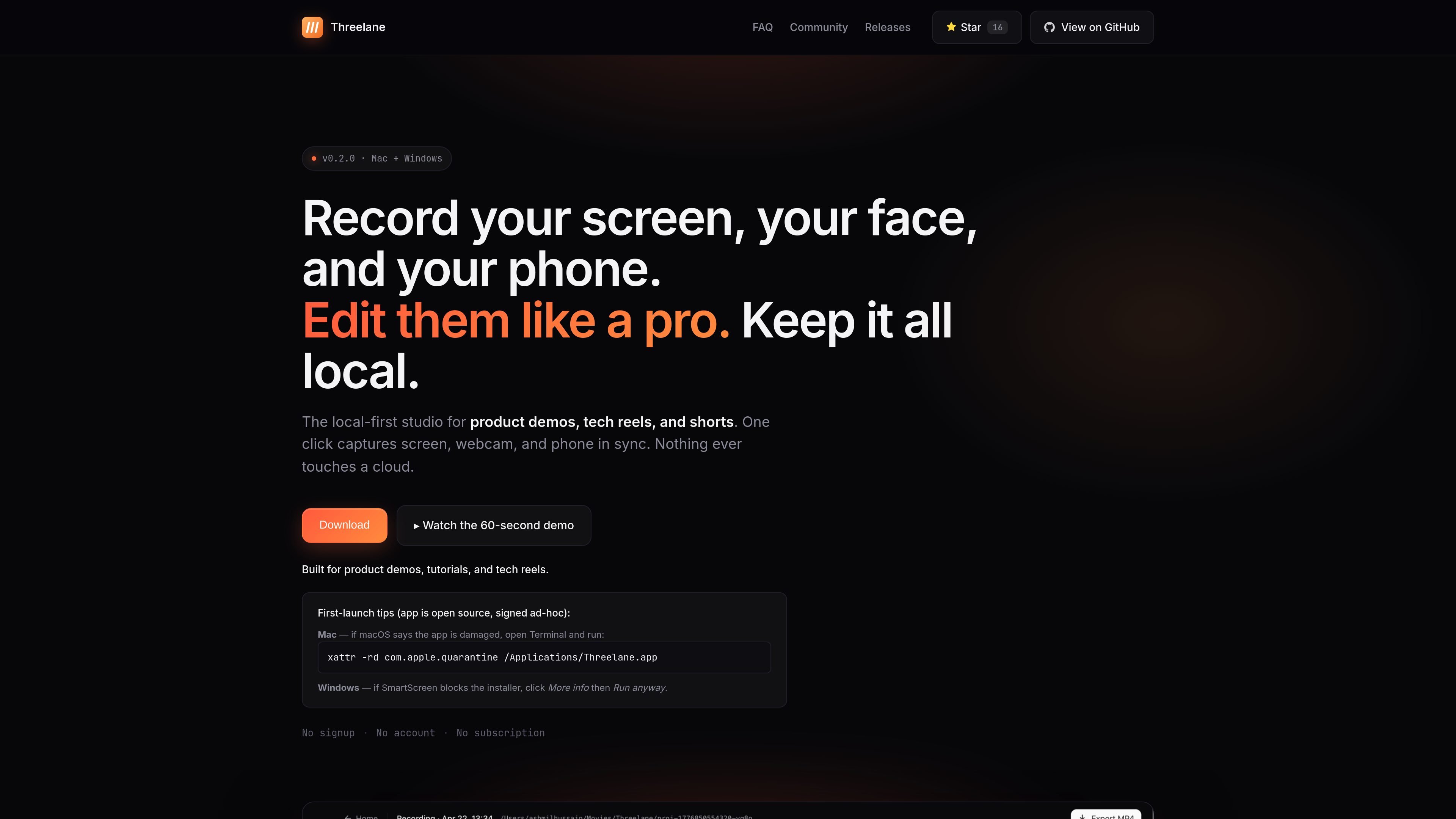
Threelane is a local-first screen recording and lightweight editing app for Mac and Windows. It is designed for people who want to record a screen, webcam, and phone camera together, keep the files on their own machine, and turn the footage into short-form videos or product demos without uploading anything to a cloud service.
The workflow is built around three steps: record, edit, and export. The app captures separate tracks for the screen, camera, mic, and phone angle, then lets you split the material into scenes, change layouts, and export MP4 files in the aspect ratio you need. The site also describes the product as free and open source.
Threelane targets creators who publish tutorials, launch videos, tech reels, and similar short videos. It emphasizes local storage, offline operation, and a phone companion that joins the recording over Wi‑Fi instead of requiring cables or a phone app store install.
Capture your screen, webcam, microphone, and a phone camera as separate tracks so you can adjust the layout after recording.
Use the phone as a second camera by scanning a QR code and pairing over Wi‑Fi, with timestamps locked to the same timeline as the desktop recording.
Split recordings into scenes and choose layouts per scene, including screen-only, camera-only, phone-only, split, and screen plus camera bubble.
Zoom and pan the screen after recording, with cursor-follow behavior designed for walkthroughs and tutorials.
Export to MP4 in portrait, landscape, or square formats using ffmpeg, with presets aimed at Reels, Shorts, TikTok, YouTube, and LinkedIn.
Store projects as plain folders on disk so recordings can be inspected, moved, or deleted without a cloud workspace.
Record a product walkthrough with screen, webcam, and phone camera captured together, then adjust the layout afterward for a clean final cut.
Create tutorials with zoomed-in screen regions and cursor-follow framing to keep code or UI steps easy to follow.
Produce short-form social clips in portrait, square, or landscape formats from one project without re-shooting.
Capture launch videos or announcement clips locally when you want to avoid cloud uploads and keep the source files on your own machine.
Use the phone as a second angle for talk-to-camera recording, conference prep, or demo narration without cables or a phone app install.
Yes. The site describes Threelane as free and open source, with no paywall, trial, subscription, or credit card required.
Threelane supports macOS on Apple Silicon and Intel Macs, and Windows x64 builds are listed on the releases page. The home page also says it is available for Mac and Windows.
Yes. The site says the phone companion works as an installable PWA in the phone’s browser, so you do not need a separate phone app installation. You scan a QR code, open the PWA, and start recording.
Recordings are saved locally in `~/Movies/Threelane/` as plain folders that you can inspect, move, or delete.
No. The site positions Threelane as a focused recorder and editor for product demos, tutorials, reels, and shorts, not a full replacement for a traditional editor.

Dina is a macOS app for creating polished screen recordings with automatic zoom, cursor smoothing, captions, transcript editing, and presentation-focused layouts. It is built for recording, refining, and exporting demos and tutorials on Mac.

CAMB.AI Streams dubs live audio in multiple languages in real time for broadcasts on platforms like YouTube, Twitch, and X. It plugs into existing live workflows using common streaming protocols and avoids a post-production step.

Tavus is an AI video platform for building real-time, face-to-face agents, digital twins, and AI companions. It combines APIs, custom replicas, and multilingual conversational workflows for developers and teams.

HiringPartner.ai is an autonomous AI recruiting platform for sourcing, screening, and interviewing candidates 24/7. It supports ATS-connected workflows, bulk resume uploads, and reviewable interview outputs for hiring teams.

QuickQuill is a macOS dictation and transcription app that runs locally on the device. It helps users record meetings, transcribe audio, generate summaries, and export notes without using a cloud service.

Bezel es una app para macOS que duplica y graba dispositivos Apple en Mac con AirPlay o USB, ideal para demos, presentaciones y grabaciones.