
Express menu import
Take a photo of a paper menu, blackboard, or PDF and let the AI extract dishes, prices, descriptions, and categories automatically.

Twintable is a digital menu platform for restaurants that converts a paper or PDF menu into an online menu with a QR code. It helps restaurants publish and update menus quickly, including multi-language access for tourists.
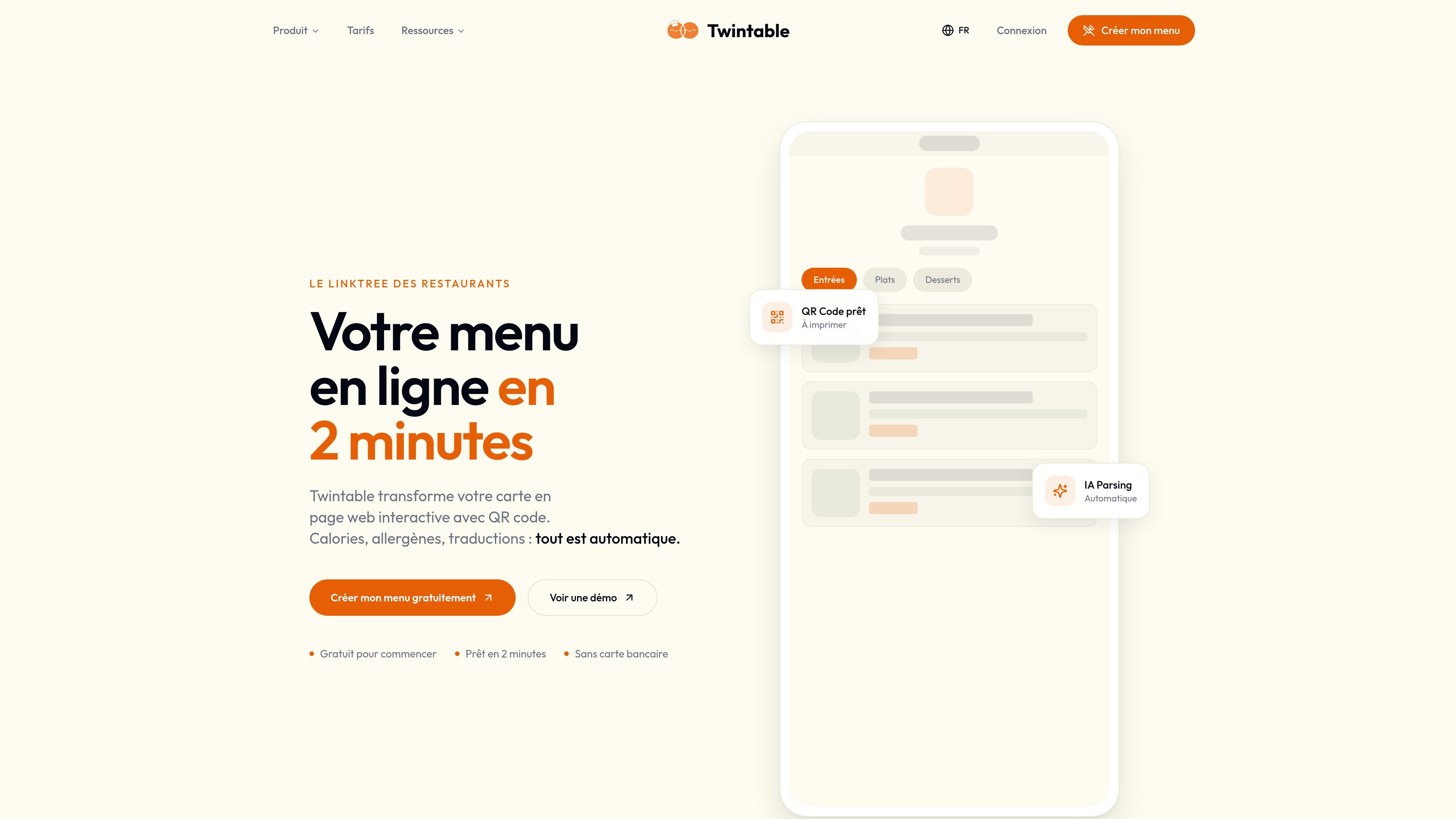
Twintable is a digital menu platform for restaurants that turns a paper card, PDF, or photographed menu into an online menu with a QR code. The site positions it as a fast way to publish a browsable menu that customers can open on their phones without installing an app.
Its main workflow is simple: photograph the menu, let the AI structure the content, review the result, and publish. The product is aimed at restaurants that want to reduce reprinting, make menu changes faster, and offer a version that works for local customers and tourists alike.
Take a photo of a paper menu, blackboard, or PDF and let the AI extract dishes, prices, descriptions, and categories automatically.
Generate a dynamic QR code that points to the digital menu and can stay the same even when the menu is updated.
Translate menu content automatically in 40+ languages, with language detection and gastronomic vocabulary adapted for restaurant menus.
Surface allergens and calorie information from the imported menu, with allergen support framed around INCO requirements on the site.
Manage menu updates from a phone and publish changes instantly without reprinting the paper menu.
A restaurant can photograph a printed menu and publish a digital version quickly, avoiding manual retyping of dishes and prices.
When daily specials or prices change, staff can update the menu from a phone and keep the QR code on tables the same.
Restaurants serving international visitors can present the menu in the guest’s language so ordering takes less explanation.
Teams can surface allergen and calorie information as part of the digital menu to support clearer menu communication.
Operators can use the QR code on tables, flyers, or other print materials so customers can scan it and open the menu immediately.
Twintable provides a free plan and paid plans. The pricing page shows Free, Pro, and Business tiers, with Pro and Business offering more menus, languages, branding, and advanced features.
The site says you can create a menu by taking a photo or uploading a PDF, then the AI extracts dishes, prices, descriptions, and categories before publishing a QR code menu.
Yes. The QR code is described as dynamic, so the menu can be updated from the dashboard without changing the QR code itself.
Yes. The site says clients scan the QR code with their phone camera and the menu opens in the browser, with no app required.
The site states that Twintable supports multi-language menus and automatic translation in 40+ languages, with examples such as English, Spanish, German, Italian, Portuguese, Chinese, Japanese, Arabic, Russian, and Dutch.

MacSpoof es un cambiador de MAC para macOS: cambia o aleatoriza tu MAC Wi‑Fi para reconectar y reducir el registro de identidad en redes públicas.

DemoTV is an audience-ranked station for discovering and comparing independent product demos. Founders can submit videos, embed approved demos on their websites, collect viewer inquiries and optionally commission demo production or labelled promotion without buying ranking.

Ship It: Idle Dev Tycoon is an iPhone incremental simulation game about building apps, managing a software studio, and selling it for lasting progression benefits. It supports offline play, automated builds, adviser collection, and optional in-app purchases.

NomNak es una app gratuita para iPhone para descubrir restaurantes con recomendaciones de amigos, guardar lugares, crear tu pasaporte gastronómico y buscar ciudades.

CAPTA is a mobile GPS waypoint app for quickly saving, organizing, and revisiting locations. It supports offline use, camera-based coordinate capture, optional cross-device synchronization, and GPX export for fishermen, explorers, and field professionals.

Ctrl+Shift+3 is a calm, text-first community platform with a chronological feed, profiles, RSS, and private groups called Clicks. It is built for reading, posting, and joining smaller communities without algorithmic ranking or vanity counts.