
One-click app deployment
Install supported business applications in one click, with the apps already configured for business use rather than exposed as raw upstream installs.

VCloud is a managed hosting platform for self-hosted business applications. It lets teams deploy supported apps in one click and manage them with monitoring, backups, and fixed compute-based plans.
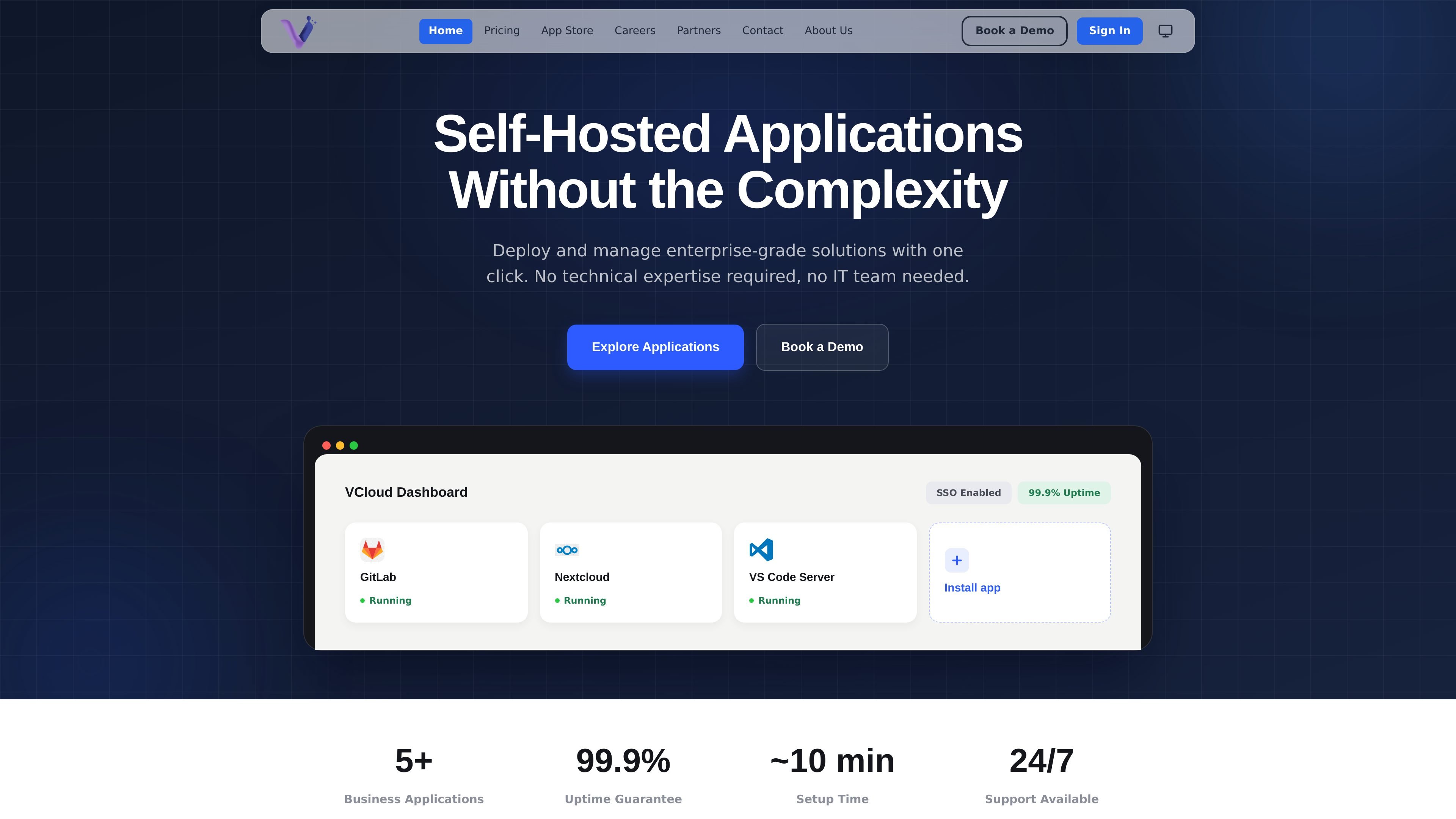
VCloud is a hosted platform for deploying and managing self-hosted business applications. The site presents it as a way to run enterprise-grade tools with one-click installation, built-in administration, and no need for technical expertise or an IT team.
The current app catalog includes GitLab, Nextcloud, VS Code Server, Rocket.Chat, and OpenClaw. The product combines app deployment, monitoring, backups, and support under fixed plans priced by compute allocation rather than by the number of apps installed.
Install supported business applications in one click, with the apps already configured for business use rather than exposed as raw upstream installs.
The homepage says VCloud adds SSO through VCloud Auth, secure tunnels, and operational controls that some apps do not include on their own.
The platform exposes app actions through a UI menu so tasks such as validation or agent restarts do not require terminal access.
Each tenant gets live visibility into CPU, memory, storage, and uptime, along with incident detection and uptime history.
Automatic backups, encryption, and security patching run in the background, with restore on demand mentioned on the homepage.
Pricing is based on fixed resource bundles rather than per-app licensing, and the app catalog itself has no install cost.
Run GitLab, Nextcloud, Rocket.Chat, or VS Code Server without provisioning and maintaining each service separately.
Give non-technical operators a UI for everyday app administration instead of asking them to use SSH or shell commands.
Centralize app visibility with uptime history and live resource usage when you need to watch how a tenant is performing.
Start with the Starter plan’s free first month and evaluate whether the platform fits your organization before the first billed cycle.
No. The pricing page says you can create an account without a card, but a card is required when you install your first app.
Your free month starts when you deploy your first app. During that month you are not charged, and billing begins afterward if you keep the Starter plan.
The pricing page says the free month ends without changing your environment. The same Starter resources continue running, and only billing changes.
Yes. You can cancel from the dashboard any time before the free month ends, and you will not be charged.
The pricing page says there is no permanent free plan for running apps; app hosting is paid after the first month.

Biji es una plataforma versátil diseñada para mejorar la productividad a través de herramientas y características innovadoras.

hob is an independent workspace for coding agents that keeps agent sessions, terminals, history, and follow-up work organized around the tools and providers you already use. It is aimed at developers who want local control over routing, history, and workspace structure rather than a bundled model stack.

MacSpoof es un cambiador de MAC para macOS: cambia o aleatoriza tu MAC Wi‑Fi para reconectar y reducir el registro de identidad en redes públicas.

ClawTick is an AI agent automation platform for scheduling jobs from the CLI, dashboard, or REST API. It is aimed at developers and teams running LangChain, CrewAI, webhook, or custom agent workflows that need monitoring, alerts, and logs.

Falconer is an AI-powered company brain that keeps internal documentation accurate, searchable, and up to date by syncing with tools like GitHub, Slack, and Linear. It helps engineering and cross-functional teams centralize knowledge and answer questions from a shared source of truth.

NomNak es una app gratuita para iPhone para descubrir restaurantes con recomendaciones de amigos, guardar lugares, crear tu pasaporte gastronómico y buscar ciudades.