
Repository-wide drift scan
Runs a local scan over a repository and ranks drift by how much it hurts, so the first thing you see is the most consequential mismatch rather than an undifferentiated list of warnings.

VibeDrift is a developer tool that scans codebases for AI-generated drift and can also act as an MCP server so agents can check conventions before they write. It helps teams keep repository patterns, naming, and logic consistent as projects grow.
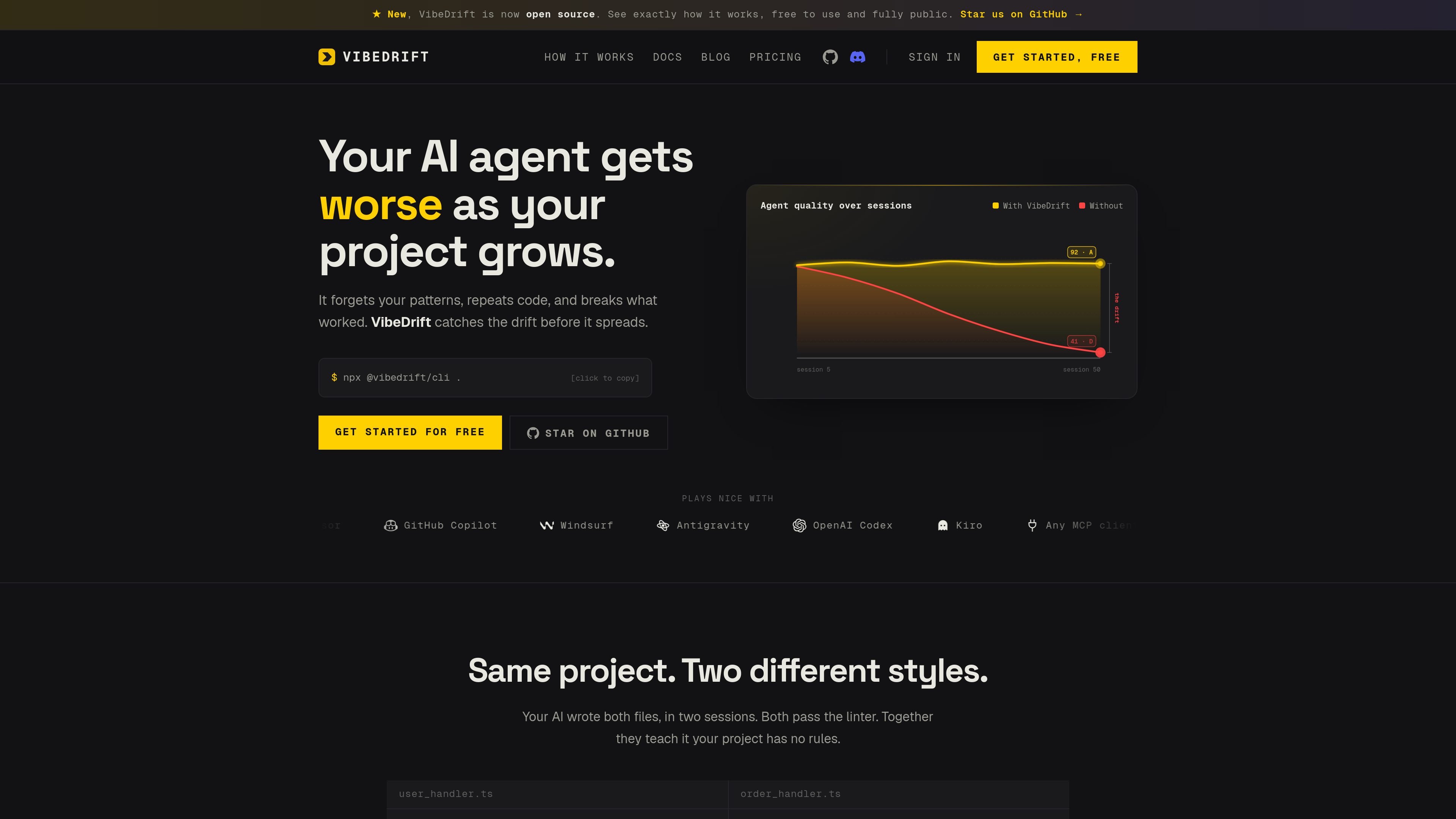
VibeDrift is a developer tool for spotting and preventing AI-generated code drift as a project grows. It scans a codebase for inconsistencies, patterns that have diverged, missing guards, duplicated logic, and other signs that an agent has stopped following the repo's established conventions.
The product is designed for a workflow where AI coding agents such as Claude Code or Cursor are already writing code. VibeDrift can run as a local scanner from the CLI, and it can also run as an MCP server so the agent can query the codebase mid-task and receive evidence-backed answers before it writes or commits changes.
Runs a local scan over a repository and ranks drift by how much it hurts, so the first thing you see is the most consequential mismatch rather than an undifferentiated list of warnings.
Highlights architectural contradictions such as different patterns for similar code, missing auth checks, duplicated logic, and inconsistent naming across files.
Produces a Vibe Drift Score, a coherence report, scan-over-scan delta, and copy-ready fixes so the output is actionable rather than just diagnostic.
Provides an MCP server with tools such as `get_dominant_pattern`, `find_similar_function`, `check_file_drift`, `get_intent_hints`, and `validate_change` so an agent can check conventions before writing code.
Offers a local watch mode that refreshes the memory on every save and a pre-push gate for catch-at-the-edge checks.
Supports deeper semantic analysis for duplicate logic, intent mismatch, and AI-validated findings, with deep checks available as a paid budgeted capability.
Use the local scan on a repository when AI-generated files are starting to diverge in auth handling, error handling, naming, or data-access style. The scan ranks the most serious mismatches first so a developer can review the biggest problems without combing through the whole tree.
Use the MCP tools inside Claude Code, Cursor, or another MCP client when an agent is about to write new code. The agent can ask what the dominant pattern is, whether similar logic already exists, or whether a planned change would introduce drift.
Use the watch mode and pre-push checks in an active repository where files change frequently. The memory refreshes on save, and the gate helps catch regressions before they leave the local branch.
Use the deep scan when you need semantic checks for intent mismatch or hidden duplicates that are not obvious from structure alone. This is the more detailed path for larger codebases or places where simple pattern matching is not enough.
You run VibeDrift from the command line with `npx @vibedrift/cli .` in a project. The homepage says there is no account or configuration required to start local scans.
According to the FAQ, VibeDrift is meant to compare files and codebases rather than just validate syntax in a single file. That makes it different from tools like ESLint or Prettier, which work file by file.
The product describes a free local scan and MCP tools that run on your machine. For deeper semantic checks, the blog says only the single function under review leaves the machine when deep mode is explicitly used.
The site presents a free plan with local scans and limited deep scans, a Pro plan with more deep scans and in-editor checks, and an Enterprise plan for BYOC, team seats, SSO/SAML, custom rules, GitHub App automation, and dedicated support.
The FAQ page includes a dedicated question about whether VibeDrift works on old or legacy codebases, but the rendered text provided here does not include the answer. The public site therefore signals that legacy-code support is addressed, but not enough detail is visible in the captured text to restate it confidently.

ByteAsk is a terminal-first AI coding agent for C and C++ that edits repositories and verifies changes with the real compiler, debugger, sanitizers, and tests before showing a diff. It offers a free tier plus paid plans, with editor connectors and zero-retention handling described in the source.

Manta AI is an autonomous web app testing tool for teams that want to map application behavior, catch regressions, and generate tests without writing scripts or maintaining selectors. It works from a URL and supports plain-English test flows, run results with screenshots, and scheduled or deployment-triggered checks.

Ghost es un asistente de IA para terminal para chatear, generar código y ejecutar tareas en la línea de comandos. Incluye modelos gratuitos, es compatible con Linux, macOS y Windows, y es de código abierto.

CreateOS Sandbox is an isolated compute environment for running code and agent workloads inside Firecracker micro-VMs. It is designed for workflows that need machine-level isolation, private networking between sandboxes, and programmatic control through SDK, CLI, or MCP.

hob is an independent workspace for coding agents that keeps agent sessions, terminals, history, and follow-up work organized around the tools and providers you already use. It is aimed at developers who want local control over routing, history, and workspace structure rather than a bundled model stack.

SonOf connects to your repo and PM tool, audits the codebase and surrounding product context, and turns approved work into shipped tickets with senior engineering review. It is aimed at founders and engineering leaders who need backlog help without hiring a full team immediately.