
Paste-and-go downloads
Download source-quality video from YouTube, and also supported sites such as TikTok, Instagram, Twitter/X, Vimeo, Reddit, Facebook, Dailymotion, Twitch, and SoundCloud, without signup.

VidPickr is a browser-based downloader for video, audio, subtitles, and clips from YouTube and other supported platforms. It also offers a paid Plus tier with browser-local transcription, clipping, silence removal, reframe tools, batch downloads, and API access.
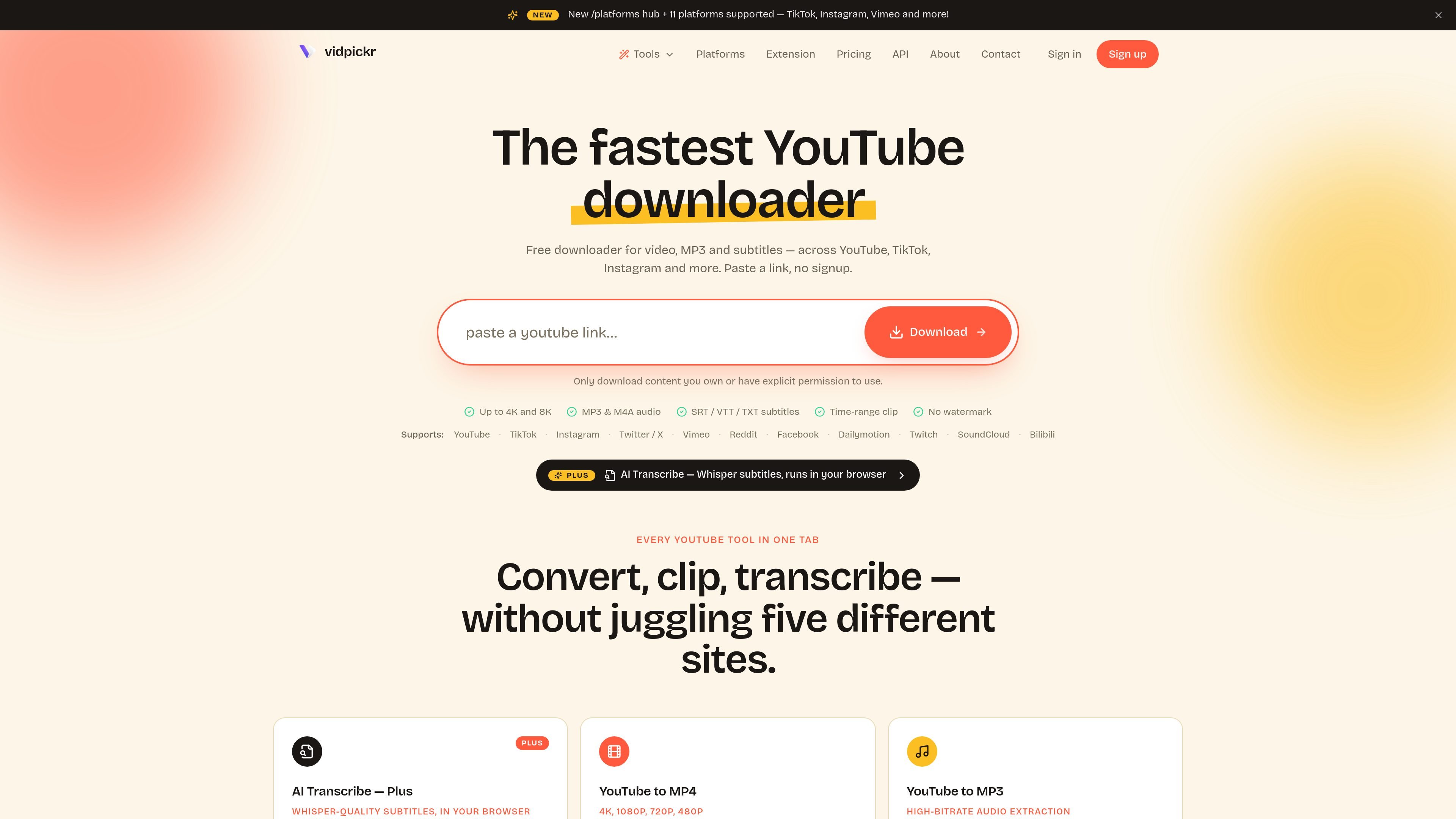
VidPickr is a browser-based video downloader and export tool for YouTube and several other major platforms. It focuses on getting the media you need quickly: video files, MP3 or M4A audio, subtitles, clipped segments, and in Plus, browser-local transcription and basic editing tools.
The main workflow is simple: paste a URL, pick the output format or range, and save the file. The site says there is no signup for the free flow, downloads are delivered directly in the browser, and supported sources include YouTube as well as TikTok, Instagram, Twitter/X, Vimeo, Reddit, Facebook, Dailymotion, Twitch, and SoundCloud.
Download source-quality video from YouTube, and also supported sites such as TikTok, Instagram, Twitter/X, Vimeo, Reddit, Facebook, Dailymotion, Twitch, and SoundCloud, without signup.
Choose MP4 video resolutions up to 4K and 8K where available, with no re-encoding on the site’s standard download flow.
Extract audio as MP3 or M4A, including MP3 at 192 kbps and original AAC M4A where offered by the source.
Save subtitles and transcripts in SRT, VTT, or TXT, including auto-generated captions and multilingual subtitle tracks when available.
Clip a time range before download so you can save only the segment you need instead of the full file.
Use Plus for browser-local AI Transcribe, silence removal, reframe-to-vertical crops, larger batch downloads, and API access for scripts.
Save a full video from YouTube or another supported platform in the resolution you need, including higher-resolution sources when available.
Extract audio from a lecture, podcast, music video, or other clip as MP3 or M4A for listening or editing.
Grab captions in SRT, VTT, or TXT for use in an editor, notes app, or transcript workflow.
Trim a section before saving so you only keep the highlight, intro, or segment you actually need.
Batch-download a playlist or channel when you need to collect multiple videos in one pass, with larger limits available in Plus.
VidPickr is a browser-based downloader. Paste a supported URL, choose the output you want, and save the file without creating an account.
The site supports YouTube video downloads, MP3 and M4A audio extraction, subtitle downloads in SRT, VTT, or TXT, time-range clipping, playlist and channel batch downloads, and AI transcription for YouTube URLs in Plus.
Free covers core downloads such as single videos, audio, subtitles, and some batch downloading. Plus adds editing tools, AI Transcribe, multi-language audio downloads, larger batch limits, and removes ads and the wait gate.
The site says Plus uses Stripe checkout, offers a 3-day trial with no card required up front, and can be canceled anytime in your account. A yearly option is also listed on the pricing page.
Yes. The site says Plus features are available on multiple devices through the same account, and that free downloads remain available after cancellation while Plus-only features stop.

Pewbeam is a church presentation app that listens to sermons, detects Bible verse references in real time, and displays the matching passage on screen. It is built for pastors, projection teams, and church media volunteers who want to reduce manual slide control during live services.

Tactiq is an AI note taker for Google Meet, Zoom, and Microsoft Teams that transcribes meetings live and turns them into summaries, action items, and follow-up outputs. It is built around a Chrome extension and supports team workflows through sharing and integrations.

CAMB.AI Streams dubs live audio in multiple languages in real time for broadcasts on platforms like YouTube, Twitch, and X. It plugs into existing live workflows using common streaming protocols and avoids a post-production step.

SpeakoFlow is a free, open-source desktop voice-to-text app for Windows, macOS, and Linux. It supports dictation into any app, voice-driven writing with Flow, cleanup, translation, and a screen-aware assistant.

Video Effects SDK adds real-time webcam effects such as background blur, background replacement or removal, denoising, framing, beautification, and color grading. It is built for teams shipping live video experiences on web, desktop, and mobile platforms.

DeepMotion is a web-based AI motion capture and 3D animation platform with Animate 3D for video-to-animation and SayMotion for text-to-animation. It helps creators and teams generate motion in a browser and export results in common production formats.