
Accepts images and website URLs
Upload one screenshot, multiple screenshots, mixed references from different sites, or paste a website URL to start an analysis from visual material you already have.

VisualSnag turns screenshots, visual references, and website URLs into design outputs such as style briefs, CSS variables, design tokens, and AI-ready prompts. It helps users move from an existing visual example to implementation-oriented assets for AI builders and front-end workflows.
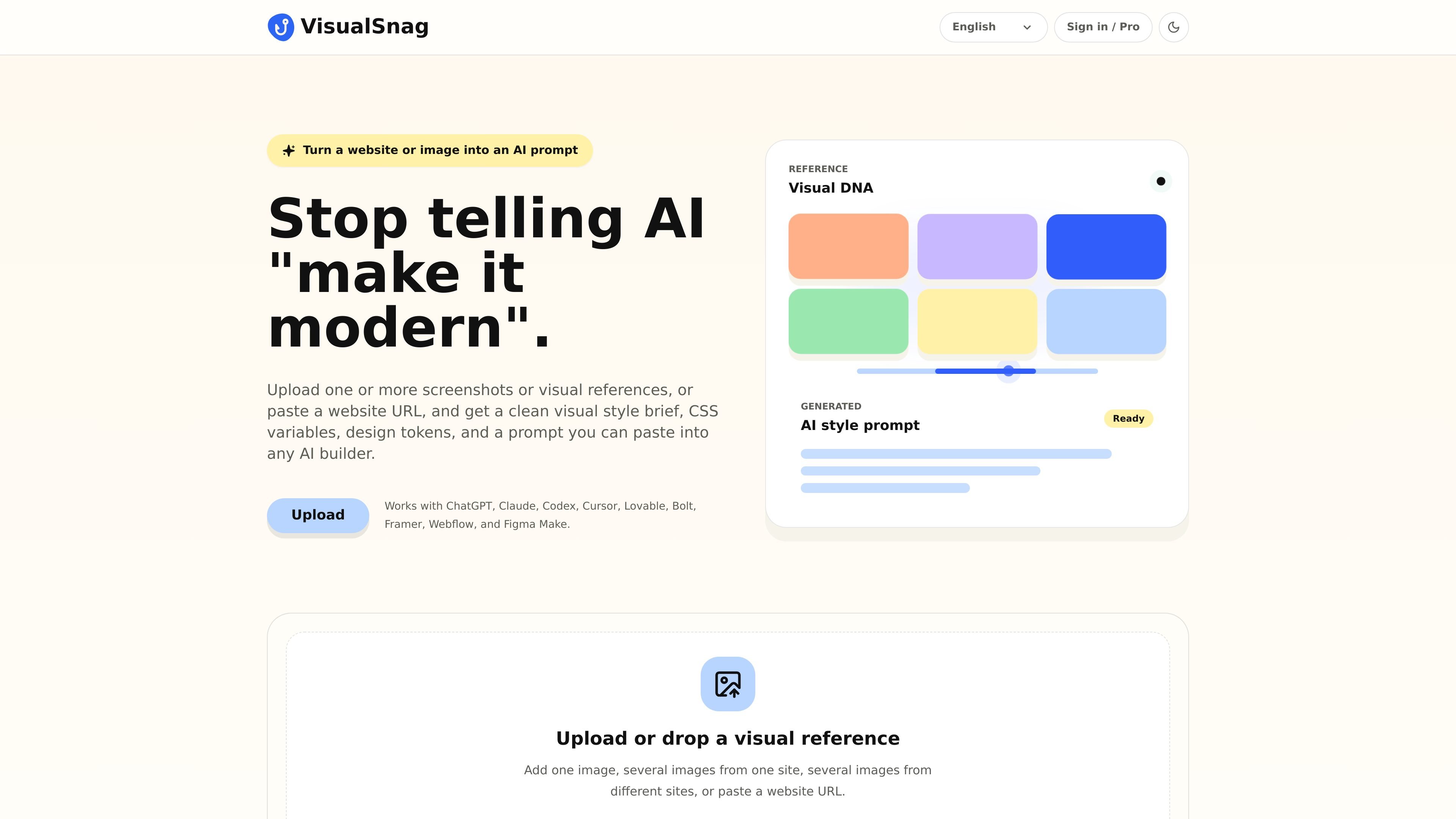
VisualSnag is a visual reference analysis tool that turns screenshots, images, and website URLs into design outputs that can be used in AI builders and front-end workflows. It converts source visuals into a style brief, CSS variables, design tokens, and prompts rather than asking users to describe the look from scratch.
The product is aimed at people who want to translate existing visual examples into reusable design language. Its workflow supports one or more images from a single site or multiple sites, and it presents the result as both a generated prompt and a live UI preview.
Upload one screenshot, multiple screenshots, mixed references from different sites, or paste a website URL to start an analysis from visual material you already have.
Turns the reference into a practical output set that includes a visual style brief, CSS variables, design tokens, and an AI-ready prompt.
Produces a universal prompt that can be pasted into AI builders, plus platform-specific prompts on the Pro plan.
Exports outputs as `STYLE.md`, `variables.css`, and `tokens.json` for use in downstream design or development workflows.
Shows a live UI preview so users can review the generated visual direction as part of the analysis result.
Lists compatibility with ChatGPT, Claude, Codex, Cursor, Lovable, Bolt, Framer, Webflow, and Figma Make.
Paste a website URL or upload screenshots to extract a style brief and prompt that reflects an existing interface, rather than writing the prompt from scratch.
Use the generated CSS variables and design tokens as a starting point for implementation in a front-end or design system workflow.
Review a live UI preview to compare the generated direction with the original reference before copying the prompt into another tool.
Use the universal prompt or platform-specific prompts with supported tools such as ChatGPT, Claude, Cursor, Framer, Webflow, or Figma Make.
VisualSnag accepts screenshots, visual references, and website URLs as inputs, then turns them into a visual style brief, CSS variables, design tokens, AI prompts, and a live UI preview.
The source shows VisualSnag working with ChatGPT, Claude, Codex, Cursor, Lovable, Bolt, Framer, Webflow, and Figma Make through its universal prompt and export workflow.
The free plan includes screenshot analysis, a basic style brief, a basic CSS variables output, and a universal prompt. The Pro plan adds AI-enhanced visual analysis, platform-specific prompts, STYLE.md export, variables.css export, tokens.json export, and enhanced website URL analysis.
Pro subscription payments are processed by bank card through WayForPay, and the user is redirected to WayForPay's secure payment page to complete the transaction.

imgcook is a design-to-code tool that converts design drafts into front-end code. It supports plugin-based and developer workflows for Sketch, Photoshop, VS Code, and CLI usage.

ByteAsk is a terminal-first AI coding agent for C and C++ that edits repositories and verifies changes with the real compiler, debugger, sanitizers, and tests before showing a diff. It offers a free tier plus paid plans, with editor connectors and zero-retention handling described in the source.

CreateOS Sandbox is an isolated compute environment for running code and agent workloads inside Firecracker micro-VMs. It is designed for workflows that need machine-level isolation, private networking between sandboxes, and programmatic control through SDK, CLI, or MCP.

hob is an independent workspace for coding agents that keeps agent sessions, terminals, history, and follow-up work organized around the tools and providers you already use. It is aimed at developers who want local control over routing, history, and workspace structure rather than a bundled model stack.

Ably Chat is a chat API platform for building custom realtime chat applications. It supports room-based messaging, typing indicators, presence, reactions, and message updates, with usage-based pricing options for different deployment stages.

Manta AI is an autonomous web app testing tool for teams that want to map application behavior, catch regressions, and generate tests without writing scripts or maintaining selectors. It works from a URL and supports plain-English test flows, run results with screenshots, and scheduled or deployment-triggered checks.