
MCP agent control
Connect Claude, Cursor, Codex, or another MCP client through Settings → Agent, then let the agent perform editing operations while changes appear on the timeline.

WeftCut is an open-source desktop video editor that connects to Claude, Cursor, Codex, and other MCP clients for agent-assisted timeline editing. It also works as a standalone editor with captions, effects, keyframes, media analysis, and exports for macOS, Windows, and Linux.
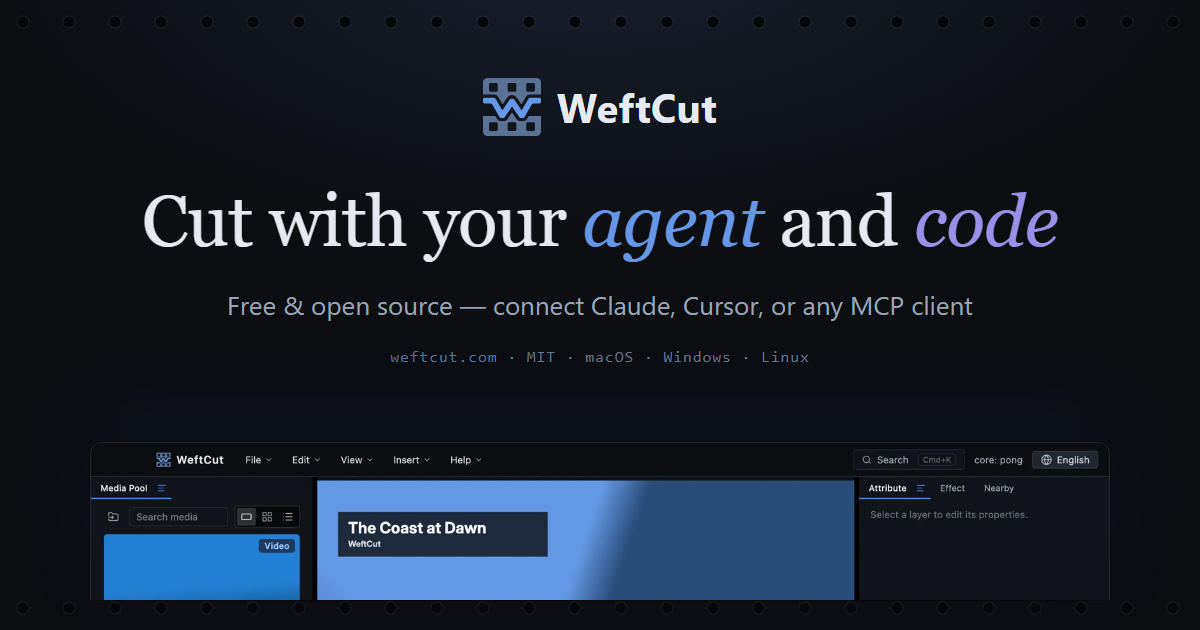
WeftCut is an open-source desktop video editor designed to work with MCP-compatible AI agents. It runs on macOS, Windows, and Linux, and can connect to clients such as Claude, Cursor, and Codex so an agent can make timeline changes while the editor displays them live.
The application is also usable without an agent. Its core workflow combines conventional timeline editing with checkpoints, a visible change feed, undo, media analysis, captions, effects, audio mixing, reusable motifs, and export controls. Editing and export remain on the user's machine, while any connected agent provides the editing intelligence.
Connect Claude, Cursor, Codex, or another MCP client through Settings → Agent, then let the agent perform editing operations while changes appear on the timeline.
Review a live change feed under a checkpoint and undo edits when you want to take back control of the project.
Work with trimming, splitting, transitions, keyframes, Bézier curves, motion paths, effects, chroma key, captions, markers, audio mixing, and a searchable command interface.
Transcribe speech or import SRT, VTT, and ASS subtitle files, then restyle captions across the project.
Use shots, pause detection, transcription, and scene description to give the agent more context before it makes edits. Local engines or configured cloud providers can supply optional speech and vision processing.
Export full timelines or selected ranges in H.264, HEVC, 10-bit AV1, ProRes, or DNxHR.
Describe operations such as removing silence, splitting footage at shot changes, labeling scenes, or restyling captions, then inspect the resulting edits on the timeline.
Use conventional timeline tools, keyframes, effects, transitions, markers, and audio controls when you want to shape pacing and presentation manually.
Analyze pauses, shots, speech, or scenes before cutting so the editing process can account for spoken content and visual structure.
Create reusable motifs such as lower thirds or illustrated animations, preview them on the timeline, and refine them in context for repeated use.
Yes. WeftCut is free and open source under the MIT license. FFmpeg is bundled under its own LGPL/GPL terms; the available pricing page does not provide additional plan or pricing details.
Open WeftCut's Settings → Agent panel, copy the connection snippet, and paste it into Claude Desktop, Cursor, Codex, or another MCP client. WeftCut includes an agent Skill that describes its available capabilities.
No. It can be used as a standalone desktop video editor with a timeline, keyframes, effects, captions, motifs, audio mixing, and export capabilities.
The connected agent supplies the editing intelligence; WeftCut does not bundle model weights. Optional speech and vision functions can use local engines that you download or cloud providers that you configure.
WeftCut runs on macOS, Windows, and Linux. Ready-made builds are listed for Windows x64, Apple Silicon Macs, and x86_64 Linux, while other targets can be built from source.

Video Effects SDK adds real-time webcam effects such as background blur, background replacement or removal, denoising, framing, beautification, and color grading. It is built for teams shipping live video experiences on web, desktop, and mobile platforms.

DeepMotion is a web-based AI motion capture and 3D animation platform with Animate 3D for video-to-animation and SayMotion for text-to-animation. It helps creators and teams generate motion in a browser and export results in common production formats.

Zella is a screen recorder and on-device AI video editor for Mac and iPhone. It helps creators record screens or cameras, automatically clean up footage, add captions, reframe clips, and export videos without uploading the core project to the cloud.

Agentic video understanding is a Gemini video analysis mode that helps developers inspect video more selectively for better accuracy and lower token usage. It is available through the Gemini API in Google AI Studio and the Gemini Enterprise Agent Platform.

Jupitrr Cut is a free iOS and Android teleprompter and recording app for scripted talking-head videos. It records scenes separately, lets users retake individual lines, trims pauses, and stitches the takes into a jump-cut video.

Optimo is a free, open-source CLI for optimizing and converting images and videos with format-specific commands built on ImageMagick and FFmpeg. It helps developers prepare web assets, batch process media, and automate compression from the shell or a Node.js script.