
Hook-based session capture
wrud attaches to an agent’s lifecycle hooks and streams prompts, tool calls, file edits, and replies as they happen, so sessions are captured without manual logging.
wrud is a local-first, open-source recorder for AI-agent sessions. It helps individuals and teams review agent activity, track model and token use, and turn repeated mistakes into shared lessons.
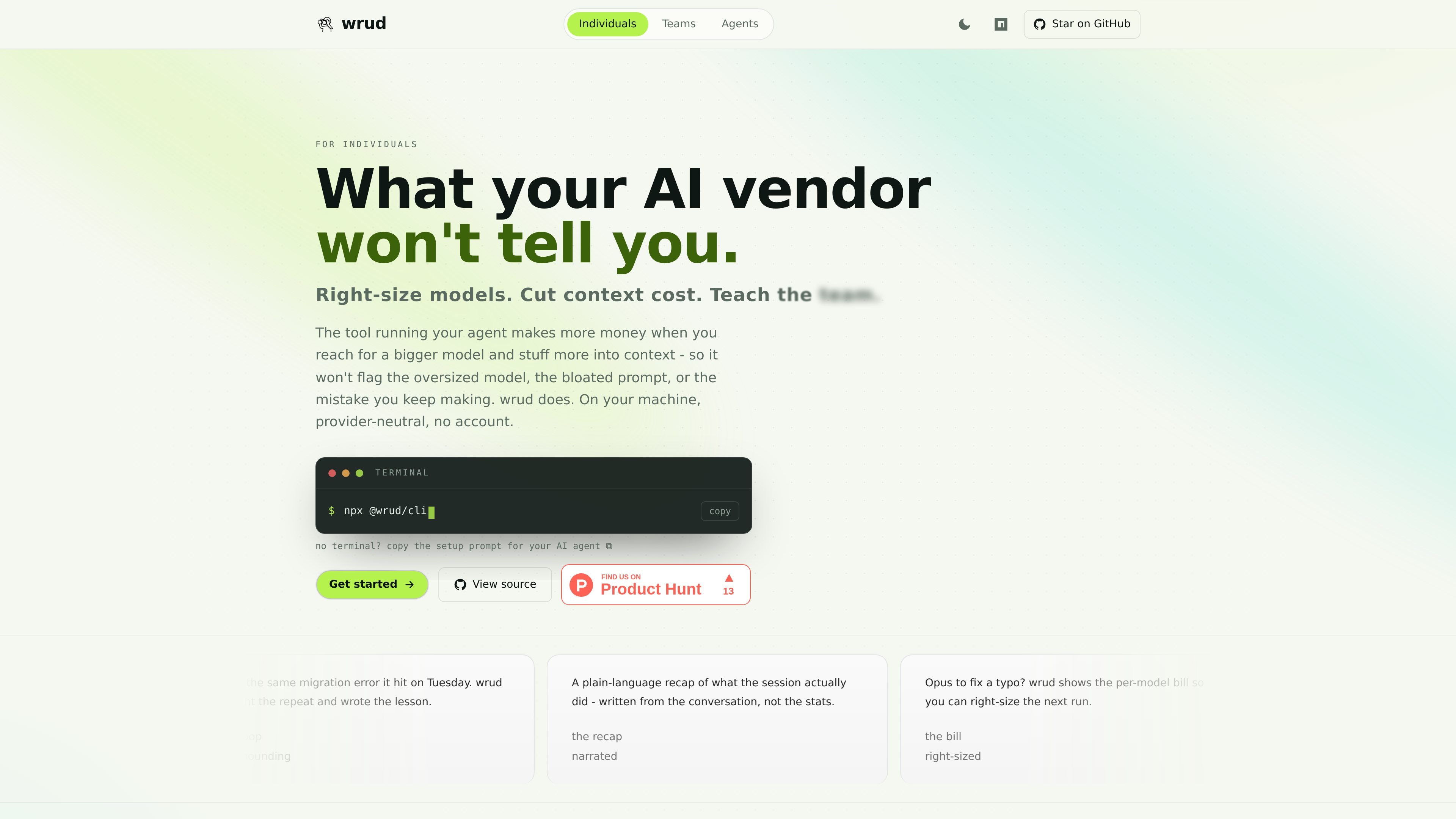
wrud, short for What R U Doing, is a local-first, open-source recorder for AI-agent sessions. It is designed to help individuals and teams see what their agents actually did, how models and tokens were used, and where repeated mistakes can be turned into reusable lessons.
The product runs on a local Node server and one SQLite file, with no account and no egress described on the site. Claude Code and Cursor are supported directly, and other agents can send data through the local API.
wrud attaches to an agent’s lifecycle hooks and streams prompts, tool calls, file edits, and replies as they happen, so sessions are captured without manual logging.
A background process reads the run data and writes a plain-language recap of what actually happened, rather than only showing raw counts or transcript fragments.
The site highlights per-model spend and token totals, helping you spot when a costly model was used for simple work and where context usage is concentrated.
Recorded sessions include agent, model, events, and token spend, giving a queryable history that can be reviewed after the session ends.
wrud runs locally with a Node server and one SQLite file, with no account and no egress according to the site copy.
Claude Code and Cursor are supported out of the box, and other agents can connect through the local API.
Use wrud to review an agent session after the fact, including the models used, token spend, and the recap of what the session actually did.
For engineering teams, wrud can roll up sessions across people and projects so repeated errors become shared lessons and model policy instead of isolated incidents.
When a large model is used for a trivial task, wrud’s per-model cost view can help a team right-size its next run and reduce unnecessary spend.
If you are running agents in CI, on a remote box, or in a cloud environment, wrud’s hooks and local API are meant to capture those runs outside a single desktop app.
For onboarding, wrud can preserve lessons from previous sessions so a junior teammate can inherit proven guidance instead of relearning the same mistakes.
You can start the app with `npx @wrud/cli`, then connect in the browser and run hook installation for your agent. The site also offers a paste-in prompt that lets Claude Code or Cursor wire wrud up for you.
wrud is positioned for individual use and team rollups. It can show sessions, model calls, tokens, spend, and lessons across a whole team when self-hosted on your own box.
The source pages show support for Claude Code and Cursor out of the box. For other agents, wrud exposes a local API and says anything else can stream in that way.
wrud captures prompts, tool calls, file edits, replies, model usage, token spend, and a plain-language recap of the session. It turns repeated mistakes into lessons you can feed back to the agent.
The product pages say capture is local-first, runs on a local Node server and one SQLite file, and that no account or egress is required. The site also says it is MIT licensed.

CreateOS Sandbox is an isolated compute environment for running code and agent workloads inside Firecracker micro-VMs. It is designed for workflows that need machine-level isolation, private networking between sandboxes, and programmatic control through SDK, CLI, or MCP.

ByteAsk is a terminal-first AI coding agent for C and C++ that edits repositories and verifies changes with the real compiler, debugger, sanitizers, and tests before showing a diff. It offers a free tier plus paid plans, with editor connectors and zero-retention handling described in the source.

hob is an independent workspace for coding agents that keeps agent sessions, terminals, history, and follow-up work organized around the tools and providers you already use. It is aimed at developers who want local control over routing, history, and workspace structure rather than a bundled model stack.

Manta AI is an autonomous web app testing tool for teams that want to map application behavior, catch regressions, and generate tests without writing scripts or maintaining selectors. It works from a URL and supports plain-English test flows, run results with screenshots, and scheduled or deployment-triggered checks.

Redline is a budgeting tool for Claude Code that paces sessions to stay within time, token, cost, or plan-percentage limits. It uses Claude Code’s native hooks and statusline to help sessions finish with a usable result instead of stopping abruptly.

SonOf connects to your repo and PM tool, audits the codebase and surrounding product context, and turns approved work into shipped tickets with senior engineering review. It is aimed at founders and engineering leaders who need backlog help without hiring a full team immediately.