
Screen recording
Captures screen video on macOS for users who need a quick way to record demonstrations, workflows, or presentations.

CaptureKit is a macOS screen recording and screenshot utility for quick capture on Mac. It is built for tutorials, demos, bug reports, presentations, and other capture tasks that need a lightweight native app.
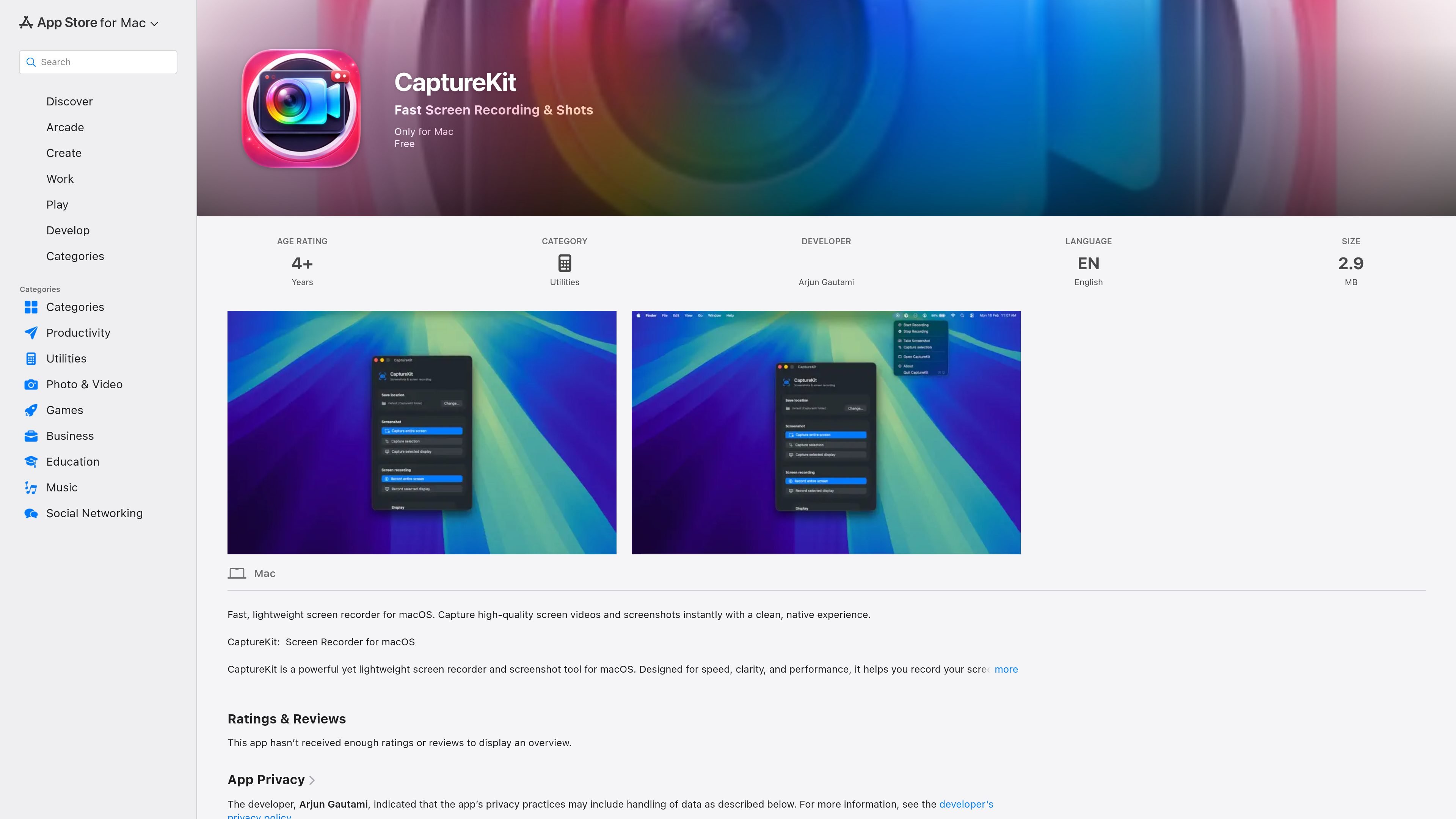
CaptureKit is a macOS utility for fast screen recording and screenshot capture. The App Store page positions it as a lightweight tool for people who want to record the screen or grab still images without a bulky interface or heavy system impact.
It is aimed at common capture tasks such as tutorials, demos, presentations, bug reports, UI testing, documentation, and content creation. The product page also says it is designed for native macOS performance and low CPU usage, which suggests a workflow centered on quick capture rather than full post-production.
Captures screen video on macOS for users who need a quick way to record demonstrations, workflows, or presentations.
Takes screenshots from the Mac with a focus on speed and reliability, rather than a large editing interface.
Uses a native macOS interface and is described as lightweight, with low CPU usage for a less intrusive capture workflow.
Keeps the interface clean and simple so the app stays focused on capture rather than broader editing or production tools.
Supports both videos and still images, letting users capture the type of output they need from the same app.
Is presented as a fast tool for instant capture and sharing, though the page does not spell out any specific sharing destinations.
Record walkthroughs, feature demos, or lesson material directly on a Mac when you need screen video with minimal setup.
Capture screenshots for how-to articles, internal docs, or support notes when a still image is easier than video.
Save a meeting or presentation session as a screen recording for later review or sharing.
Record reproducible issues or interface behavior for developers, QA, or support teams working on macOS software.
Create capture assets for social posts, online courses, or other content workflows that start on the Mac desktop.
The app is described as a fast screen recording and screenshot tool for macOS. It is intended for users who need to capture screen video or still images quickly from a Mac.
The source says CaptureKit is designed for macOS and requires macOS 14.0 or later.
The App Store page says the app does not collect data from this app, according to the developer’s privacy disclosure.
The page describes CaptureKit as suitable for tutorials, demos, documentation screenshots, meetings, presentations, bug reporting, UI testing, and content creation.
The source does not list export formats, sharing destinations, or integrations with other apps or services.

QuickQuill is a macOS dictation and transcription app that runs locally on the device. It helps users record meetings, transcribe audio, generate summaries, and export notes without using a cloud service.

Decode AI Moderator runs qualitative interviews with AI that adapts questions in real time, detects emotion from multiple signals, and produces structured session insights quickly. It is aimed at research, UX, and insight teams that want moderated interviews without a human moderator for every session.

Oculta App is a macOS tool for reading a script during meetings while sharing your screen and keeping eye contact with the camera. It includes a hidden-window workflow, arrow-key control, and a free basic plan with a lifetime Pro option.

Notta Desktop Privacy Mode is a local transcription workflow that records and transcribes audio on your computer instead of sending it to the cloud. It is designed for sensitive meetings and offline use, while still allowing users to switch back to standard Notta workflows when needed.

Memoket Gem is a wearable AI note-taking system that captures conversations with one press and turns them into summaries, action items, and searchable context. It is built for meetings, interviews, lectures, and other situations where you want to preserve and reuse what was said.

Trace is a macOS meeting transcription app that records and transcribes audio locally, without a cloud account or meeting bot. It produces markdown transcripts, inline key moments, and local session files for private note-taking workflows.