
Global and platform-specific editing
Write posts in a global editor, then refine them in per-platform editors when you need network-specific adjustments.

Crosspublish is a social media publishing tool for creating, scheduling, and tracking posts across multiple networks from one workspace. It also supports an MCP-based AI assistant workflow for scheduling and managing drafts through tools like Claude, Cursor, and ChatGPT.
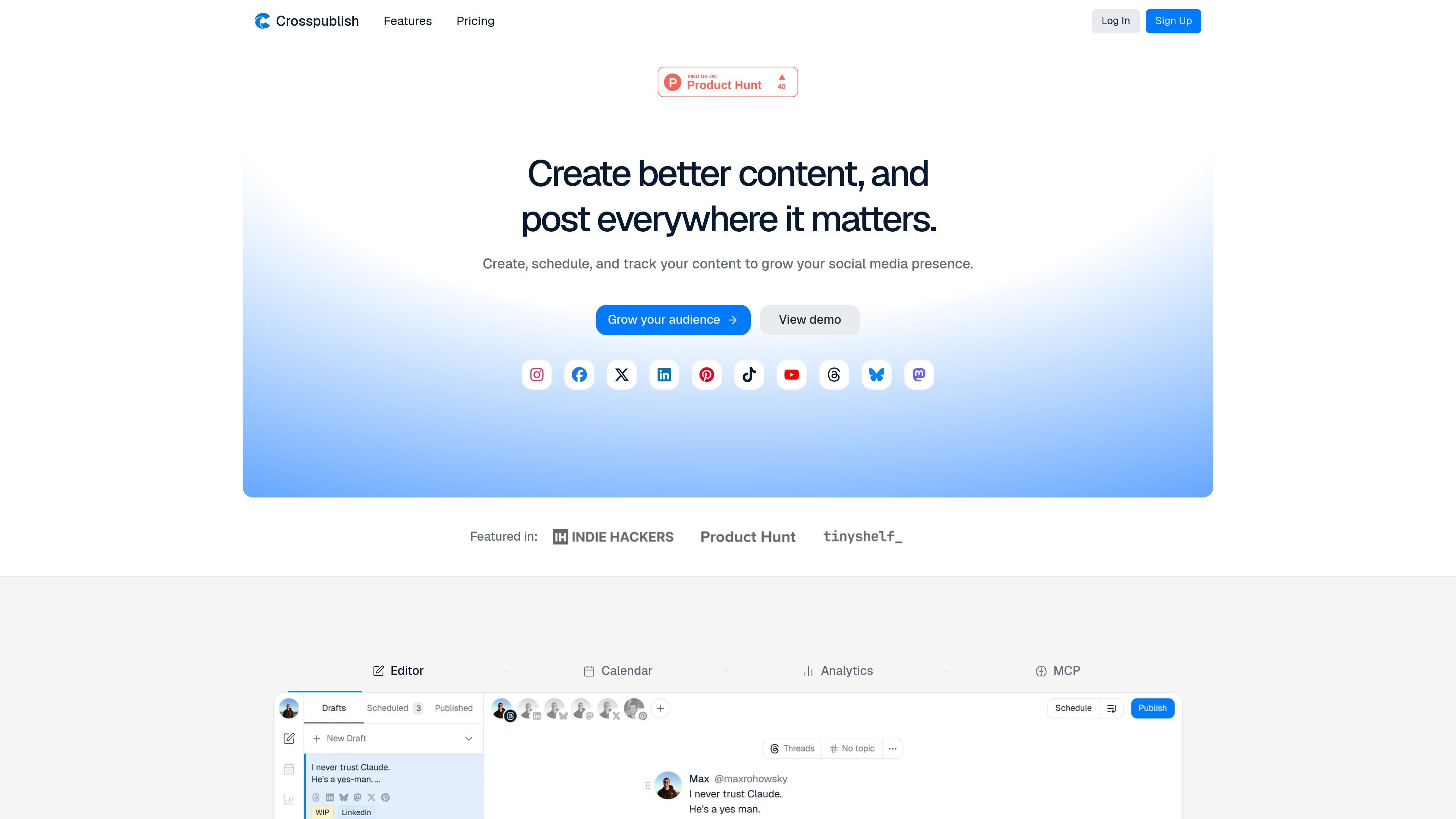
Crosspublish is a social media publishing tool for creating, scheduling, and tracking posts across multiple networks from one workspace. The homepage describes it as a way to create better content and post everywhere that matters, with support for a wide range of platforms including X/Twitter, Threads, Bluesky, Instagram, Facebook, LinkedIn, Pinterest, TikTok, YouTube, and Mastodon.
The product centers on a global editor, per-platform editing, workspaces for account organization, a content calendar, and analytics. It also includes an MCP-based AI assistant workflow that lets tools such as Claude, Cursor, and ChatGPT schedule posts, manage drafts, and inspect connected accounts inside the user's active social set.
Write posts in a global editor, then refine them in per-platform editors when you need network-specific adjustments.
Post to any mix of connected accounts and organize them into workspaces to keep multiple brands or sets of accounts separated.
Schedule posts or queue them ahead of time, then review the calendar to see what is planned across all accounts and workspaces.
Track how posts performed and review historical trends so you can adjust future content using actual results.
Run Crosspublish through an MCP server so Claude, Cursor, ChatGPT, or other MCP clients can draft and schedule posts on your behalf.
Use API or OAuth 2.0 connections for the AI assistant workflow, with setup guidance provided in the help documentation.
Plan posts ahead of time, queue them for later, and review the calendar so you can keep a steady publishing cadence without posting manually every day.
Prepare a post once, then send it to different social accounts from the same editor while adjusting the wording per platform when needed.
Use the MCP server to let Claude, Cursor, ChatGPT, or another client draft or schedule a post, then review it on the Crosspublish calendar before it goes live.
Organize multiple accounts or brands into workspaces so you can separate calendars and posting activity instead of managing everything in one stream.
Check post results and historical trends to understand which content is performing better and use that information to refine future posts.
Crosspublish can connect to social accounts, and its AI assistant workflow can schedule posts through Claude, Cursor, ChatGPT, or any MCP client. The assistant can also list connected accounts, list drafts and scheduled posts, create drafts, update posts, and unschedule posts.
The source shows a starter plan at $9 per month and a pro plan at $18 per month, each with a 7-day trial. The pricing page itself returns a 404, so these details come from the homepage pricing section rather than a dedicated pricing page.
According to the help page, Crosspublish supports X/Twitter, Threads, Bluesky, Instagram, Facebook, LinkedIn, Pinterest, TikTok, YouTube, and Mastodon from the homepage feature list. The AI assistant workflow works against connected social accounts in your active social set.
The product supports scheduling and queueing posts in advance, viewing posts in a content calendar, and reviewing performance through analytics. The AI assistant workflow can place posts on the calendar, but it cannot publish immediately.

Work Life Panda is a task, calendar, notes, and coordination app for individuals, families, groups, and small teams. It combines existing calendars with to-dos, shared spaces, item-specific chats, and on-device AI task capture across mobile and web.

Biji est une plateforme polyvalente conçue pour améliorer la productivité grâce à des outils et des fonctionnalités innovants.

Liam is an AI copilot for managing inboxes, writing replies, prioritizing email, and scheduling meetings. It is offered free for individuals, with custom pricing for teams and enterprise.

Topple.lol is a public pay-to-rank leaderboard where listings start at $1 and their bid balance decays over time and with clicks. It helps makers and marketers buy short-term visibility for product sites or X profiles while tracking live board stats.

hob is an independent workspace for coding agents that keeps agent sessions, terminals, history, and follow-up work organized around the tools and providers you already use. It is aimed at developers who want local control over routing, history, and workspace structure rather than a bundled model stack.

Gemma AI is a phone call reminder app that calls you with scheduled reminders instead of push notifications. It helps people who want a more direct way to stay on schedule, with Google Calendar sync and conversational call interactions.