
Connected calendars and tasks
Connect Google, Apple iCloud, or Outlook calendars for two-way synchronization, with additional support for Fastmail, Zoho, GMX, and published calendar links.
Work Life Panda is a task, calendar, notes, and coordination app for individuals, families, groups, and small teams. It combines existing calendars with to-dos, shared spaces, item-specific chats, and on-device AI task capture across mobile and web.
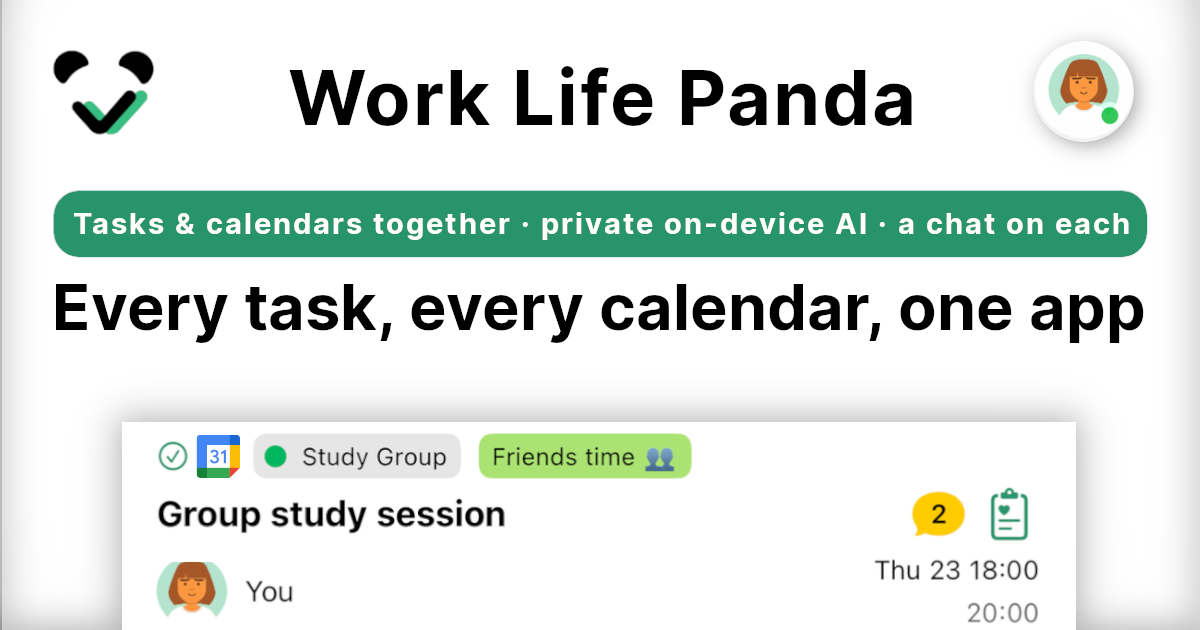
Work Life Panda is a task, calendar, notes, and coordination app for personal life, families, groups, and small teams. It brings existing schedules together with to-dos and lets each task or event hold its own conversation, files, and history.
Users can connect calendars they already use, capture tasks by typing or speaking, and organize work in shared spaces. Its task-capture AI runs on the device, while the account syncs the workspace across iPhone, iPad, Android, and the web.
Connect Google, Apple iCloud, or Outlook calendars for two-way synchronization, with additional support for Fastmail, Zoho, GMX, and published calendar links.
Type or speak a sentence and on-device AI turns it into a dated, categorized task. The AI is designed to work without sending the task text to the cloud.
Every task and event includes a chat thread, notes, files, and tracked history, keeping decisions and context attached to the relevant item.
Shared Family, Group, or Work spaces let people view a common plan, assign work, track hand-offs, and coordinate events with attendees and RSVP.
Tasks, events, notes, calendars, birthdays, and shared responsibilities can be managed in one workspace rather than separate apps.
The same account and workflow are available across iPhone, iPad, Android, and modern web browsers, with offline support.
Bring chores, reminders, birthdays, family events, and household notes into a shared space. Household members can see the schedule, discuss individual tasks, and connect responsibilities with the real day.
Capture errands, appointments, and follow-ups by voice or text while reviewing the day’s time-grouped tasks and calendar. On-device processing is suited to users who want task capture without cloud-based AI handling the input.
Create a shared space for a trip, club, or shared house, then keep tasks, event timing, files, decisions, and RSVP information together instead of across chat threads and separate tools.
Use a Work space for a side project or small team. Assign tasks, record hand-offs, attach discussion to the work item, and review what remains open from a shared schedule.
Work Life Panda is available on iPhone, iPad, Android, and the web. A free account keeps data synchronized across devices and enables shared spaces.
Yes. During early access, Work Life Panda is free and includes every Pro feature. The site says early members will receive the best pricing when paid plans arrive; current pricing tiers are not specified.
Type or say a sentence such as “submit the report Friday 5pm.” On-device AI turns it into a task with a date and category, without requiring a form.
Create a shared Family, Group, or Work space, invite people, and add tasks and events. Members can see the shared plan, assign or hand off work, and discuss each item in its own chat.
The product supports two-way synchronization with Google Calendar and Tasks, Apple iCloud, and Microsoft Outlook, including Microsoft To Do. It also supports providers such as Fastmail, Zoho, and GMX, plus calendars published as links.

Biji est une plateforme polyvalente conçue pour améliorer la productivité grâce à des outils et des fonctionnalités innovants.

Dcyde is a decision log for product teams that captures what was decided, the reasoning behind it, and the source in one shared place. It supports pinning decisions from Slack, Figma, or inside Dcyde and keeps the record searchable over time.

runevr is a connected workspace for creative teams that combines boards, media review, chat, recordings, drive, calls, and AI agents in one room-based environment. It is designed to reduce tool switching and keep project context together.

Goldfish is an AI memory app for macOS that helps you reply, write, summarize, and continue using the context already on your Mac. It stores memory locally and writes in your tone.

ArtDeck is a visual reference board app for iPhone, iPad, and Mac that lets artists collect mixed reference material on one canvas and study it with ToolBox lenses. It works offline, supports optional iCloud sync, and is sold as a one-time purchase with no account required.

Malyatko is a baby tracker for logging feeding, sleep, growth, teething, and milestones in one app. It works on iPhone, Apple Watch, and widgets, with no sign-up, offline use, and family sharing through iCloud.