
Custom focus and break lengths
Start a timed focus session with a configurable focus length and break length. A running session keeps its original duration when settings change.

locktfin is a native focus timer for macOS 14 or later, built for founders and other users who want to connect timed work sessions with optional goals, projects, and local history. It works locally on the Mac and can optionally expose selected read-only focus data to compatible assistants.
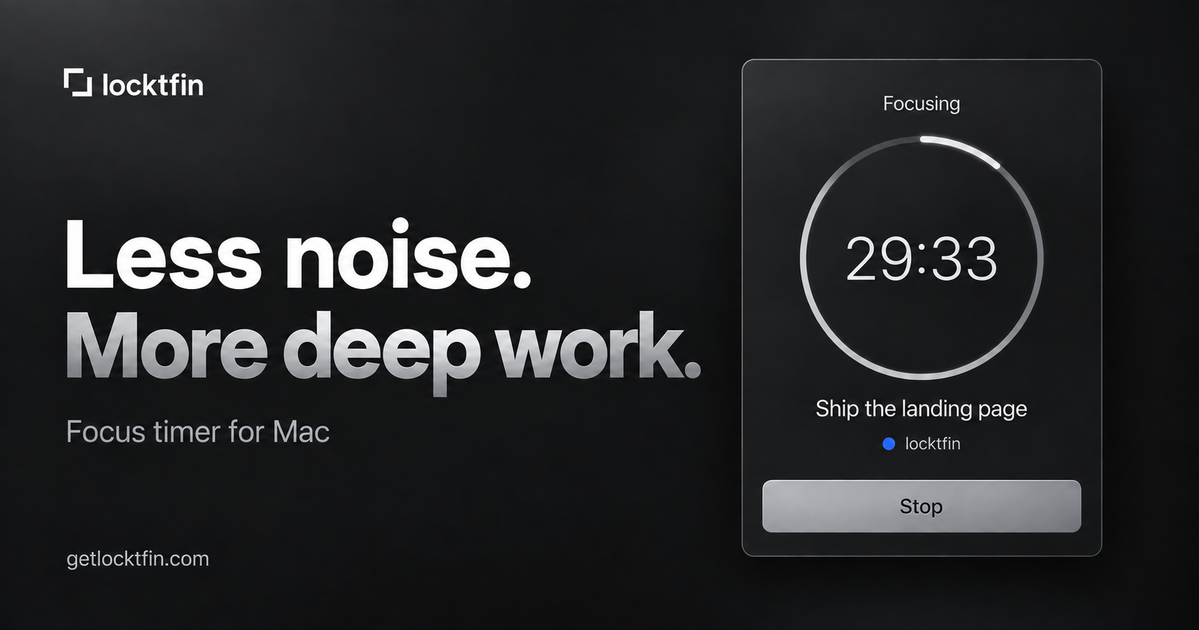
locktfin is a native focus timer for Mac designed for founders and other users managing work across multiple priorities. It lets you choose a task, optionally assign a project and estimate, set a focus period, and record the time spent on the session.
The app keeps goals, projects, settings, and focus history on the Mac rather than syncing them to the cloud. Alongside the timer, it provides local review tools for completed minutes by day and project, plus optional read-only connections to compatible assistants through MCP.
Start a timed focus session with a configurable focus length and break length. A running session keeps its original duration when settings change.
Attach an optional goal, project, and session estimate to the work you are about to do. Estimates guide planning but do not determine when a goal is complete.
Review recorded sessions and correct a session’s goal or associated project without changing its time or completion status.
See completed focus minutes by day and project, with recent-focus ranks and persistent discovered ranks and achievements.
Keep goals, projects, settings, and focus history on the Mac. Export session records from the app, with no cloud sync or app-usage tracking.
Optionally connect compatible assistants through a read-only MCP helper that exposes timer status, session records, and selected settings.
Choose one business task, such as writing a launch page or reviewing ads, assign an optional project, and use one or more sessions to make progress without switching between competing priorities.
Estimate how many sessions a goal may take, then bring the next item from an existing task list into Focus. The estimate provides a planning guide while completion remains a manual decision.
Review completed focus minutes by day and project to understand where attention went across building, marketing, support, or other workstreams.
Correct a recorded session’s goal or project after the fact when attribution was wrong, preserving the session’s recorded time and status.
Connect a compatible desktop assistant through MCP when you want to query selected local focus information, such as sessions or timer status, without granting write access.
Download the macOS 14 or later app, move it to Applications, open it, and enter the license key from the purchase page or email. Internet access is required for first activation.
No. Goals, projects, and session estimates are optional. You can start a focus session without them or bring in only the next item from an existing task list.
No. Focus and break lengths are configurable. Changes apply to the next session, while a running timer keeps its original duration. The app does not offer a pause mode.
The timer, goals, and history work locally after activation. The app does not sync between Macs, block apps or websites, or integrate with a task manager.
The app has no free trial. The launch offer includes a seven-day money-back guarantee; refund requests must be sent to [email protected] within seven days of purchase.

Goldfish is an AI memory app for macOS that helps you reply, write, summarize, and continue using the context already on your Mac. It stores memory locally and writes in your tone.

ArtDeck is a visual reference board app for iPhone, iPad, and Mac that lets artists collect mixed reference material on one canvas and study it with ToolBox lenses. It works offline, supports optional iCloud sync, and is sold as a one-time purchase with no account required.

Biji est une plateforme polyvalente conçue pour améliorer la productivité grâce à des outils et des fonctionnalités innovants.

Malyatko is a baby tracker for logging feeding, sleep, growth, teething, and milestones in one app. It works on iPhone, Apple Watch, and widgets, with no sign-up, offline use, and family sharing through iCloud.

Redline is a budgeting tool for Claude Code that paces sessions to stay within time, token, cost, or plan-percentage limits. It uses Claude Code’s native hooks and statusline to help sessions finish with a usable result instead of stopping abruptly.

Claude Overlay is a Windows desktop overlay for Claude Code that reads your screen so you can ask questions, inspect content, and request edits without leaving the current app. It runs on your existing Claude subscription through the Claude CLI, so no separate API key is required.