
Real-time pitch feedback
See the note you are producing against the intended note as a live line, with the difference measured in cents rather than a general percentage.

MercuryPitch is a browser-based music practice platform for singers and musicians, with real-time vocal pitch feedback measured in cents. It also offers karaoke, ear-training, piano, guitar, drum, analysis, and collaborative practice rooms.
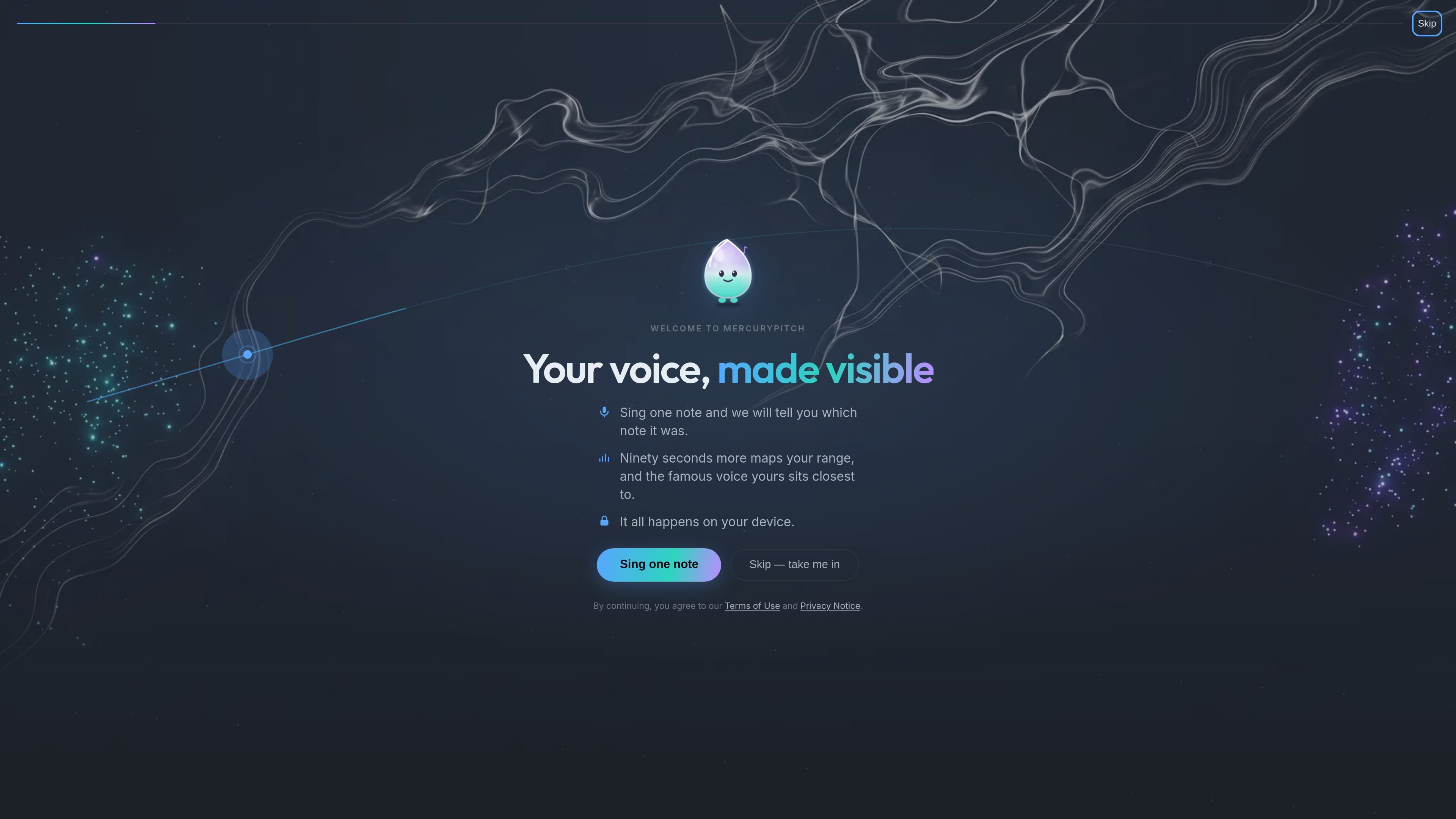
MercuryPitch is a browser-based music practice platform centered on vocal pitch training. Its core practice view compares the note you sing with the target note in real time, visualizes the result, and reports the difference in cents so you can evaluate small changes in intonation.
Beyond vocal drills, the site provides separate rooms for karaoke, piano, guitar, drums, ear training, vocal analysis, exercises, and collaborative jam sessions. The workflows vary by room: karaoke combines separated vocals, synchronized lyrics, and live scoring, while Piano Night focuses on slowing and looping phrases for keyboard practice. The site describes its core pitch analysis as local to the browser and says no installation is required.
See the note you are producing against the intended note as a live line, with the difference measured in cents rather than a general percentage.
Practice sustained notes, sirens and slides, intervals, scales, staccato attacks, and vibrato control through focused exercises.
Load a song, separate its vocal from the instrumental track, follow synchronized lyrics, and receive live pitch scoring while singing.
Practice piano phrases at reduced speed, loop bars that need work, and build back toward the original tempo.
Use dedicated rooms for guitar and drums, including a guitar tuner, fretboard or tab views, a phrase-by-phrase Jam Doctor, and drum views for touch, keys, or an electronic kit.
Explore ear work measured in cents and milliseconds, plus pitch traces, harmonics, range, and consistency in the advanced vocal analysis area.
Work from a single sustained note into scales, intervals, slides, attacks, and vibrato exercises while watching the measured gap from the target.
Load an owned song or use the example track, remove the vocal part, follow lyrics as they advance, and monitor live pitch scoring during a performance.
Use slower playback and repeated loops to isolate a difficult piano passage, then raise the speed as the phrase becomes more secure.
Choose the guitar or drum room for instrument-focused practice, using the available guitar tuner, fretboard or tab views, Jam Doctor, or drum-kit views.
Compare hearing performance through measurements in cents and milliseconds, or inspect vocal pitch traces, harmonics, range, and consistency for more detailed review.
No instrument or teacher is required for the core pitch exercises. The target notes are generated automatically, and a microphone and browser are enough for pitch practice.
Pitch training runs in the browser. The site states that voice analysis happens locally in the browser and is not uploaded.
Start with a sustained note, then work through exercises such as sirens and slides, intervals, scales, staccato attacks, and vibrato control. The system displays the sung pitch against the target and measures the gap in cents.
Karaoke Night lets you use the provided example song or add a song you own. The vocals are separated from the instruments, lyrics are synchronized, and your singing is scored live.
Piano Night supports slowing a phrase, looping a difficult bar, and returning it to tempo. It is designed for practice and performance with a connected MIDI keyboard mentioned on the home page.

MentorSpace is an AI-powered mentoring product for startup and academic planning. It helps students, founders, and small groups create 90-day roadmaps, get context-aware guidance, and track progress over time.

Padel Chess is a web-based learning platform for improving padel tactical skills through puzzle-based practice. It helps players work on positioning, shot selection, and decision-making in realistic court scenarios.

GameGrad turns PDF study material into quiz questions that appear inside arcade games, so users can practice active recall while they play. It offers a free tier with one PDF and a Pro plan with more uploads, more questions, and answer explanations.

LangPanda is a browser extension for learning languages from streaming video and other supported sites. It combines instant subtitle lookup, flashcard creation, vocabulary tracking, and spaced-repetition review for 36 languages.

Teloframe is an AI-powered football coaching platform for building tactics, editing drills, planning sessions, and managing player development in one workspace. It includes a Free tier plus Pro and Club plans for coaches and analysts who need more collaboration and team features.

LeanUp is an AI calorie tracker and meal-planning app for logging meals, tracking macros, and getting personalized nutrition guidance. It supports barcode scanning, photo-based food recognition, manual search, and recipe reuse.