
Single-process CI service
A single Go binary combines the web UI, JSON API, webhook receiver, and job runner, without a separate message broker or frontend deployment.

openpreflight is a self-hosted CI service for GitHub repositories, delivered as a Go binary with SQLite state on infrastructure you control. It runs focused install, test, and build pipelines and reports results as native GitHub Check Runs without a runner fleet or billed GitHub Actions minutes.
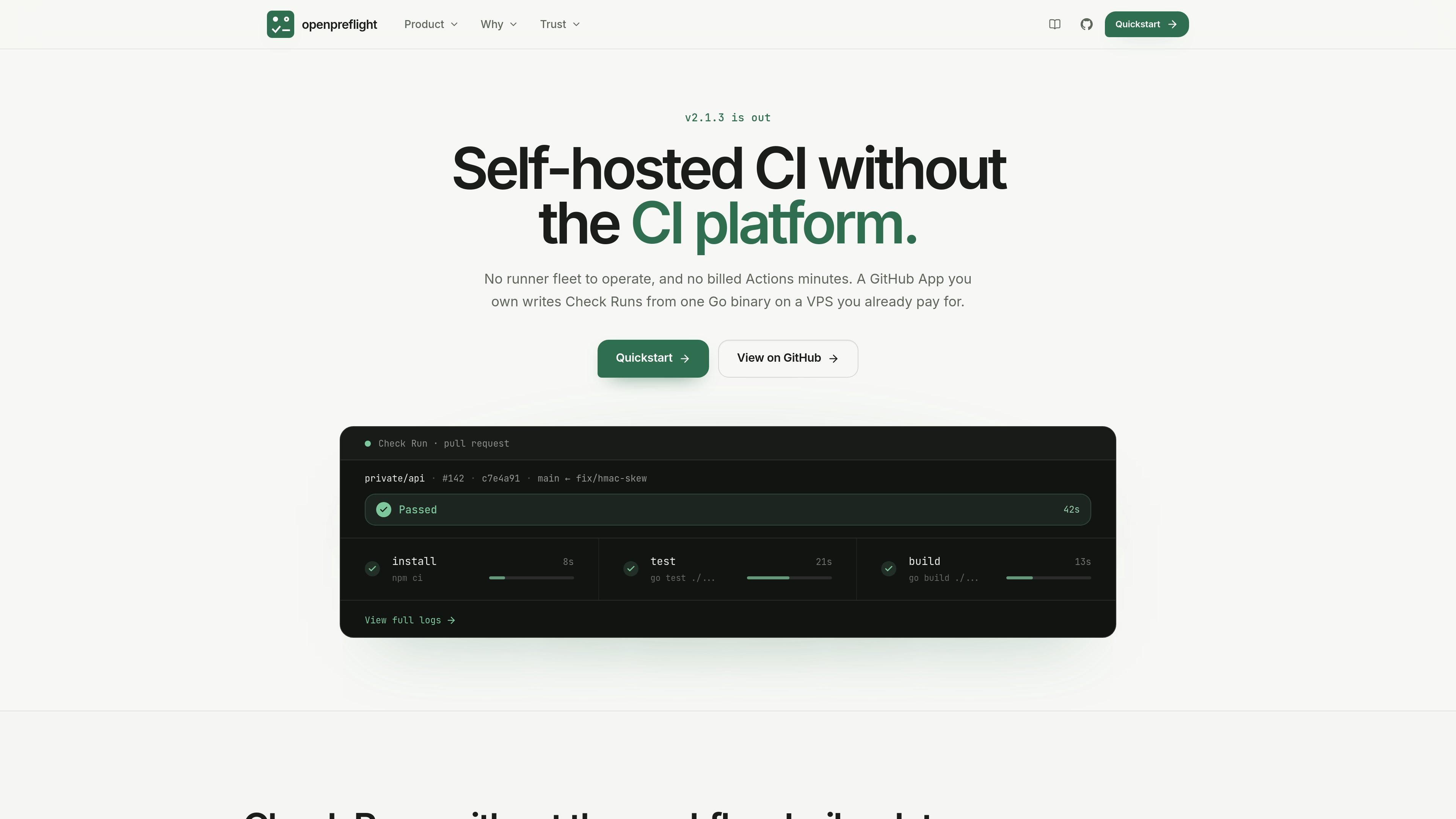
openpreflight is a self-hosted continuous integration service for GitHub repositories. It runs as a Go binary on infrastructure you control, receives GitHub webhooks through a GitHub App, and publishes native Check Runs for configured commits.
It is designed for repositories that need a straightforward pull-request or branch gate based on install, test, and build commands. Configuration can live in .ci.yml or in repository bindings, while execution uses the host process or an explicitly selected Docker runtime. The product deliberately omits broader pipeline orchestration such as matrices, artifacts, and parallel stages.
A single Go binary combines the web UI, JSON API, webhook receiver, and job runner, without a separate message broker or frontend deployment.
Create or register a GitHub App, bind repositories, and enable branches and optional path patterns from the web UI. Installation tokens are minted per job.
Define install, test, and build commands in a root .ci.yml file, or override them per repository binding. A non-empty runtime image runs steps with docker run --rm.
The worker fetches the exact commit, uses a detached checkout, removes remote credentials before execution, and enforces a run timeout.
Stdout is sent to the GitHub Check Run while the complete log is available on the product's details page. Runs support passed, failed, skipped, error, and cancelled states, with re-run controls shown in the interface.
State is stored in one SQLite file, with secret columns encrypted at rest using AES-256-GCM. Run history and logs are pruned according to a retention window.
Bind a private repository to a GitHub App, define its test and build commands, and use the resulting Check Run as a required branch-protection check.
Run focused CI on a VPS or other host the team already operates, using one process and a SQLite file rather than deploying a separate CI platform stack.
Give contributors an automated check for straightforward repository commands while retaining control over the worker host and repository bindings.
Keep repository-specific commands in .ci.yml, with binding-level overrides for repositories that need different branches, paths, commands, or timeouts.
Install the Go binary with Docker Compose or run a release binary, open the web UI, complete the first-boot wizard, register a GitHub App, and enable repository bindings. A Docker Compose example is provided on the product site.
A GitHub App receives check-suite webhooks at the configured host, where HMAC is verified and the delivery is queued. The worker creates a Check Run, fetches the exact commit, runs the configured commands, and reports the result to GitHub; full logs remain available on the details page.
The pipeline supports install, test, and build shell commands, an optional runtime container image, and a timeout. Configuration can come from .ci.yml, binding overrides, or limited Node defaults inferred from package.json.
No. The documented scope excludes stages or needs, fan-out and parallel steps, conditional steps, caches between runs, artifacts between steps, build matrices, and steps outside install, test, and build. GitHub Actions remains the better fit when those capabilities or multi-platform runners are required.
One worker produces one Check Run for a job, which can be selected in branch protection. A single GitHub App can cover multiple repositories, but each repository still needs its own enabled binding.

ByteAsk is a terminal-first AI coding agent for C and C++ that edits repositories and verifies changes with the real compiler, debugger, sanitizers, and tests before showing a diff. It offers a free tier plus paid plans, with editor connectors and zero-retention handling described in the source.

Manta AI is an autonomous web app testing tool for teams that want to map application behavior, catch regressions, and generate tests without writing scripts or maintaining selectors. It works from a URL and supports plain-English test flows, run results with screenshots, and scheduled or deployment-triggered checks.

EAS Observe is a production performance monitoring tool for Expo and React Native apps. It shows startup metrics, session timelines, release markers, and errors inside the Expo dashboard.

CreateOS Sandbox is an isolated compute environment for running code and agent workloads inside Firecracker micro-VMs. It is designed for workflows that need machine-level isolation, private networking between sandboxes, and programmatic control through SDK, CLI, or MCP.

hob is an independent workspace for coding agents that keeps agent sessions, terminals, history, and follow-up work organized around the tools and providers you already use. It is aimed at developers who want local control over routing, history, and workspace structure rather than a bundled model stack.

Ably Chat is a chat API platform for building custom realtime chat applications. It supports room-based messaging, typing indicators, presence, reactions, and message updates, with usage-based pricing options for different deployment stages.