
AI image generation
Turn briefs and reference images into campaign visuals, character concepts, and artwork, with tools for refining direction and detail.
OptimAI Studio is a browser-based AI creative workspace for generating images, video, music, speech, illustrated stories, websites, and browser games. It helps creators connect related assets, direct Creative Agents, edit projects, and move work from an initial brief toward a finished publication.
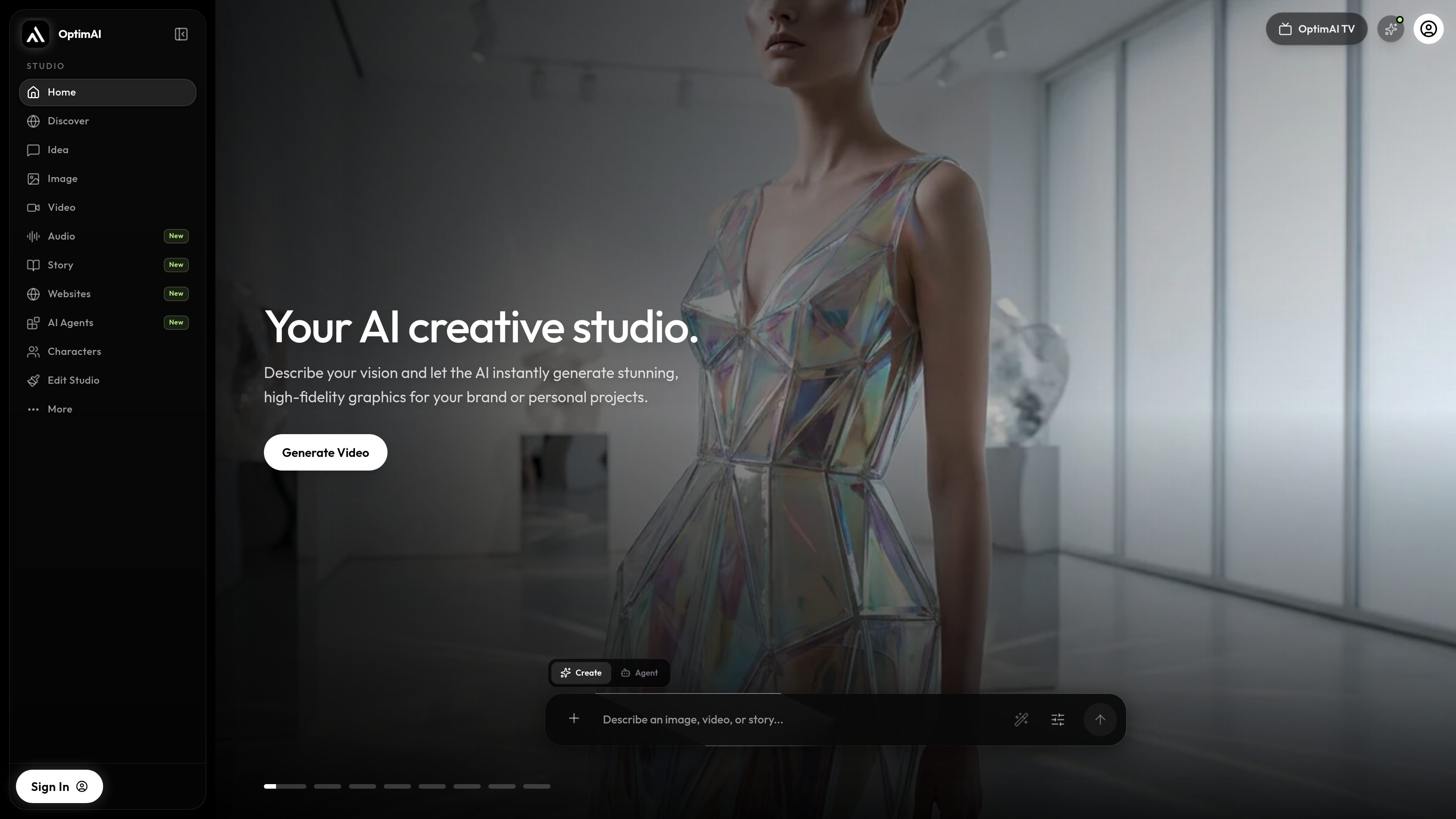
OptimAI Studio is a connected AI creative workspace for generating and developing images, video, music, speech, illustrated stories, websites, and browser games. It combines specialized studios with Creative Agents, reusable characters, a project library, and an editor so related assets can move between stages of a project.
A typical workflow starts with a brief, reference, or template, then moves through generation, review, refinement, and—where applicable—editing or publishing. Video creators can direct individual shots from text or images and assemble selected clips with audio and captions. Generation uses credits, and the studio shows available settings and a credit quote before creation.
Turn briefs and reference images into campaign visuals, character concepts, and artwork, with tools for refining direction and detail.
Generate individual cinematic shots from a prompt or image reference by describing the subject, action, camera movement, setting, and mood.
Create original songs, lyrics, instrumentals, voiceovers, and dialogue, then bring saved music or speech into connected video projects.
Assemble clips on a browser-based multi-track timeline with audio, text, captions, transitions, effects, speed controls, and AI-assisted shot generation.
Develop illustrated stories with recurring characters, chapters, and scenes, or create responsive websites and playable browser games from an idea or template.
Use Creative Agents to shape briefs and coordinate creative tasks; additional browser-based agents include open-source tools for camera effects, layered visuals, and music-reactive work.
Create a product or campaign direction with reference visuals, character concepts, short video scenes, original music, and a supporting website while keeping the creative brief connected.
Plan a short film shot by shot, use image references to establish composition, generate clips with directed motion, then review continuity and assemble the sequence in the editor.
Write and illustrate a narrative through recurring characters, chapters, and scenes, then develop the story as an illustrated storybook or web manga-style project.
Turn a song into a visual project by shaping its lyrics and delivery, planning a storyboard, generating footage, and making a final cut with timeline, sound, and captions.
Start with a brief or template, refine a responsive website or playable browser game in preview, and prepare the result for publishing.
OptimAI Studio connects image and video generation, music and speech, illustrated stories, websites, browser games, reusable characters, an editor, and browser-based creative agents. Available handoffs depend on the selected workflow.
Start with a written video brief or an image reference, direct the subject and camera motion, choose the supported duration, framing, and model settings, then review the credit quote before generating. Generated clips can be assembled in the editor with audio, text, and captions.
Yes. The editor can assemble selected clips, work with audio, add text or captions, and export an MP4 in the browser. The site also states that projects autosave to the cloud with a local draft as backup.
Generation uses credits. Eligible tools may use available daily free credits, while some actions require purchased credits; several browser agents run locally without generation credits. The current in-app quote and available settings should be checked before creating.
Creative Agents help plan and coordinate a sequence of creative tasks. Users can direct the outcome and review proposed work, while direct image, video, or website tools are available when the next output is already clear.

Clipia.ai is an AI image and video generation platform with presentations, an agent workflow, and developer integrations. It helps creators, teams, and developers produce media and decks from prompts, briefs, or source files using a shared credit system.

TapNow is a web-based AI visual creation platform for businesses, creators, and teams. It supports image and video generation along with editing, planning, and collaboration tools.

Kling AI is an AI creative studio for generating and editing images and videos, with web, mobile, and API access for creators and developers. It supports a broad set of visual workflows, including video generation, image creation, editing, and native 4K output for the V3 series.

Une plateforme IA tout-en-un qui combine des outils pour l'image, la vidéo, la voix, l'écriture et le chat afin d'améliorer la créativité et la collaboration.

VIDEOAI.ME is an AI video generator for making spokesperson-style videos, ads, explainers, and social content from a script. It is aimed at founders, marketers, agencies, and creators who want to produce videos without filming.

AI Song Maker is a web-based AI music generator that creates songs from text or lyrics and includes related tools such as vocal removal, track extension, and section replacement. It offers free and paid plans with credits, downloads, and commercial-use terms described on the pricing page.