
Photoshoot idea discovery
Browse a library of photography ideas covering products, fashion, portraits, maternity, lifestyle, commercial scenes, and creative concepts before producing an asset.

Photoshoot.app combines photoshoot idea discovery with AI tools for generating product, fashion, portrait, lifestyle, and campaign visuals. It is designed for creators, brands, ecommerce teams, and businesses that need image and video-ready content from references, templates, or product images.
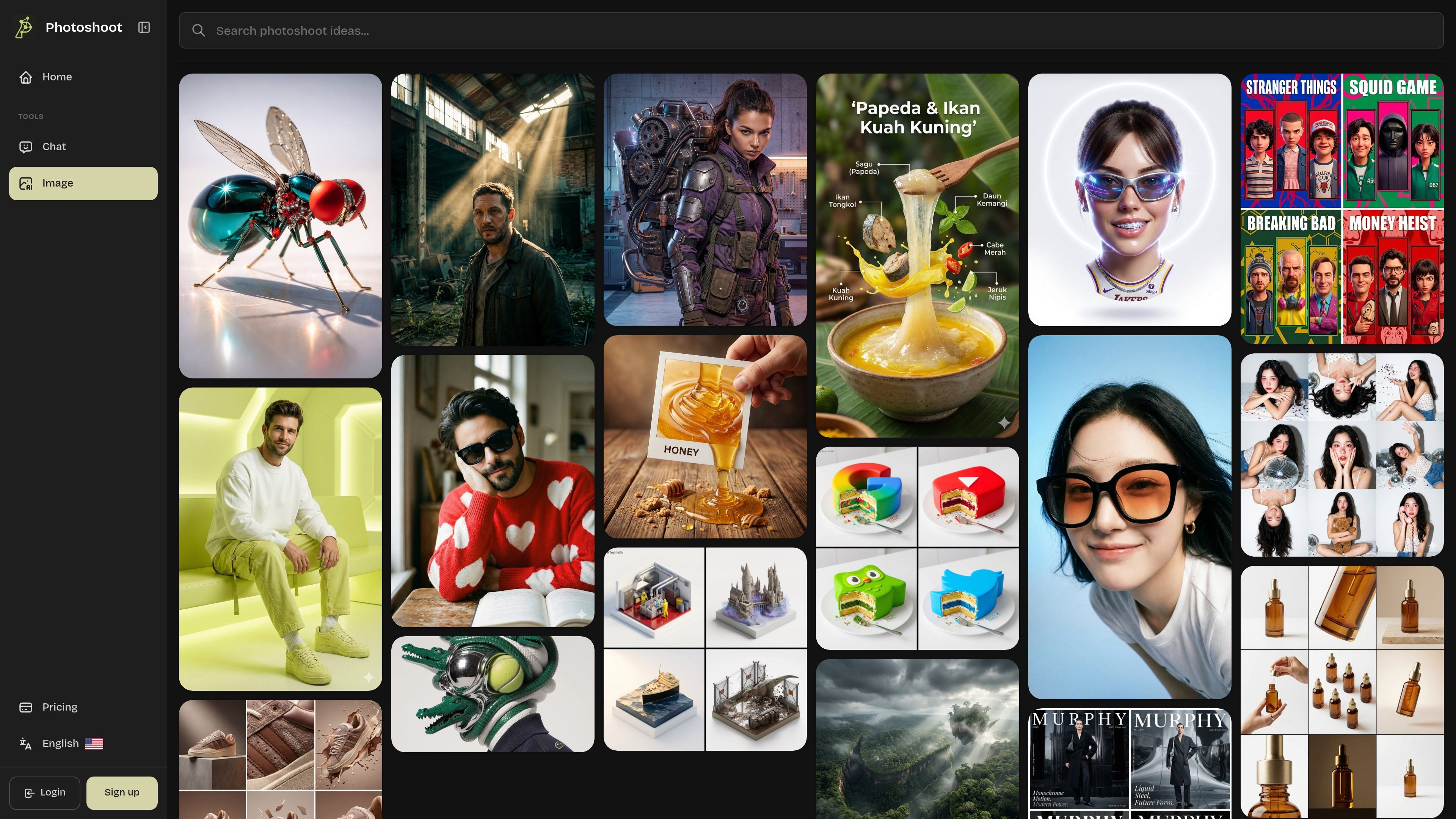
Photoshoot.app is an AI-assisted visual content platform that combines a photoshoot inspiration library with image-generation workflows. It helps creators, brands, and businesses explore visual directions and turn references, templates, product images, or written descriptions into original photoshoot-style assets.
The platform supports product photography, fashion and OOTD concepts, portraits, maternity, lifestyle scenes, commercial imagery, social content, and campaign visuals. Users can move from idea discovery to direction selection, customization, generation, and review; the product workflow is designed for ecommerce assets, while the OOTD workflow focuses on model- and outfit-based fashion imagery.
Browse a library of photography ideas covering products, fashion, portraits, maternity, lifestyle, commercial scenes, and creative concepts before producing an asset.
Use templates or uploaded references to analyze lighting, composition, color mood, pose, and scene structure, then generate original visual variations.
Upload product images and select curated templates to create catalog looks, lifestyle scenes, ad creatives, launch visuals, and social content. The product workflow accepts up to five PNG or JPG images of up to 50MB each.
Build fashion visuals from character, product, and scene references. The OOTD workflow includes a Fidelity control for closer template replication or more creative flexibility, along with resolution and aspect-ratio settings.
Create still images and video-ready visual assets for ecommerce listings, advertising, social posts, marketing pages, creator content, and brand campaigns.
Generate multiple angles, styles, aspect ratios, and campaign variations, then compare and refine results for a more consistent production workflow.
Upload real product photos, choose catalog or lifestyle templates, and generate listing images, detail views, ad variants, or seasonal campaign assets for ecommerce channels.
Combine a character or model reference with clothing, accessory, and scene references to create outfit posts, lookbook imagery, creator concepts, and fashion ad tests.
Explore portrait, headshot, maternity, and lifestyle directions before producing personal-brand or profile imagery suited to social and professional contexts.
Test visual moods, compositions, and campaign directions before committing to a conventional shoot, then turn selected concepts into marketing-page, restaurant, service, or advertising visuals.
Produce recurring social content for Instagram, TikTok, Pinterest, creator posts, and influencer concepts by adapting visual directions into multiple formats and variations.
Photoshoot.app combines a library of photoshoot ideas with tools for generating images and video-ready visual assets. A typical workflow is to explore a direction, select or upload a reference, customize the subject and scene, then generate and refine results.
The product pages support product images in PNG or JPG format, with up to five images and a maximum size of 50MB per image for the product photoshoot workflow. The OOTD workflow also supports character, product, and scene references, although the exact file constraints for those inputs are not specified in the source.
Product workflows can generate catalog images, lifestyle scenes, advertising creatives, launch visuals, social content, and other ecommerce-oriented variations. The OOTD workflow produces fashion-oriented images such as outfit posts, lookbook visuals, and ad tests.
The OOTD page states that results can be generated in about 10–30 seconds and downloaded instantly. Generation time for other workflows is not specified.
Photoshoot.app lists access to image models, language models, the Photoshoot Agent, an AI Image Creation Suite, effects, tools, apps, and resolutions up to 4K on the displayed paid plans. The source does not establish a separate free tier or provide general commercial licensing terms, so those details should be confirmed with the provider.

Caimera is an AI visual production platform for fashion and e-commerce teams that generates product images, on-model shots, videos, and sketch-based visuals. It also supports bulk flatlay-to-catalog workflows and paid plans ranging from a free tier to enterprise.

Une plateforme IA tout-en-un qui combine des outils pour l'image, la vidéo, la voix, l'écriture et le chat afin d'améliorer la créativité et la collaboration.

PixelDrive is a bulk image generation API for creating many on-brand images from one template through a browser editor, REST API, CSV batch, or MCP. It suits teams that need repeatable image output with cacheable renders and usage-based pricing.

PicCopilot is an AI content platform for e-commerce that turns product photos into marketing visuals, model shots, videos, and social content. It offers a free plan plus paid tiers for templates, model swap, virtual try-on, and batch-oriented creation.

Clipia.ai is an AI image and video generation platform with presentations, an agent workflow, and developer integrations. It helps creators, teams, and developers produce media and decks from prompts, briefs, or source files using a shared credit system.

GPTIMG2 AI is a web-based image generator built around OpenAI’s GPT Image 2 model. It supports prompt-driven generation, reference-based edits, readable text, and higher-resolution outputs for product visuals, posters, UI mockups, ads, and similar production assets.