
Repertoire management
Store pieces with status, instrument, difficulty, links, sheet music, and personal notes in one place. The site also says you can keep a separate wishlist.

PieceKeeper is a web app for musicians to track repertoire, plan practice sessions, and work on music theory through drills and exercises. It offers a free plan, with Pro plans for larger libraries, full history, and advanced theory tools.
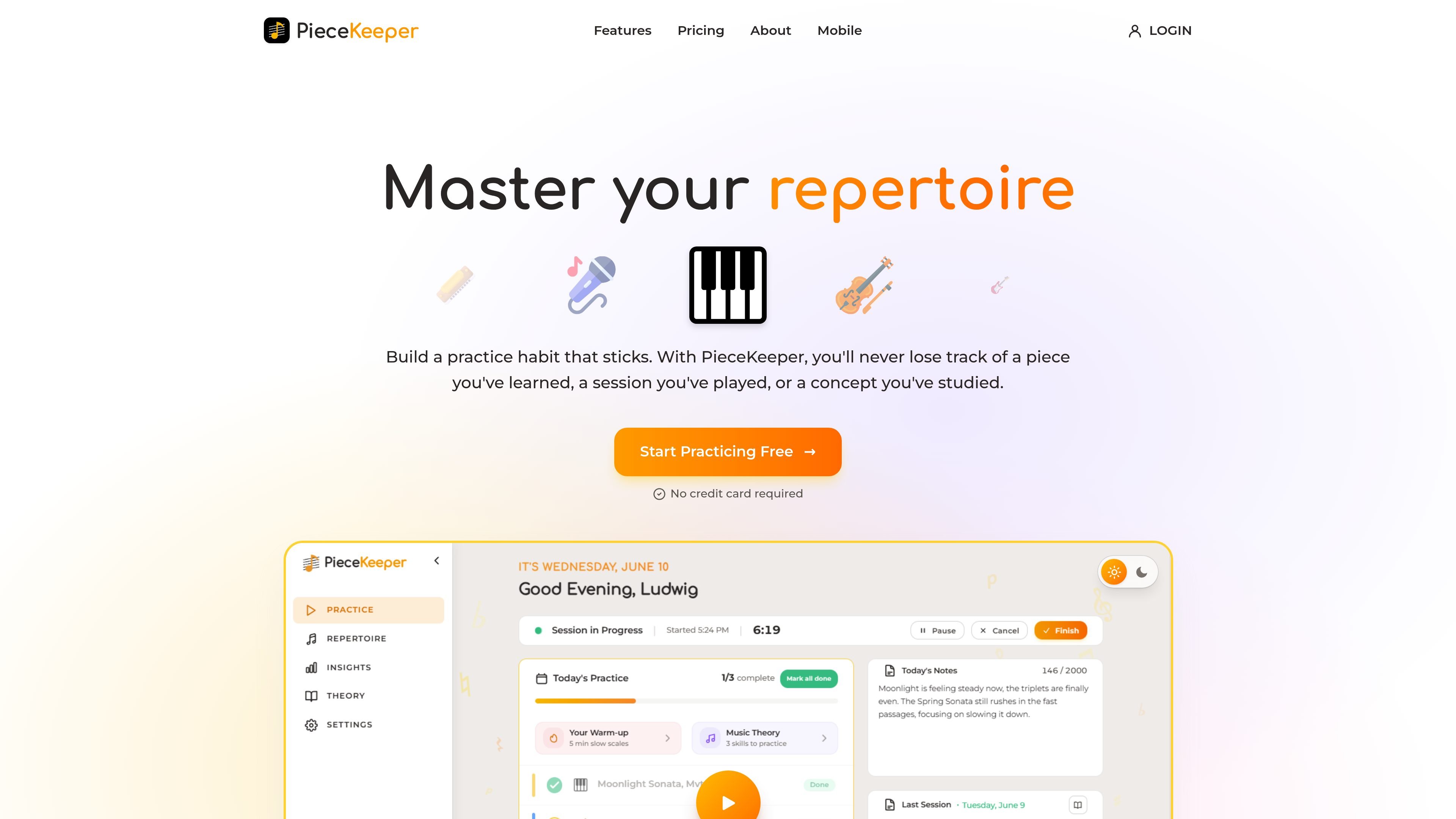
PieceKeeper is a practice app for musicians that combines repertoire tracking, scheduled practice sessions, and music theory exercises in one web product. It is aimed at helping players keep track of what they own, what they have practiced, and what they still need to revisit.
The site emphasizes a structured but flexible workflow: you can organize pieces by status, instrument, and difficulty; attach links and sheet music; and let PieceKeeper build rotating practice sessions from that repertoire. It also stores practice history and adds drills for theory and ear-training-related skills, so the app can support both daily practice and long-term skill building.
Store pieces with status, instrument, difficulty, links, sheet music, and personal notes in one place. The site also says you can keep a separate wishlist.
Generate a practice schedule from the pieces in your repertoire, based on the preferences you set. The schedule rotates pieces so your list stays active over time.
Run timed sessions and review past activity with session history and trend views. The product stores every practice session so you can look back at details and progress over time.
Practice music theory with interactive drills and exercises. The public pages mention identifying scales, chords, intervals, rhythms, notes, and more, plus reading and listening exercises.
Practice in an impromptu mode when you do not want a fixed schedule. You can choose what you played and record those pieces in your history.
Keep pieces organized by status, difficulty, and instrument, then add sheet music links and notes so everything for a piece stays attached to the same record.
Let the app generate what to practice next from your repertoire and chosen preferences, so you do not have to assemble a daily checklist by hand.
Use the practice history and trend views to review what you practiced before, how long you played, and how your sessions are changing over time.
Work through drills for scales, chords, intervals, rhythms, notes, and listening/reading skills to reinforce theory alongside instrumental practice.
Choose impromptu mode when you want to practice without a fixed schedule, then log the pieces you actually played afterward.
Yes. The free plan is free forever and includes up to 20 pieces, up to 20 sheet music uploads, your recent practice history, and intro music-theory drills. A Pro plan is available for unlimited pieces, unlimited uploads, full practice history, and the complete music theory trainer.
PieceKeeper supports 20 instruments and is described as instrument-agnostic. The site names piano, guitar, violin, saxophone, cello, harp, and voice among the supported instruments.
PieceKeeper is meant for anyone who practices an instrument, from early learners to returning players, serious students, and working professionals.
PieceKeeper automatically builds a timed practice session based on your preferences and rotates pieces from your repertoire so nothing gets overlooked. It also tracks your practice history and lifetime stats.
Not yet. The site says a dedicated mobile app is in development. Until then, you can use the web platform, and your progress will sync when the app launches.

Flunkey is a voice-first productivity layer for Windows that converts speech into text, AI-assisted outputs, and remembered context. It is built for users who want to capture ideas and actions without leaving the app they are working in.

Liam is an AI copilot for managing inboxes, writing replies, prioritizing email, and scheduling meetings. It is offered free for individuals, with custom pricing for teams and enterprise.

Gemma AI is a phone call reminder app that calls you with scheduled reminders instead of push notifications. It helps people who want a more direct way to stay on schedule, with Google Calendar sync and conversational call interactions.

ClawTick is an AI agent automation platform for scheduling jobs from the CLI, dashboard, or REST API. It is aimed at developers and teams running LangChain, CrewAI, webhook, or custom agent workflows that need monitoring, alerts, and logs.

Contextbergは、画面・入力・ブラウザ・AIエージェントの利用履歴をローカルで記録し、MCP経由でClaude CodeやCursorなどに作業コンテキストを渡すデスクトップアプリです。中断した作業の再開、過去ログの検索、日次レビューに利用できます。

Yattayo: Slider To-Do Board is a productivity app that turns tasks into a physical-style slider board with sticky notes, widgets, reminders, and iCloud sync. It helps people who want a more tactile way to manage to-dos and, in Premium, recurring habits.