
Side-by-side multilingual translation
Translate text across 70+ languages and compare the results side by side to see how meaning changes across languages and regions.

Polyglotta is a multilingual translator and AI-powered language learning partner that shows multiple languages side by side. It helps learners, polyglots, and curious users compare meaning, practice pronunciation, and explore language in context.
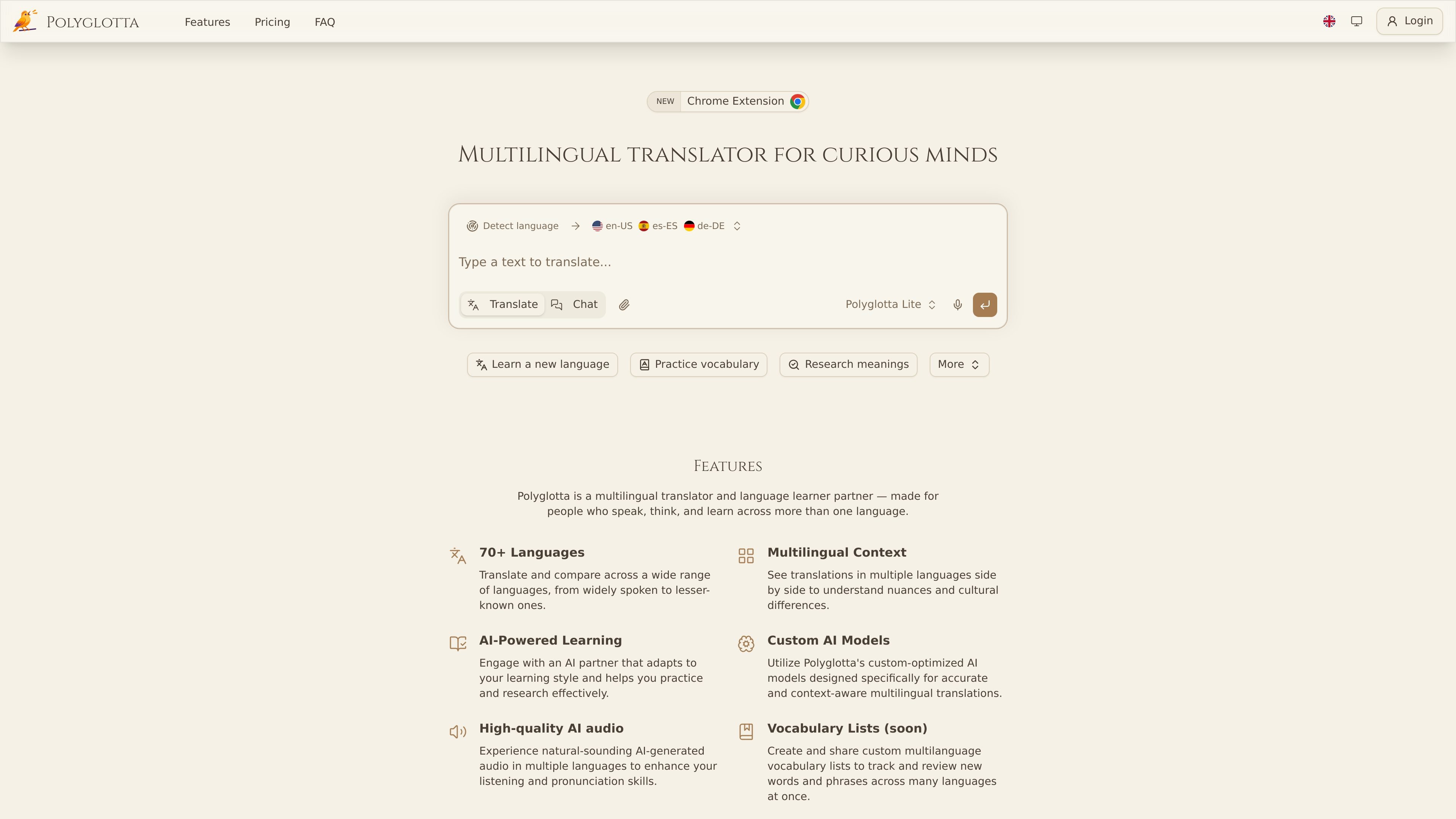
Polyglotta is a multilingual translator and AI-powered language learning partner for people who want to compare languages rather than translate into just one target language. It presents translations side by side, supports 70+ languages, and is designed to help users see how meaning shifts, repeats, or changes across cultures.
The product combines direct translation, an interactive Ask mode, pronunciation audio, saved conversations, and community feedback threads. The site also says Polyglotta is still in beta, so translations can sometimes be clumsy, incomplete, or wrong, and users are encouraged to help improve results through comments and votes.
Translate text across 70+ languages and compare the results side by side to see how meaning changes across languages and regions.
Use Translate mode for direct translations, or Ask mode to chat with the AI about grammar, idioms, etymology, and translation choices.
Choose from three custom-optimized models: Polyglotta Lite, Polyglotta Pro, and Polyglotta Max, each aimed at different levels of quality and context handling.
Hear translations with AI-generated pronunciation audio, including multiple voice options and premium voices on higher tiers.
Review prior work through saved chat history, with options to rename, delete, and revisit conversations later.
Participate in translation threads, voting, and comments so the community can add context and improvements to generated translations.
Compare how the same sentence is rendered across several languages to study nuance, structure, and regional variation.
Ask the AI partner about grammar, idioms, word origins, or why a translation sounds natural or awkward.
Listen to translations with AI pronunciation audio to practice listening and pronunciation in the target language.
Save and organize translation conversations so you can return to earlier research or continue a longer language session later.
Use community voting and comments to improve a translation when the output seems uncertain or needs cultural context.
Polyglotta is a multilingual translator and AI-powered language learning partner. It shows multiple translations side by side, and its Ask mode lets you ask questions about grammar, idioms, word origins, and cultural context.
Yes. Polyglotta offers a free plan with 100 daily credits that reset every 24 hours. The site also lists Student and Professional plans for users who need more credits or additional model access.
Polyglotta supports auto-detection of the source language by default. You can also set the source language manually if you want more control or are working with mixed-language text.
Yes. Logged-in users can access saved chat history, rename conversations, delete old chats, and return to previous threads later. Conversations are not saved when you are not logged in.
The site says Polyglotta uses ElevenLabs AI voice technology for pronunciation audio. Users can hear translations spoken aloud, with free voices available on any plan and higher-quality premium voices on Pro.

Microsoft Translator is a Bing translation web app for translating short text between English and more than 100 languages. It also supports image capture translation and basic output actions like listen and copy.

Google Translate is a free translation service from Google for text, speech, images, documents, and web pages. It helps people translate and understand content across more than 100 languages in the browser or app.

LangPanda is a browser extension for learning languages from streaming video and other supported sites. It combines instant subtitle lookup, flashcard creation, vocabulary tracking, and spaced-repetition review for 36 languages.

Talkpal is an AI-powered language learning web and mobile app for practicing speaking, listening, writing, and pronunciation. It offers guided courses, roleplays, and call-style conversation practice across 130+ languages.

MagicSlides is an AI presentation generator that turns text, topics, documents, URLs, and videos into slide decks. It creates presentations in Google Slides by default and supports PowerPoint export, with multilingual output and AI-assisted editing.

Rubriq 是一款面向科研写作的 AI 学术论文润色与翻译工具,支持个人订阅、机构方案和论文查重相关服务。它帮助研究人员在上传稿件后快速生成带修订痕迹的可审阅文档。