
Repository-based rule extraction
Revix reads the repository and extracts conventions and review rules from existing code patterns, reducing the need to create a rulebook before reviews can begin.

Revix is an AI code-review tool for development teams using GitHub, Bitbucket, or GitLab. It extracts review rules from a repository and applies them to new pull requests with labeled comments and summaries.
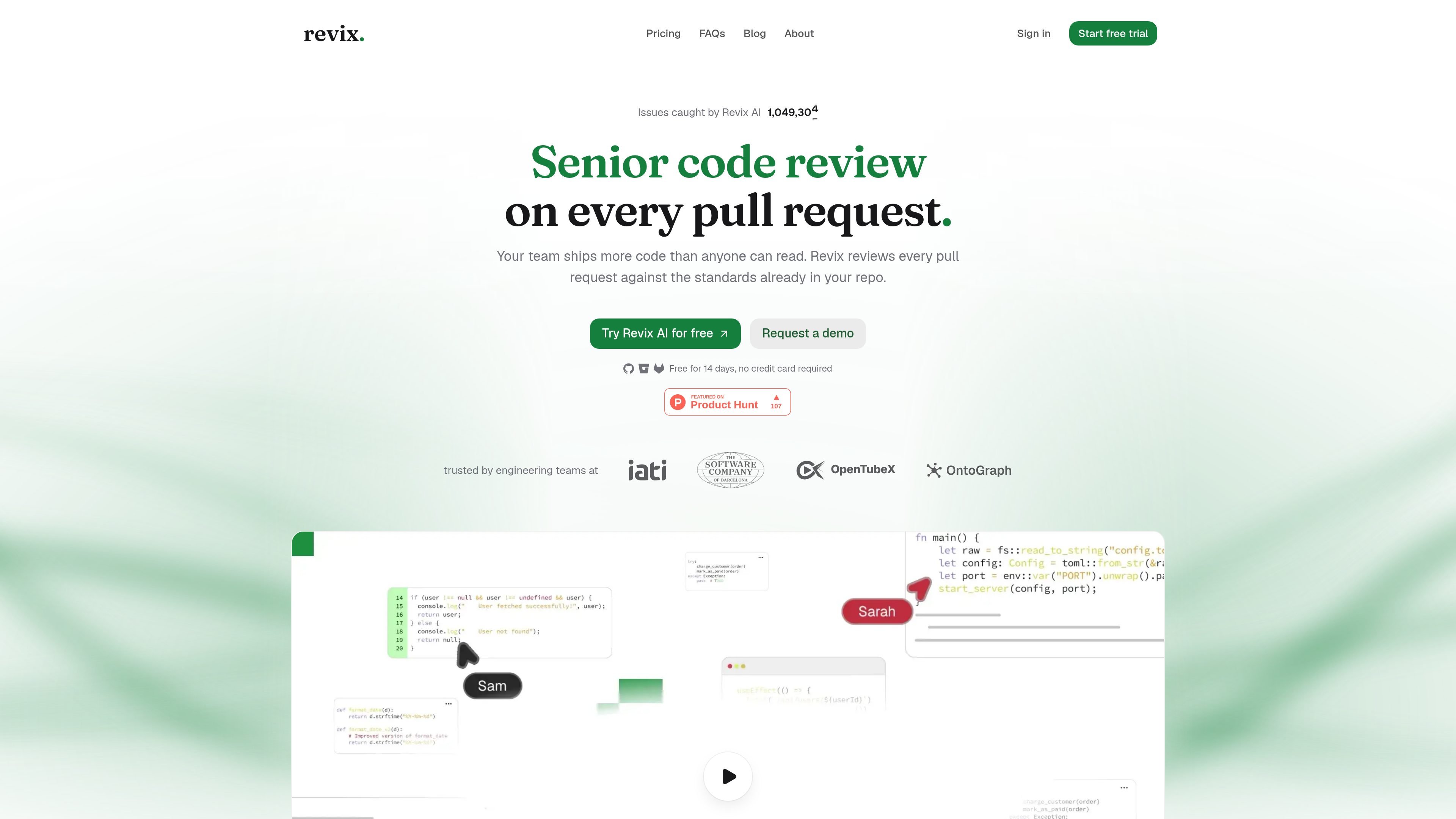
Revix is an AI code-review tool for teams using GitHub, Bitbucket, or GitLab. It reviews pull requests against conventions extracted from the team’s repository instead of relying only on fixed syntax or formatting rules.
After a repository is connected and selected for review, Revix analyzes the codebase, reviews new pull requests, and posts findings directly in the pull request. Its output combines labeled inline comments with a short change-and-risk-oriented summary, giving authors specific fixes and reviewers a quicker way to assess the change.
Revix reads the repository and extracts conventions and review rules from existing code patterns, reducing the need to create a rulebook before reviews can begin.
Every new pull request is reviewed against the extracted rules, with the review considering the full repository as well as the proposed diff.
Inline comments are labeled by type, such as issue or nitpick, and explain the problem, suggested fix, and rule behind the finding.
A short summary in each pull request lists the changes and marks the pull request as having issues or being ready to merge.
Rules update after each merge, and teams can edit, add, or disable rules as their conventions change.
The service works through pull-request webhooks rather than CI pipelines, so reviews do not use GitHub Actions, Bitbucket Pipelines, or GitLab CI/CD minutes.
Teams can capture conventions already present in a mature repository and apply them consistently to new pull requests, even when senior reviewers cannot inspect every change.
Developers can use labeled comments that explain both the issue and the applicable rule to resolve review findings without searching through long, unstructured feedback.
Organizations introducing coding assistants can run the same repository-based review process on pull requests regardless of whether the code was written by a person or an AI assistant.
Reviewers can scan the pull-request summary for changed areas and an issues-or-ready-to-merge status before deciding where to spend time in the diff.
Teams working across multiple supported code hosts can use the same review approach on GitHub.com, Bitbucket Cloud, and GitLab.com without adding a CI pipeline step.
Revix connects to GitHub.com, Bitbucket Cloud, or GitLab.com. You choose the repositories to review, and new pull requests are reviewed through pull request webhooks without requiring a configuration file, CI minutes, extra commands, or a bot account.
No. Revix reads the repository and extracts rules from the patterns the team already follows. Rules can be edited, added, or disabled.
Revix adds labeled inline comments that identify the problem, suggest a fix, and reference the rule used. It also writes a pull-request summary describing the changes and indicating whether the pull request has issues or is ready to merge. Its own comment thread is resolved when a fix is pushed.
Revix supports GitHub.com, Bitbucket Cloud, and GitLab.com. Self-hosted versions such as GitHub Enterprise Server, Bitbucket Data Center, and GitLab Self-Managed are not currently supported.
Revix states that code is not used to train models, reviews run on isolated infrastructure, and source is deleted after each review. The site also lists SOC 2 Type II and ISO 27001 certification for the Enterprise plan.

ByteAsk is a terminal-first AI coding agent for C and C++ that edits repositories and verifies changes with the real compiler, debugger, sanitizers, and tests before showing a diff. It offers a free tier plus paid plans, with editor connectors and zero-retention handling described in the source.

ManyAgents is a native Mac app for coordinating multiple Claude Code and Codex coding agents in one project workspace. It helps developers split work across agents, review changes, test web flows, and inspect iPhone interfaces while keeping human decisions in the loop.

GitBot is a local browser-based workspace for creating reusable coding bots powered by Claude Code, Codex, or OpenCode. It helps developers run those agents across repository folders with persistent threads and configurable permissions.

Manta AI is an autonomous web app testing tool for teams that want to map application behavior, catch regressions, and generate tests without writing scripts or maintaining selectors. It works from a URL and supports plain-English test flows, run results with screenshots, and scheduled or deployment-triggered checks.

Ghost est un assistant IA en terminal pour discuter, générer du code et lancer des tâches en ligne de commande. Modèles gratuits, Linux, macOS, Windows, open source.

Vi3ecode is a maintained development environment for working with AI coding agents. It keeps project context, terminal, Git, memory, flows, review, and communication connected around the agent you already use.