
Browser-based text-to-speech workflow
Paste or draft a script in the browser, then generate spoken audio without installing desktop software.

Seed Audio AI is a browser-based text-to-speech and voice cloning tool for turning scripts into reviewable voice audio. It is aimed at creators and teams that need drafts for voiceovers, narration, podcasts, lessons, and ads.
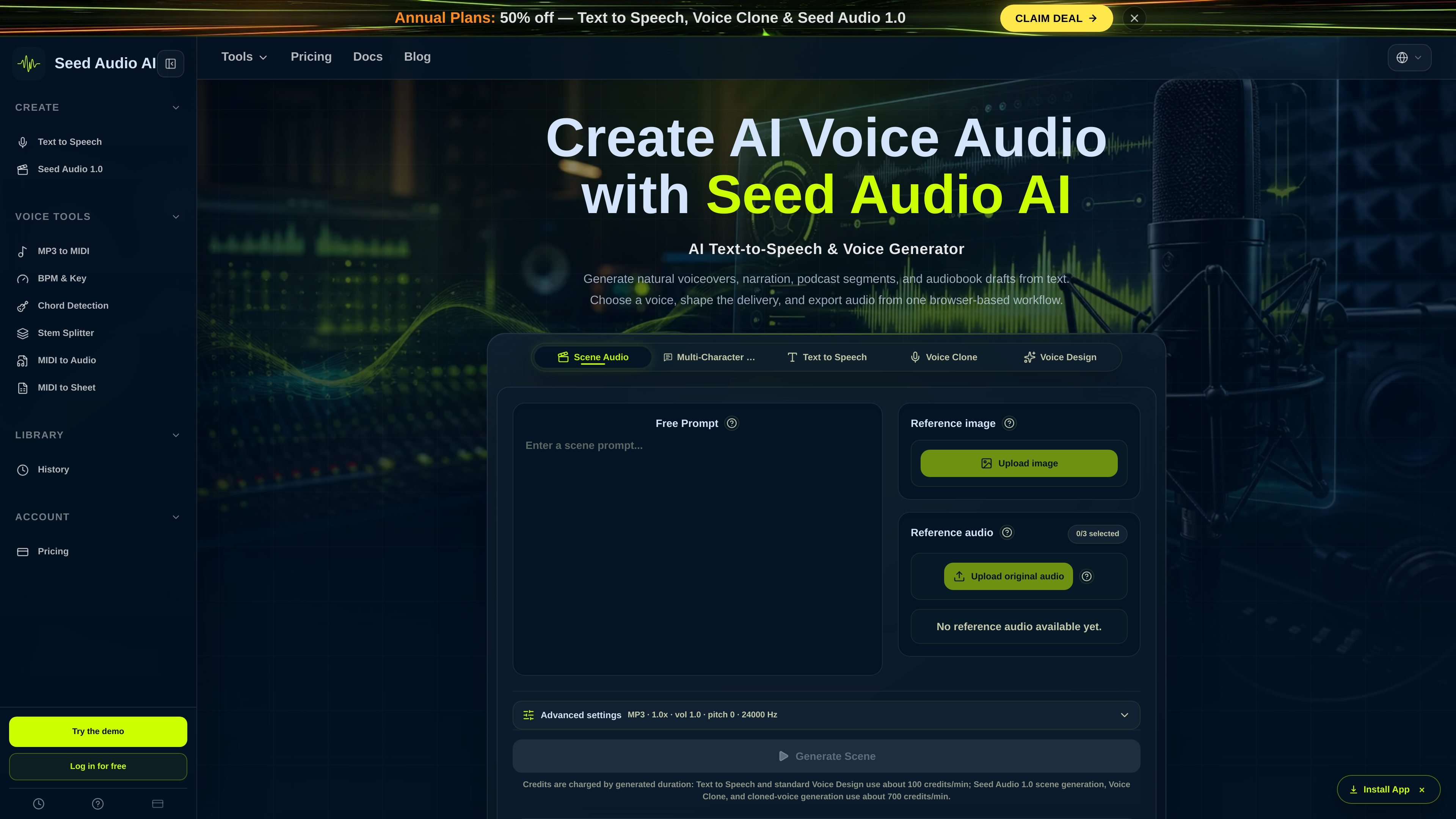
Seed Audio AI is a browser-based AI text-to-speech and voice cloning product for turning scripts into natural-sounding voice audio. Its main workflow is built around pasting text, choosing a voice, adjusting delivery, and generating audio that can be previewed, downloaded, shared, or saved for later reuse.
The site positions the product for draft-first audio production across voiceovers, podcast segments, audiobook narration, lessons, and ad reads. It also shows a credit-based pricing model with monthly plans, yearly billing options, and one-time credit packs for users who need additional generated audio.
Paste or draft a script in the browser, then generate spoken audio without installing desktop software.
Pick from a voice library organized by language, gender, and use case, with previewing before generation.
Adjust speed, emotion tags, pacing, and delivery direction to shape how the script is read.
Preview the generated audio, download it, share a link, and save the result to history for later reuse.
The pricing page separates standard text-to-speech from voice cloning workflows and notes different credit rates for each.
The site includes a history page and mentions reusable voice settings and project presets for repeated work.
Turn short scripts into reviewable voice tracks for explainers, tutorials, reels, and other short-form videos before deciding whether to publish or record a final version.
Convert manuscript chapters into narration drafts so you can check pacing, clarity, and voice fit before final audiobook production.
Create podcast intros, host reads, recaps, and narrated segments from text in one browser workflow, with the option to reuse the same delivery setup later.
Draft ad reads and product-demo audio to compare script versions and tone before booking a recording session or moving to production.
Generate spoken versions of lessons or course material when you need a clear audio draft for review, revision, or localization planning.
Seed Audio AI runs in the browser. The source copy describes a paste-script, choose-voice, adjust-delivery, generate, preview, and download workflow without any install required.
The pricing page shows both monthly and yearly subscription plans, plus one-time credit packs. Credits are used for text-to-speech and voice generation, and usage is based on generated audio duration.
The site says you can generate audio, preview the result, download the file, share a link, and save items to history for later reuse where available.
The text-to-speech pages and pricing copy describe narration, video voiceovers, podcast reads, audiobook drafts, lessons, ads, and product demo scripts. The site also notes that commercial use depends on your plan, the Terms, applicable law, and your rights in scripts or voice references.
The pricing page states that voice cloning or voice imitation requires user rights or clear permission. The site also notes that some voice library controls are planned as the product expands.

蓝藻AI是一款在线AI配音与语音合成产品,可将文字转成语音,并支持自助声音克隆。页面信息显示它面向短视频、有声书等需要配音的内容场景。

Noiz AI is an AI text-to-speech, voice cloning, and voice design tool for creating lifelike speech from text. It also lets users shape voice delivery, including emotion, within the same workflow.

Fylom is an AI podcast generator that turns a topic or question into a researched narrated episode. It supports typed or spoken prompts, voice selection, and recurring show-style listening.

Gemini 3.8 Text-to-Speech is Google’s pair of expressive audio models for turning scripts into customizable spoken audio. Creators, developers and enterprises can design voices, direct delivery line by line, and generate dialogue for content, dubbing and voice-agent applications.

Kugel 3.5 is KugelAudio’s text-to-speech model for voice agents and phone conversations, with controls for short replies, IPA pronunciation, timed pauses and character-by-character codes. It retains Kugel 3’s documented voices, languages, dictionaries and API while charging €0.0525 per audio minute excluding VAT, billed per second.

Gemini 3.1 Flash TTS is Google’s preview text-to-speech model for generating expressive AI speech with fine-grained control over style and delivery. It is available across the Gemini API, Google AI Studio, Vertex AI, and Google Vids.