
16 synthesized sound packs
Choose among 16 synthesized packs spanning mechanical keyboard sounds, night ambience, retro sounds, arcade effects, and sci-fi tones. The browser simulator lets you audition the packs before downloading.

Teclo is a macOS utility that adds synthesized keyboard sounds to typing in any Mac app, with 16 built-in packs and an optional typing-reactive keycap pet. It suits writers, developers, and other users who want configurable audio feedback during keyboard-heavy work.
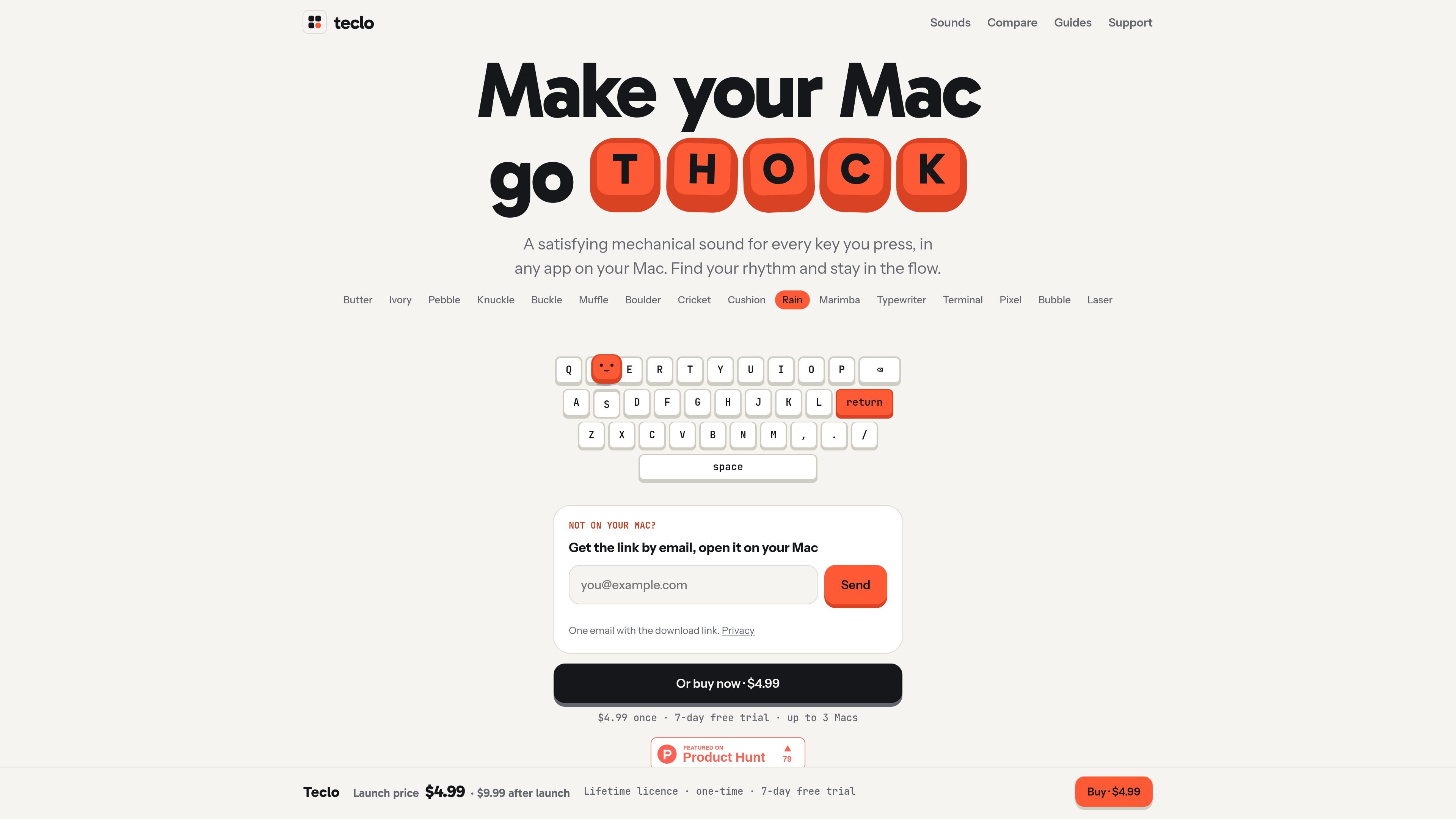
Teclo is a Mac utility that plays a synthesized keyboard sound whenever you press a key in another app. It runs from the menu bar and uses macOS Input Monitoring to detect typing, so it can provide audio feedback while you write, code, or work in other desktop applications.
The app combines keyboard sound playback with a small keycap pet. The pet becomes happier as typing speeds up and powers up when a steady pace is maintained, while Teclo keeps typed content on the Mac rather than sending it to a server. Users can choose from 16 built-in packs, try them in a browser, and add their own WAV-based packs.
Choose among 16 synthesized packs spanning mechanical keyboard sounds, night ambience, retro sounds, arcade effects, and sci-fi tones. The browser simulator lets you audition the packs before downloading.
Teclo uses separate sounds for key presses and releases, with dedicated behavior for keys such as Return, Space, and Backspace. Typewriter includes a bell on Enter.
A keycap pet sleeps until typing starts, reacts to typing speed, and powers up during sustained typing. Its visibility and several power-up or reaction effects can be adjusted.
Teclo detects key presses across other Mac apps through macOS Input Monitoring permission, allowing sounds while you work outside the Teclo window.
Import personal sound packs as WAV files through the app's custom sounds folder. Each imported folder becomes a selectable pack after reopening Teclo.
The app includes separate controls for its own volume, pausing, modifier-key sounds, mouse clicks, scrolling sounds, and the pet.
Choose a softer pack such as Muffle or Rain, use headphones, and add restrained audio feedback to a sustained writing session.
Use Typewriter for a typebar-style sound and an Enter bell, or select a mechanical pack to make ordinary document editing more audible.
Keep a consistent input rhythm during coding sessions and use the pet's reactions and power-ups as a visual marker for sustained typing.
Use headphones in a shared office or late at night so the keyboard sounds remain private while you work at a normal Mac keyboard.
Create or adapt a sound pack with WAV files when the built-in synthesized styles do not fit a particular workflow.
Teclo is downloaded for Mac. Open the downloaded Teclo.dmg, drag Teclo to Applications, open it, and allow Input Monitoring when prompted. The app runs from the menu bar rather than appearing in the Dock.
Yes. Teclo offers a 7-day free trial with all features and no account. After the trial, the sounds stop unless you purchase a licence.
Teclo needs macOS 13 or later and works on up to three Macs with one licence.
No. Teclo says it has no account, server, or typing history, and that what you type never leaves your Mac. It does require Input Monitoring permission to detect key presses in other apps.
Yes. You can import custom sound packs through Options by opening Teclo's custom sounds folder. Imported packs use WAV files for key-down and key-up sounds and appear under Imported after reopening the app.

Nyan Parlor is a web-based AI tarot and divination service that combines random tarot draws with interpretations for relationships, work, and personal decisions. It also offers I Ching and BaZi tools, with a free no-sign-up starting experience and optional credit-based access to full readings and follow-ups.

roastme.gg is a pay-to-play AI roasting site where users submit their own X handle or website, choose how much to pay, and get a public roast ranked on a leaderboard by amount paid.

Loniva is a mobile puzzle app that offers a calm daily mix of games across memory, attention, language, speed, logic, and focus. It runs on iPhone, iPad, and Android, with a free 7-day trial and a free daily workout after the trial.

Postaway is a web-based postcard service for creating free vintage-style digital postcards and sharing them by link. It also has a separate postcard club waitlist for physical vintage mail shipped from Thailand.

Our Silly Games is a browser-based platform where people can play free games without installing software and explore a catalog made by anyone. It also offers creator-oriented hosting with realtime multiplayer and built-in leaderboards, while individual game features vary by title.

MacYaps est une app de barre des menus pour macOS qui joue des clips audio amusants quand des événements système se produisent. Packs vocaux, audio personnalisé et licence à vie.