
Scoped desktop capture
Capture one selected desktop application in an attended session, including visible same-process top-level windows and owned menus, dialogs, and tool popups whose root-owner chain leads to the selected application.

UI Atlas is an offline-first Windows toolkit for manually recording a selected desktop application and its owned popups, then building inspectable UI knowledge graph layers. It helps developers, researchers, and QA teams preserve structured interface evidence and export maps without uploading recordings or requiring an account.
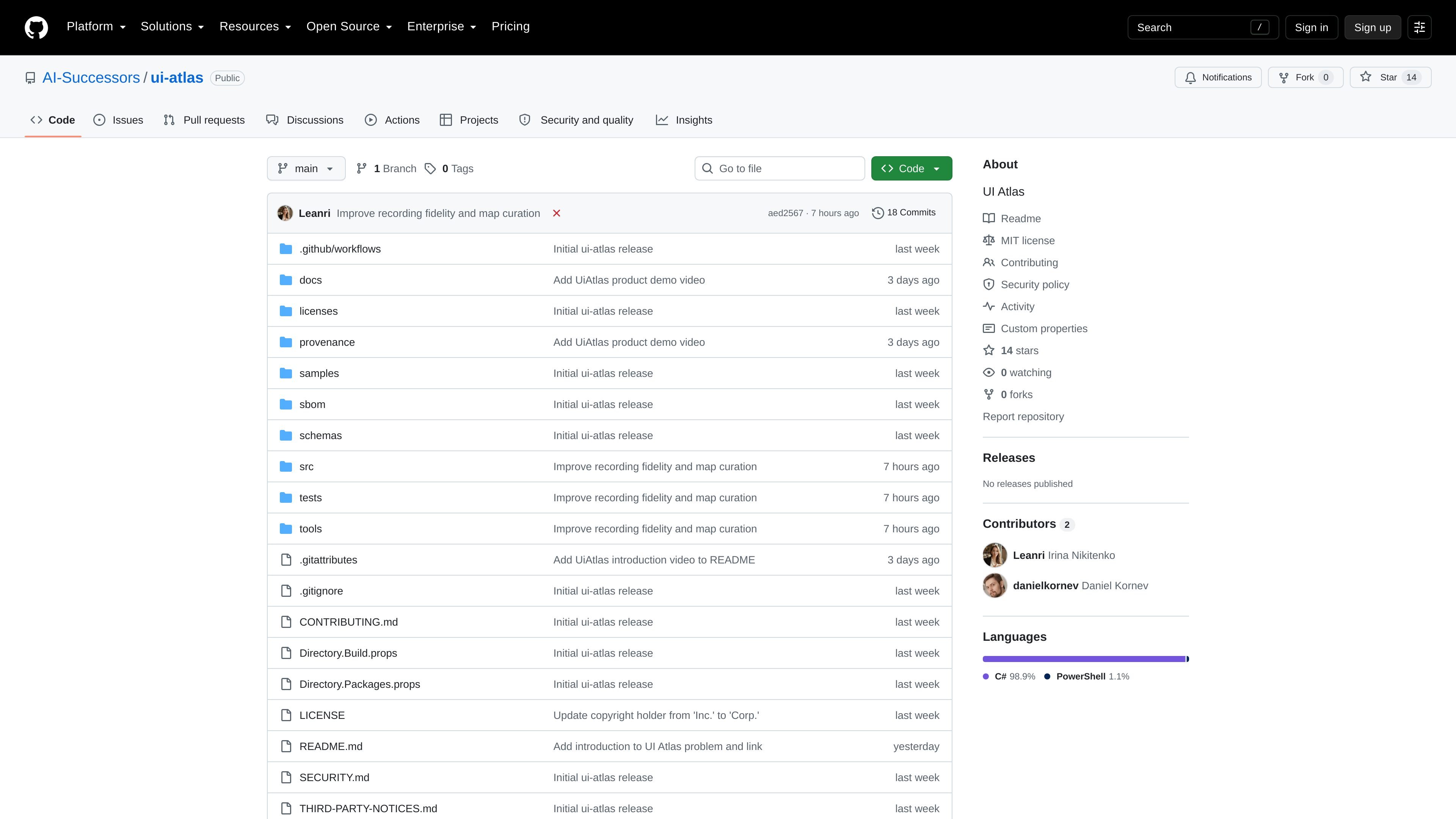
UI Atlas is an offline-first Windows toolkit for manually recording a selected desktop application and its owned popups. It preserves raw capture evidence, then deterministically builds Raw World and Semantic World UI Knowledge Graph layers that can be inspected, compared, validated, and exported.
The project is intended to make unfamiliar Windows interfaces easier to analyze by documenting screens, controls, interactions, and resulting states without taking actions on the user’s behalf. Its v1 workflow is deliberately bounded: a user selects a target, records attended clicks and observations, builds a map, reviews quality and graph layers, and consumes the resulting data through an independent library or the command-line tooling.
Capture one selected desktop application in an attended session, including visible same-process top-level windows and owned menus, dialogs, and tool popups whose root-owner chain leads to the selected application.
Preserve ordered input events, interaction attempts, outcomes, diagnostics, capture health, observations, and optional scoped application or owned-popup frames as raw evidence.
Build Raw World and Semantic World UI Knowledge Graph layers from recordings, retaining lineage links between windows, variants, controls, and preceding worlds.
Use independent pixels, UI Automation, visual geometry, OCR, and bounded native-verification lanes where the target permits them; screenshot failures can degrade capture without discarding other evidence.
Validate recordings and maps, generate quality reports, inspect world streams and graph layers, and review maps in a read-only WPF explorer.
Export identity-bearing map data as human-readable JSON, or use the documented ui-atlas_flat and SQLite map formats for downstream consumption.
A developer can record baseline and post-click observations of an unfamiliar Windows application, then inspect the resulting windows, controls, routes, and state transitions in a structured map.
A researcher or QA engineer can preserve screenshots, Win32 metadata, bounded UI Automation observations, input timing, and interaction outcomes as a replayable evidence bundle for review.
A team building an AI interface-understanding system can consume the lossless JSON map export, including interaction sessions, merged routes, affordances, negative examples, and lineage data.
A maintainer can run map validation and quality checks, inspect Raw World and Semantic World layers, and use the read-only explorer to identify duplicate screens, partial scans, or clicks without a confirmed result.
UI Atlas supports Windows 10 version 2004 or later and Windows 11. The release ZIP requires the .NET 10 Windows Desktop Runtime; source builds require the .NET SDK 10.0.200.
Extract the release ZIP and run install.ps1 from the extracted ui-atlas-core folder. Installation is per-user, does not require administrator rights, and creates a UiAtlas Recorder Start-menu shortcut. The extracted folder can also be run portably with ui-atlas.cmd.
The recorder captures one selected desktop application and its owned popups during an attended manual session. It takes a baseline observation, records each attended click and its resulting observation, and supports explicit finish or cancellation.
Recordings use immutable .mlrec ZIP bundles. Generated maps can be stored as SQLite and exported as human-readable JSON, with additional map export formats including ui-atlas_flat and SQLite.
No. The documented v1 scope does not include application actions, authoring, execution, remote control, or background monitoring. It is designed for attended manual capture and inspection.

ByteAsk is a terminal-first AI coding agent for C and C++ that edits repositories and verifies changes with the real compiler, debugger, sanitizers, and tests before showing a diff. It offers a free tier plus paid plans, with editor connectors and zero-retention handling described in the source.

Manta AI is an autonomous web app testing tool for teams that want to map application behavior, catch regressions, and generate tests without writing scripts or maintaining selectors. It works from a URL and supports plain-English test flows, run results with screenshots, and scheduled or deployment-triggered checks.

CreateOS Sandbox is an isolated compute environment for running code and agent workloads inside Firecracker micro-VMs. It is designed for workflows that need machine-level isolation, private networking between sandboxes, and programmatic control through SDK, CLI, or MCP.

hob is an independent workspace for coding agents that keeps agent sessions, terminals, history, and follow-up work organized around the tools and providers you already use. It is aimed at developers who want local control over routing, history, and workspace structure rather than a bundled model stack.

Ably Chat is a chat API platform for building custom realtime chat applications. It supports room-based messaging, typing indicators, presence, reactions, and message updates, with usage-based pricing options for different deployment stages.

garden-md is an open-source Node.js CLI that turns meeting transcripts into a local company wiki. It links entities across transcripts, keeps the original text intact, and renders the result as a browsable wiki.