
Budget-controlled research depth
Start a research task with a budget, and Webhound keeps following leads until the budget is used. This makes depth an explicit control rather than a fixed package.

Webhound is a deep research platform that produces cited reports, datasets, and claim traces from a budget you set before the run. It works through the web app, API, and MCP clients, and is designed for agent-driven research as well as manual review.
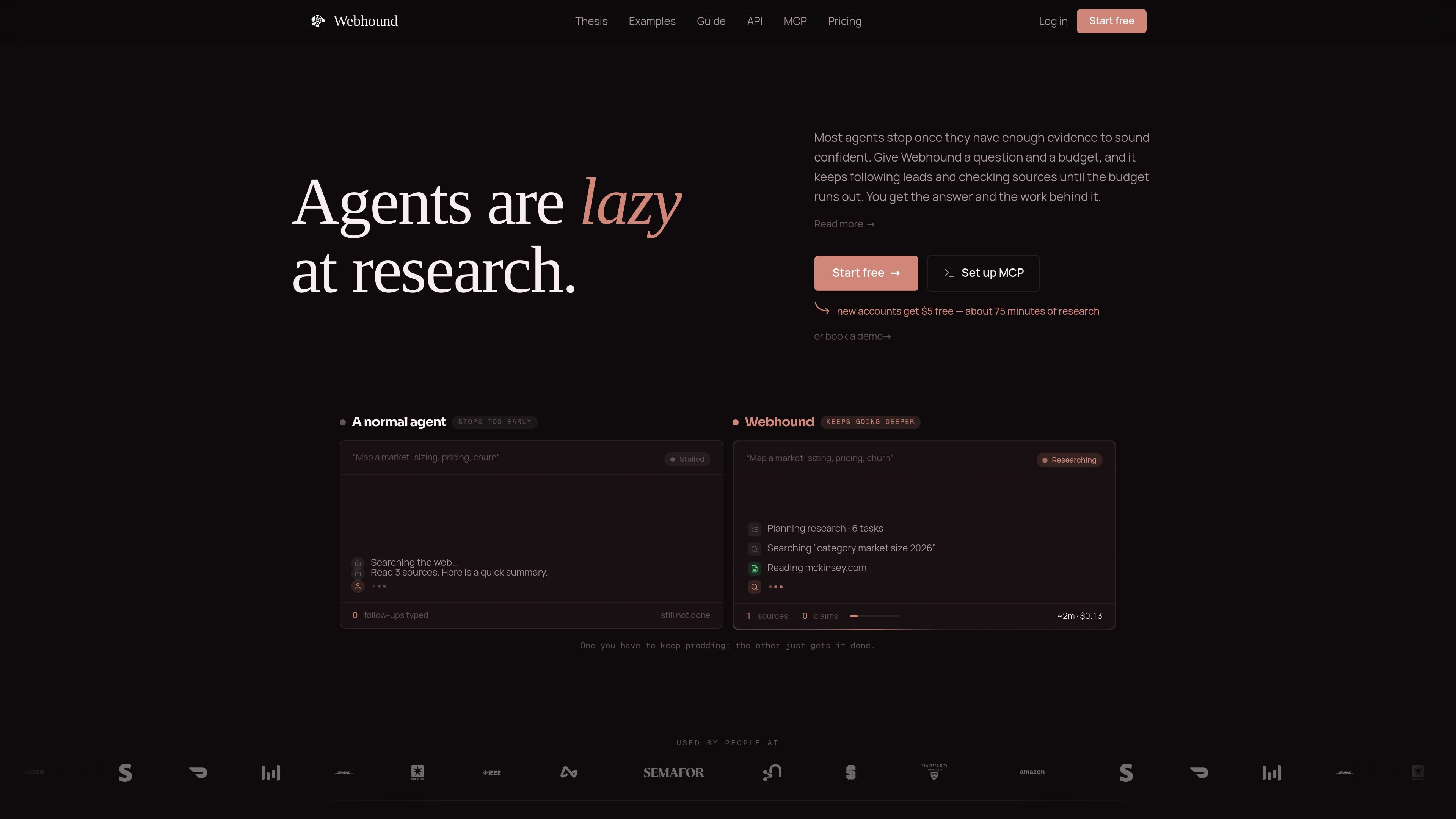
Webhound is a deep research product that turns a question and a budget into cited research work. It is built to keep investigating until the budget runs out, rather than stopping after the first pass or top search results.
The product is positioned for both agent-driven and human-driven workflows. Agents can call it through MCP or the API and receive structured JSON, while users can work in the web app to read, verify, steer, and publish research results.
Start a research task with a budget, and Webhound keeps following leads until the budget is used. This makes depth an explicit control rather than a fixed package.
Choose between Reports, Datasets, Chains, and Ask depending on whether you need analysis, structured rows, multi-step workflows, or follow-up questions in a workspace.
Every report claim links back to the source page and the tool call behind it, with supporting quotes, confidence, and traces available for review.
Export cited reports to Word or HTML, and return datasets as CSV, JSON, or Excel. Claims can also be consumed as structured JSON by agents.
Use the API to start research, poll session status, read documents, inspect claims and sources, publish results, or build multi-step chains.
Run the same engine through MCP clients or the web UI. The UI is intended for reading, verifying, steering mid-flight, and sharing results.
Use a Report when you need cited analysis, comparison, explanation, or a recommendation. The guide frames reports as the right shape for a conclusion you will read.
Use a Dataset when you need a table of companies, products, leads, or other entities that you can sort, reuse, or enrich later. Each row carries a source trail for its values.
Use Webhound to compare vendors, competitors, pricing pages, changelogs, and customer feedback when a simple search result is not enough to surface the real differences.
Use it to verify claims that depend on multiple sources, buried documents, or conflicting evidence, such as capacity, compliance, policy, or financial statements.
Use Chains when one step should feed the next, such as researching a topic and then extracting structured fields from the resulting material.
Webhound is designed to run as a research engine for an agent or through its UI. The docs show both MCP/API use and an interactive workspace for starting, reading, and sharing runs.
The guide says you can start with a Report or Dataset, define the target, boundaries, deliverable, and proof standard, then choose Plan or One-Shot before launching the run.
Reports return cited long-form analysis with sources, claims, and working documents. Datasets return tables with sourced values, and claims can also be returned as machine-readable JSON with evidence and confidence.
Pricing is budget-based. The service keeps researching until the budget is reached, and the pricing page says new accounts include one $5 Report or Dataset plus $5 free on signup.
The API docs show a JSON API with endpoints for research, sessions, extractions, chains, files, publications, and account usage. The home page also says Webhound runs inside MCP clients and tools such as Claude Code, Codex, and Manus.

Scite est une plateforme de recherche IA pour découvrir des articles, vérifier le contexte des citations et obtenir des réponses fondées sur la littérature scientifique.

Perplexity Model Council is a multi-model research feature that runs a query across several AI models and combines the results into one answer. It is available to Perplexity Max subscribers on the web, with mobile app support coming soon.

GoldenRetriever is a macOS public beta for AI search across videos, audio, and documents in a local media library. It returns sourced answers with timestamps and uses the user's own Gemini API key for AI requests.

Hype is a web tool for finding trending YouTube topics by category, time range, and scoring mode. It helps creators spot emerging ideas, inspect source videos, and decide what to cover next.

ClayHog est une plateforme de visibilité SEO IA pour suivre la présence des marques sur ChatGPT, Gemini, Perplexity, Claude et Google AI Overviews. Elle aide les agences, équipes marketing et SEO à suivre citations, concurrents, sentiment et opportunités de contenu depuis un seul tableau de bord.

Grok est un assistant IA gratuit développé par xAI, conçu pour privilégier la vérité et l'objectivité tout en offrant des capacités avancées telles que l'accès à l'information en temps réel et la génération d'images.