
HTML and website import
Convert HTML or a pasted website link into Figma layers, giving users a starting point that can be refined inside the canvas.

Buddy is a Figma community plugin that acts as an AI design agent inside the canvas. It helps designers and teams generate, extend, and iterate designs, including HTML-to-Figma conversion, screen generation, and batch edits.
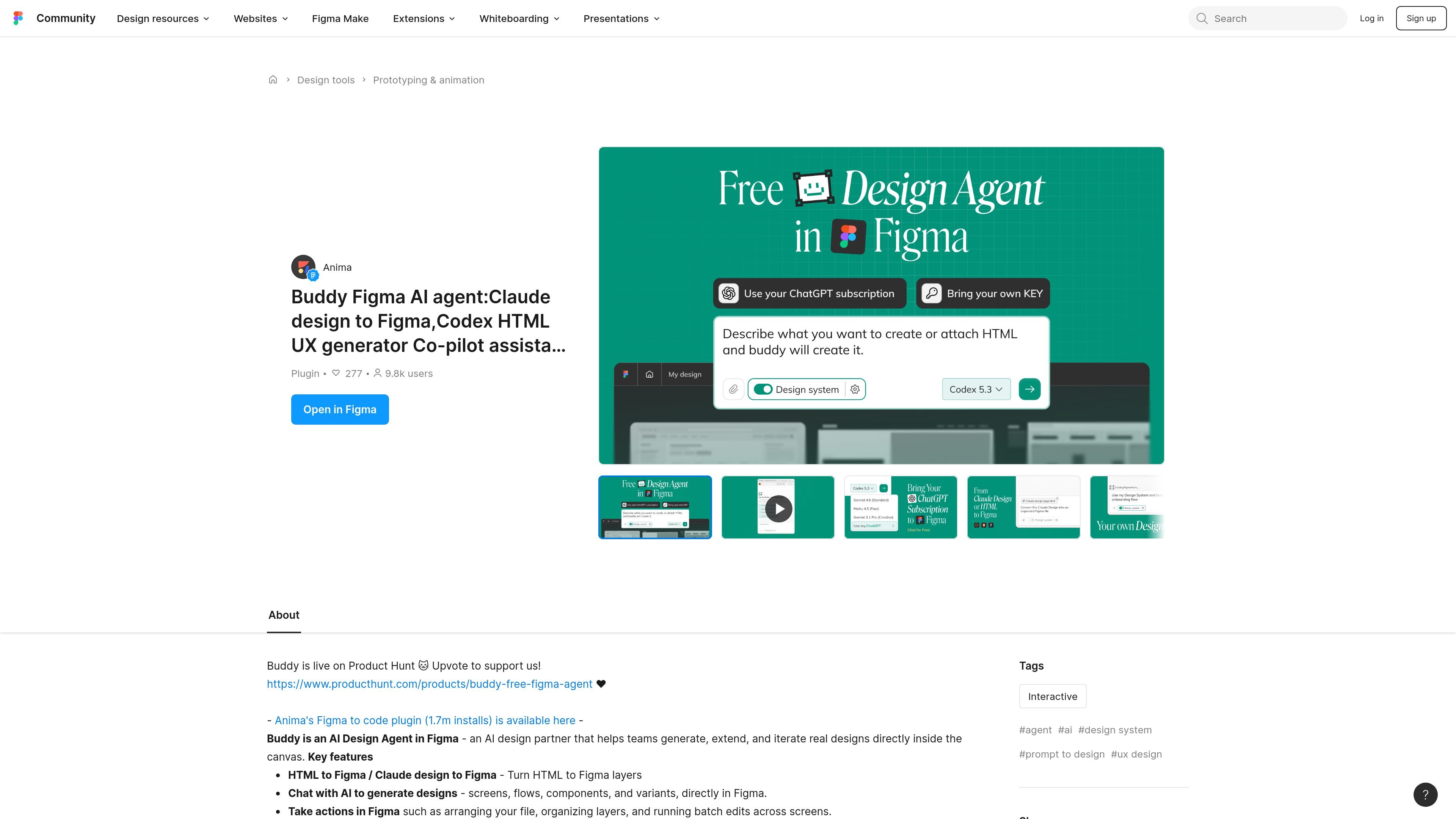
Buddy is a Figma community plugin positioned as an AI design agent for designers and teams. It is described as an AI design partner that helps users generate, extend, and iterate real designs directly inside the canvas.
The plugin focuses on design generation and workflow automation inside Figma. According to the source, it can turn HTML into Figma layers, generate screens, flows, components, and variants, and take actions such as arranging files, organizing layers, and running batch edits across screens.
Convert HTML or a pasted website link into Figma layers, giving users a starting point that can be refined inside the canvas.
Prompt the agent to create screens, flows, components, and variants directly in Figma, rather than assembling everything manually.
Ask Buddy to arrange files, organize layers, and run batch edits across multiple screens, which supports repetitive production work.
Reuse published design-system components to keep generated output aligned with brand rules and component libraries.
Work with several model options mentioned on the page, including Codex, Opus, Sonnet, GPT, and Gemini, for different agent workflows.
Use an agentic flow that includes image generation and online search, which broadens the kinds of inputs and outputs the plugin can handle.
Use Buddy when you want to move from HTML or an existing webpage into editable Figma layers before refining the layout and components.
Use the agent to draft screens, flows, components, and variants when starting from a prompt or rough idea inside Figma.
Apply Buddy to organize layers, arrange files, and run repeated edits across multiple screens when a project needs cleanup or consistency work.
Point the plugin at published design-system components when you want generated work to stay aligned with existing brand assets and reusable parts.
Use the agentic workflow to gather supporting material through search or image generation while iterating on concepts in the canvas.
Buddy is a Figma community plugin that acts as an AI design agent inside the canvas. It is described as helping teams generate, extend, and iterate designs directly in Figma.
The source describes Buddy as able to turn HTML to Figma layers, generate screens, flows, components, and variants, and automate actions such as arranging files, organizing layers, and batch editing across screens.
The plugin is positioned for designers and teams working in Figma. Its examples focus on design generation, design-system reuse, and repetitive workflow automation rather than general-purpose chat outside the product.
The source does not provide detailed setup steps or supported Figma surfaces. It does note that Buddy is a Figma plugin and that it has unrestricted network access as listed on the community page.
The Figma pricing page shows paid plans with AI credits included across tiers, plus a free Starter plan with limited access to Figma products. The Buddy page itself does not state separate pricing for the plugin.

ByteAsk is a terminal-first AI coding agent for C and C++ that edits repositories and verifies changes with the real compiler, debugger, sanitizers, and tests before showing a diff. It offers a free tier plus paid plans, with editor connectors and zero-retention handling described in the source.

MeetStream is a meeting bot API for Zoom, Google Meet, Microsoft Teams, and Webex. It helps developers record, stream, and analyze meetings programmatically, with usage-based pricing and a $5 free credit to start.

CreateOS Sandbox is an isolated compute environment for running code and agent workloads inside Firecracker micro-VMs. It is designed for workflows that need machine-level isolation, private networking between sandboxes, and programmatic control through SDK, CLI, or MCP.

GitBot is a local browser-based workspace for creating reusable coding bots powered by Claude Code, Codex, or OpenCode. It helps developers run those agents across repository folders with persistent threads and configurable permissions.

hob is an independent workspace for coding agents that keeps agent sessions, terminals, history, and follow-up work organized around the tools and providers you already use. It is aimed at developers who want local control over routing, history, and workspace structure rather than a bundled model stack.

Grok 4.7 is an xAI model for software development and knowledge work, including extended coding tasks and professional analysis. It is available through Grok Build, Cursor, the Grok API, and other developer platforms, with token pricing starting at $2 per million input tokens and $6 per million output tokens.