
Clipboard history
Automatically records copied text and images so previously copied material can be retrieved instead of copied again.

Buffer is a free, open-source clipboard manager for macOS that saves copied text and images in a searchable local history. It helps Mac users quickly retrieve, inspect, edit, tag, and reuse clipboard content through a menu bar app and the ⇧⌘V shortcut.
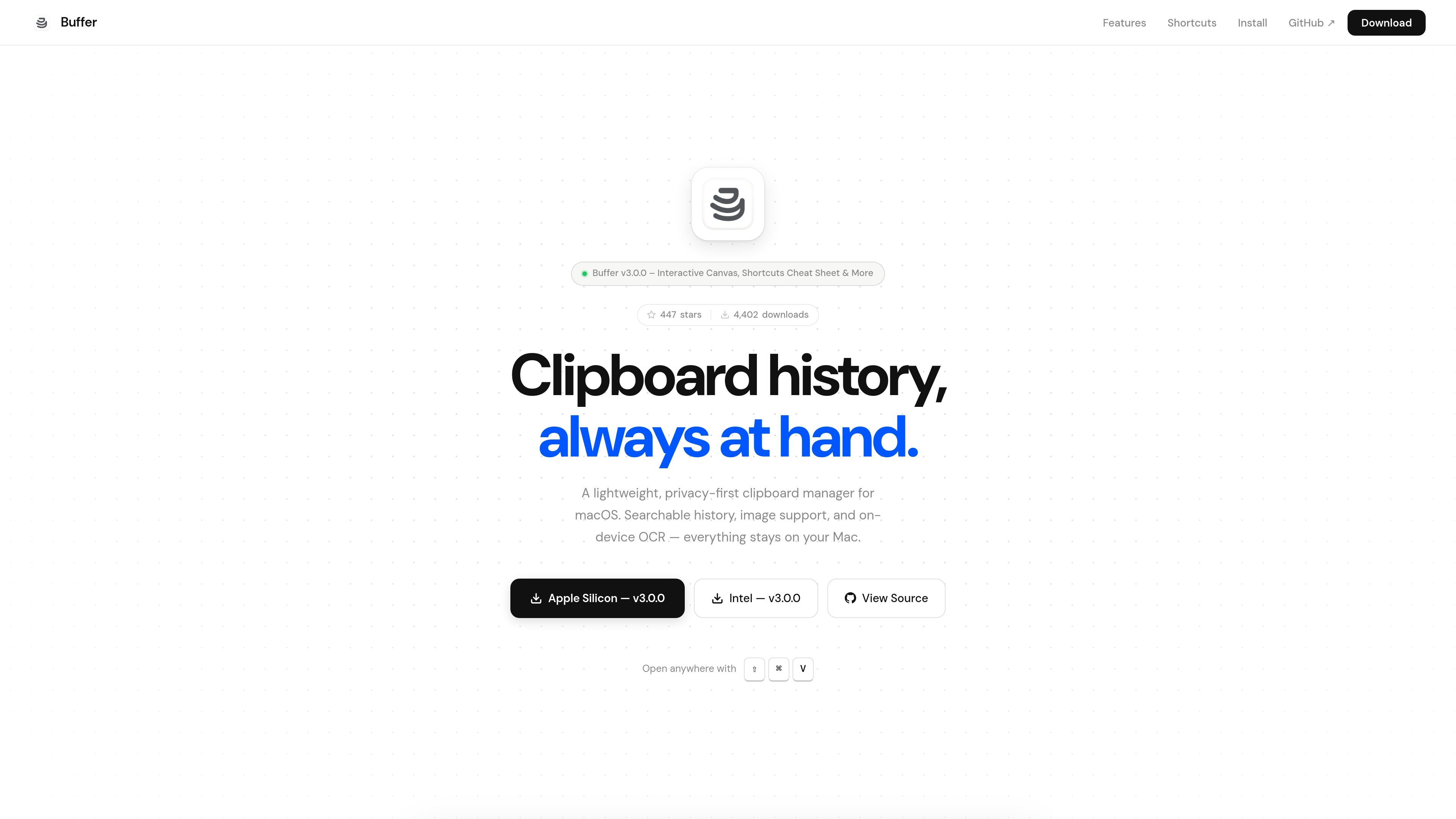
Buffer is a clipboard manager for macOS that runs from the menu bar and keeps a searchable record of copied text and images. Its global ⇧⌘V shortcut opens the history from anywhere, while search, tags, bookmarks, and configurable capacity help users retrieve and organize frequently reused content.
The app is designed for local use: its page states that clipboard data stays on the Mac, with no accounts or telemetry. Buffer is free and open-source under the MIT License, supports macOS 13.0 and later, and offers builds for both Apple Silicon and Intel Macs.
Automatically records copied text and images so previously copied material can be retrieved instead of copied again.
Performs real-time fuzzy search across saved clipboard entries, with tag suggestions available for filtering.
Uses Apple’s on-device Vision framework to extract text from images while keeping OCR processing offline.
Provides an image canvas with pinch-to-zoom, panning, double-click fit/reset, and trackpad gestures for inspecting copied images.
Lets users select several entries, adjust the selection with Shift and Arrow keys, and paste the selected items together.
Offers configurable history capacity tiers, duplicate and noise filtering, inline text editing, content zoom, and configurable global hotkeys.
Keep copied code, commands, and configuration snippets available while moving between documentation, terminals, and editors.
Save recurring email text, notes, addresses, and other short-form material so it can be found later with fuzzy search instead of recopied.
Review screenshots or other copied images in the canvas, zooming and panning when the original dimensions make details difficult to inspect.
Extract text from a copied image locally with Vision OCR when the source is a screenshot or other visual document and manual retyping would be inconvenient.
Group reusable clips with tags, bookmark important entries against automatic eviction, and paste multiple selected items together for compound workflows.
Download the Buffer DMG, open it, and drag Buffer.app into the Applications folder. Launch the app, grant Accessibility permission when prompted, then press ⇧⌘V to open clipboard history.
Buffer captures copied text and images, stores them locally, and lets you retrieve them from the menu bar with the global ⇧⌘V shortcut. Select an item and press Return to copy it to the clipboard and dismiss the window.
Yes. Buffer includes Vision OCR based on Apple’s on-device Vision framework, allowing text to be extracted from copied images without sending the image off the Mac.
Buffer supports macOS 13.0 and later and provides separate downloads for Apple Silicon and Intel Macs.
The page describes Buffer as free and open-source under the MIT License. No paid plans or pricing details are listed.

MacSpoof cambia o randomizza l’indirizzo MAC Wi‑Fi su macOS: riconnettiti alle reti e limita la registrazione dell’identità su Wi‑Fi pubbliche.

DemoTV is an audience-ranked station for discovering and comparing independent product demos. Founders can submit videos, embed approved demos on their websites, collect viewer inquiries and optionally commission demo production or labelled promotion without buying ranking.

Ship It: Idle Dev Tycoon is an iPhone incremental simulation game about building apps, managing a software studio, and selling it for lasting progression benefits. It supports offline play, automated builds, adviser collection, and optional in-app purchases.

NomNak è un’app gratuita per iPhone per scoprire ristoranti grazie ai consigli degli amici, con spot salvati, food passport e ricerca città.

CAPTA is a mobile GPS waypoint app for quickly saving, organizing, and revisiting locations. It supports offline use, camera-based coordinate capture, optional cross-device synchronization, and GPX export for fishermen, explorers, and field professionals.

Ctrl+Shift+3 is a calm, text-first community platform with a chronological feed, profiles, RSS, and private groups called Clicks. It is built for reading, posting, and joining smaller communities without algorithmic ranking or vanity counts.