
Prompt-based PCB generation
Describe the board in plain English and get an editable schematic, PCB layout, and fab-ready outputs instead of starting from a blank editor.

Cherry Blossom is a browser-based PCB editor that turns plain-English prompts into editable schematics, PCB layouts, and fabrication files. It is built for people who want AI-assisted board drafting with verification checks and open exports.
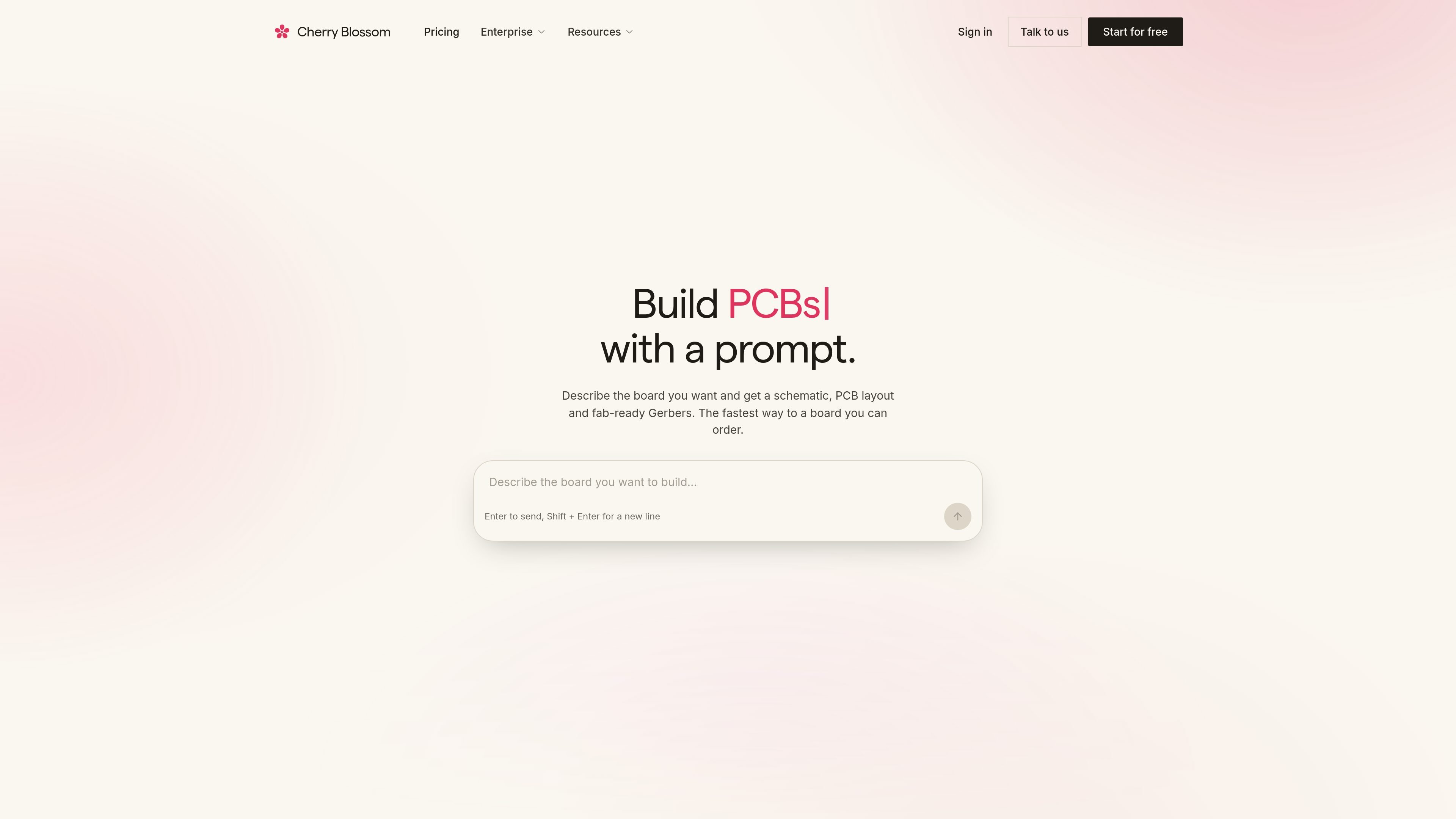
Cherry Blossom is a browser-based PCB editor that turns a plain-English prompt into an editable circuit design. It generates schematics, PCB layouts, and fabrication outputs, then checks each AI edit with a verification gate before you export the board.
The product is aimed at people who want to move from an idea to a manufacturable board without starting from a blank canvas. The site emphasizes that the board stays in your account, supports open exports, and can be edited across schematic, PCB, 3D, and BOM views.
Describe the board in plain English and get an editable schematic, PCB layout, and fab-ready outputs instead of starting from a blank editor.
Every AI edit is checked by a verification gate that reports concrete issues such as unconnected pins, missing footprints, or other design problems.
Work through schematic, PCB, 3D, and BOM views, with PCB editing tools such as select, move, route, autoroute, and a DRC inspector.
Export open formats including KiCad projects, Circuit JSON, BOM CSV, and Gerbers so the board can be moved into other tools or sent to fabrication.
Boards are stored in your Cherry Blossom account and the site says runs can keep going after you close the tab, which supports browser-based, cloud-backed editing.
The pricing page says managed AI is included on every plan with no API key to connect, and the quickstart says you can start by typing a prompt in the editor.
Use Cherry Blossom to draft a first board from a functional description, such as an ESP32 board with USB-C power or a timer-based LED blinker, then inspect and refine the result.
Review the generated schematic and PCB for missing footprints, power issues, decoupling gaps, or other flagged problems before sending files to fabrication.
Work in the browser when you want to continue a project from another machine or keep the board in your account without managing local files first.
Export a board into KiCad or open file formats when you want to finish routing, simulate, or hand off the design to another workflow.
Use the design partner program if you want early access and a direct say in the roadmap while the product is still being developed.
No. The pricing page says the complete editor and managed AI are free, with no API key and no card required for the free plan.
The quickstart says you open the editor in your browser, describe the board in plain English, let the verification gate check each AI edit, then export for fabrication.
You can export a KiCad project, Circuit JSON, or a BOM CSV. The homepage also mentions fab-ready Gerbers and editable schematic and PCB layout outputs.
Cherry Blossom is designed to keep your board in your account and lets you export open formats at any time. The site also says your board lives in your browser or exported files and that only the context needed for an AI action is sent for processing.
The docs describe it as an early beta with weekly releases. The source also notes a design partner program for early access and roadmap input.

Lucid Train is a local-first AI coding harness that turns repository code into architecture diagrams and uses those diagrams as specifications for coding agents. It is available as a desktop app and a lightweight Rust CLI, and it can run with local models or your own API keys.

ByteAsk is a terminal-first AI coding agent for C and C++ that edits repositories and verifies changes with the real compiler, debugger, sanitizers, and tests before showing a diff. It offers a free tier plus paid plans, with editor connectors and zero-retention handling described in the source.

CreateOS Sandbox is an isolated compute environment for running code and agent workloads inside Firecracker micro-VMs. It is designed for workflows that need machine-level isolation, private networking between sandboxes, and programmatic control through SDK, CLI, or MCP.

GitBot is a local browser-based workspace for creating reusable coding bots powered by Claude Code, Codex, or OpenCode. It helps developers run those agents across repository folders with persistent threads and configurable permissions.

hob is an independent workspace for coding agents that keeps agent sessions, terminals, history, and follow-up work organized around the tools and providers you already use. It is aimed at developers who want local control over routing, history, and workspace structure rather than a bundled model stack.

Ably Chat is a chat API platform for building custom realtime chat applications. It supports room-based messaging, typing indicators, presence, reactions, and message updates, with usage-based pricing options for different deployment stages.