
Automated video assembly
Upload raw footage and get a finished short-form video back without manually cutting the timeline yourself.

ClipDone is an AI video editing tool that turns raw footage into edited short-form videos with automatic cuts, captions, b-roll, and text-based revisions. It is built for creators, marketing teams, agencies, and ad workflows that want faster turnaround without manual timeline editing.
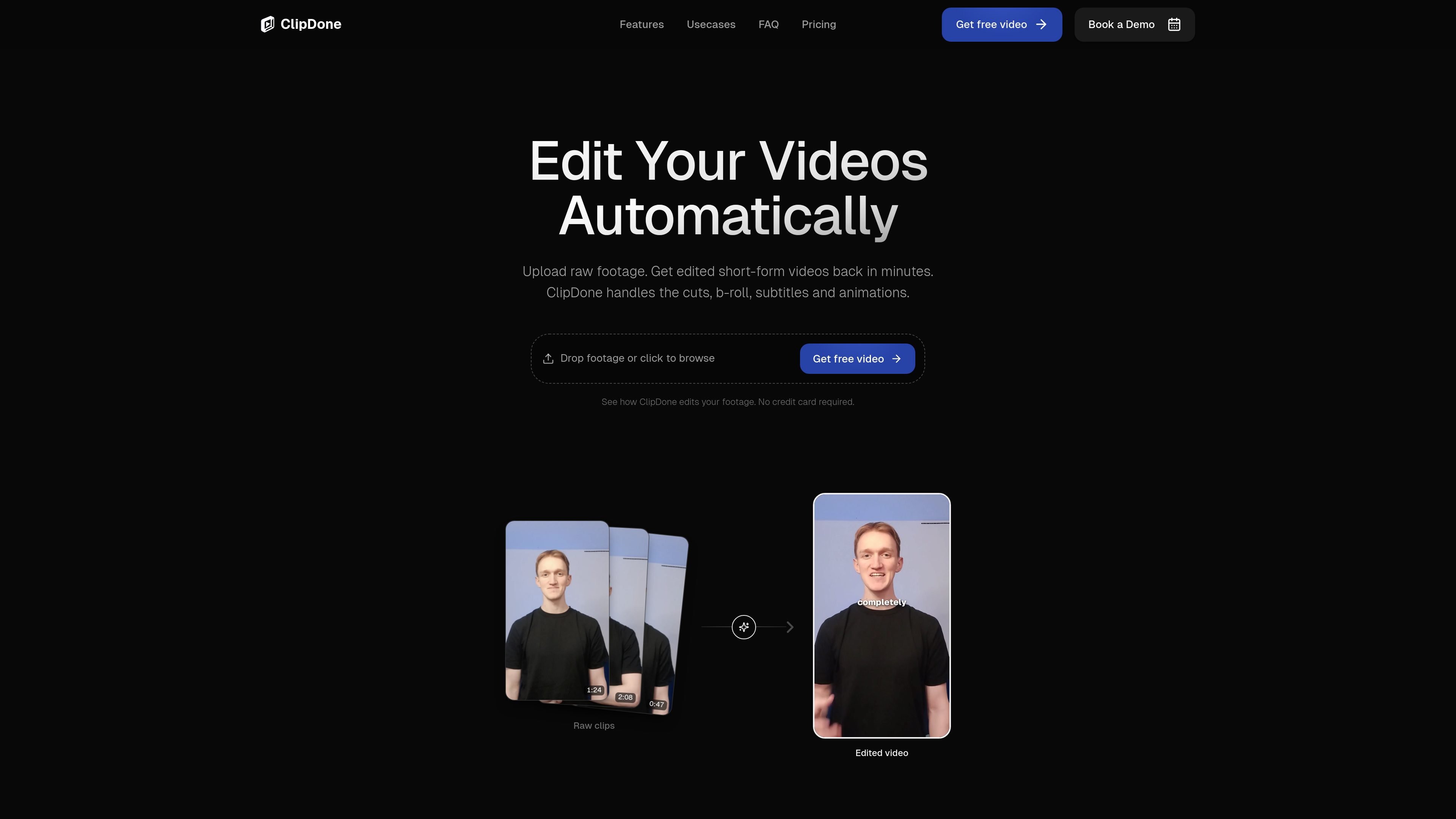
ClipDone is an AI video editing tool for short-form content. It takes uploaded footage, transcribes it, and turns it into a more polished video by removing silence and filler, adding captions, and placing b-roll and motion graphics where needed.
The product is aimed at people who want to produce edited social clips faster without handling every cut manually. It also supports written feedback after the first render, so users can request changes and regenerate the video instead of editing on a traditional timeline.
Upload raw footage and get a finished short-form video back without manually cutting the timeline yourself.
ClipDone detects silence, filler words, and false starts and removes them from the final edit.
The editor adds subtitles, inserts supporting footage, and applies motion graphics where they fit the content.
After a draft is generated, you can leave written notes such as “cut the intro shorter” and have the video re-rendered.
The pricing page says paid plans include subtitles, transitions, zooms, and animations, with revisions through written feedback.
Record a rough cut, upload it, and get back a cleaner short-form version with filler removed and captions added for social publishing.
Turn recorded content into a consistent stream of social assets while keeping the editing workload off the core team.
Use the tool to speed up delivery on client edits, then refine the output through written notes instead of manual timeline work.
Generate multiple hooks and variations from the same footage to test different ad angles and creative iterations.
ClipDone asks you to upload recorded footage and can optionally take b-roll, a script, and music. It transcribes the footage, assembles it logically, and returns an edited short-form video.
No. ClipDone is designed for high-quality, directed editing rather than pixel-perfect control over every transition and frame. You can still adjust some visual settings, such as subtitle presets and animation color schemes.
Yes. You can upload your own b-roll footage and background music during project creation, and ClipDone will integrate them into the final video.
Processing time varies by footage length and complexity, but the site says a 1-minute video is typically ready in 10–20 minutes with live progress updates.
If you run out of credits, you cannot start new video runs or revision loops until your credits reset at the next billing cycle, or you upgrade your plan.

Zella is a screen recorder and on-device AI video editor for Mac and iPhone. It helps creators record screens or cameras, automatically clean up footage, add captions, reframe clips, and export videos without uploading the core project to the cloud.

FlexClip is an AI-powered online video maker and editor that helps users create videos from templates or from scratch. It combines browser-based editing with AI tools for scripting, voiceover, subtitles, translation, and background removal.

Virvid is an AI shorts generator for creators and marketers who want to make faceless short-form videos for TikTok, Instagram Reels, and YouTube Shorts. It supports both manual video creation and automated daily posting workflows.

Bansi is an AI video editor for long-form content that turns raw footage into a polished first draft. It helps creators and production teams speed up editing by automating cuts, captions, zooms, audio cleanup, and related techniques.

CAMB.AI Streams dubs live audio in multiple languages in real time for broadcasts on platforms like YouTube, Twitch, and X. It plugs into existing live workflows using common streaming protocols and avoids a post-production step.

Video Effects SDK adds real-time webcam effects such as background blur, background replacement or removal, denoising, framing, beautification, and color grading. It is built for teams shipping live video experiences on web, desktop, and mobile platforms.