
Markdown-first document editing
Doxy is built around Markdown authoring, with Tailwind-based styling for users who want structured document formatting without working in LaTeX.

Doxy is a Markdown-based document editor and publishing tool with AI-assisted editing, file ingestion, diagram support, and automatic document structure. It is aimed at users who want a structured browser workflow for creating and publishing documents.
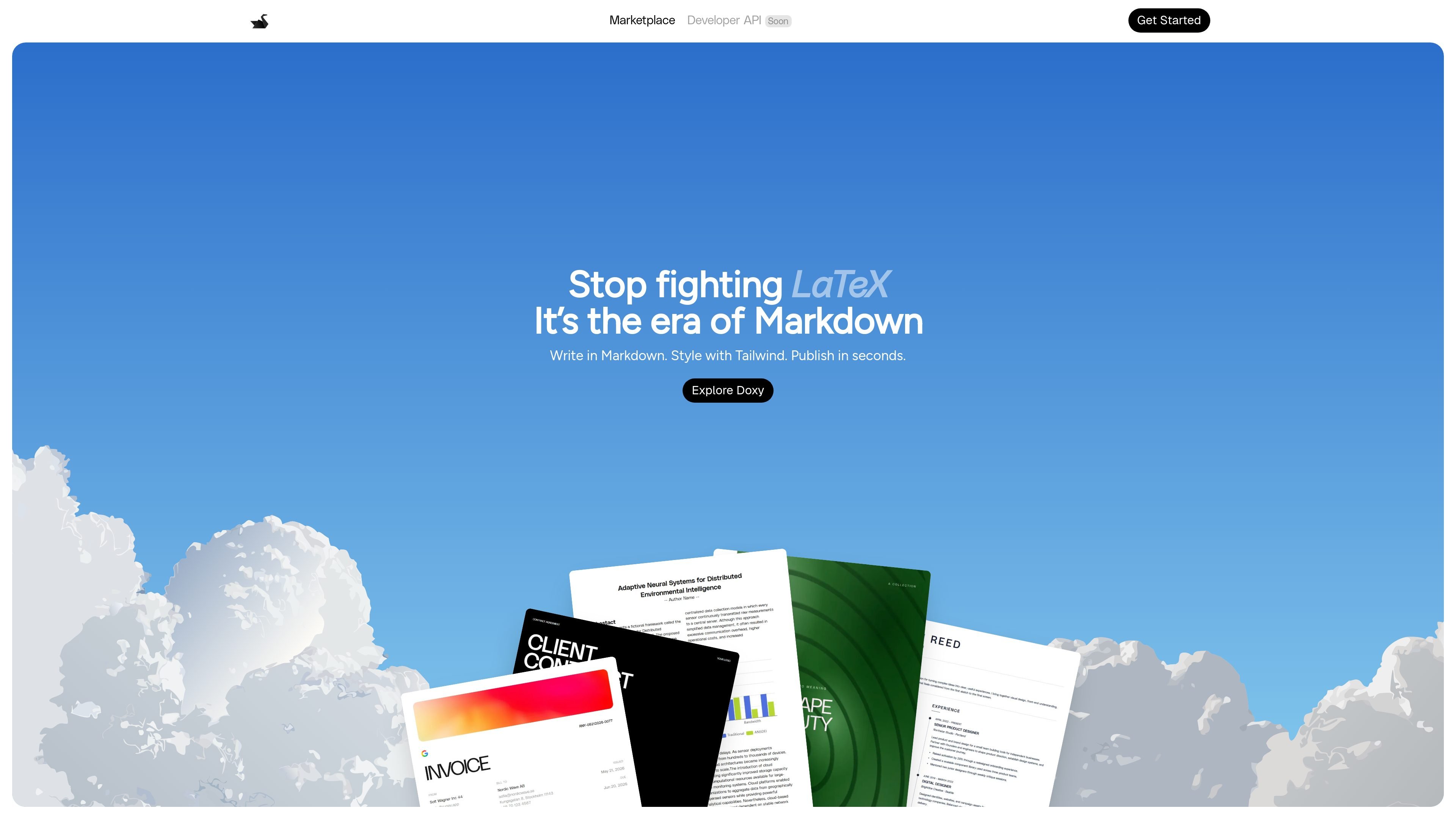
Doxy is a document editor and publishing tool built around Markdown. The homepage positions it as an alternative to LaTeX for people who want to write in Markdown, style with Tailwind, and publish documents quickly.
The product combines document editing with AI-assisted proofreading, file ingestion, diagram creation, charts, and automatic document structure. It is presented as a browser-based workflow with a Google sign-in entry point and separate Free and Pro plan mentions on the homepage.
Doxy is built around Markdown authoring, with Tailwind-based styling for users who want structured document formatting without working in LaTeX.
The product highlights AI proofreading, rewriting, and context-aware assistance for improving text while editing.
The homepage calls out universal document ingestion, including a workflow that imports files and converts them into an editable document.
Doxy supports native Mermaid and PlantUML, allowing diagrams to be created directly inside documents.
Interactive data visuals and charts are presented as part of the document workflow for turning information into visual output.
The page also lists automatic table-of-contents generation and document structure handling to keep longer documents organized.
Write structured technical or instructional documents in Markdown, then use the built-in structure tools to keep headings and table of contents organized.
Import existing files and convert them into a single editable document when content comes from multiple sources such as PDFs or spreadsheets.
Add Mermaid or PlantUML diagrams directly in the document when a written explanation needs visual system or process diagrams.
Use AI proofreading and rewriting to clean up wording, fix grammar, and improve document clarity before publishing.
Create documents that mix text, diagrams, and charts for reports or presentations that need both narrative and visual elements.
Doxy is a browser-based document editor that centers on Markdown writing, AI-assisted editing, and structured publishing. The homepage also shows a Google sign-in flow for getting started.
The homepage says you can write in Markdown and style with Tailwind, so it is designed for users who want a structured document workflow rather than a traditional word processor.
Yes. The homepage specifically highlights native Mermaid and PlantUML support for adding diagrams inside documents.
Yes. Doxy mentions AI proofreading and writing enhancement, along with context-aware AI assistance.
The homepage includes pricing for Free and Pro plans, but the pricing page itself returned an error in the provided evidence. Based on the homepage text, the product offers a free tier and a paid Pro plan.

Artifacts by Samepage is a connected writing surface for product teams that turns signals and existing work context into drafts such as PRDs, release notes, feature requests, bug tickets, and status updates. It includes built-in AI editing and can publish work into tools like Jira, GitHub, Confluence, Slack, and Linear.

Goldfish is an AI memory app for macOS that helps you reply, write, summarize, and continue using the context already on your Mac. It stores memory locally and writes in your tone.

ProWritingAid is a writing assistant for storytellers that offers grammar checking, style editing, paraphrasing, and story analysis inside popular writing apps. It includes a free plan, paid tiers, and tools for chapter critique, manuscript review, and collaborative editing.

SpeakoFlow is a free, open-source desktop voice-to-text app for Windows, macOS, and Linux. It supports dictation into any app, voice-driven writing with Flow, cleanup, translation, and a screen-aware assistant.

Paperpal 是一款面向学术写作的 AI 工具,提供文献阅读、语言润色、引用、查重、AI 检测和投稿前检查。它适合需要在英文论文和学术材料上进行写作、修改与合规自检的学生、研究人员和教师。

Sanota is an app that turns spoken memories, reflections, and interviews into clear written stories. It supports personal storytelling, family history, and shared memories, with guided prompts and subscription pricing.